Integrations & Further Processing
Synchronization | Phone System / Softphone | Export for Newsletter, Mail Merge, etc.Synchronization
 (English image not yet available)
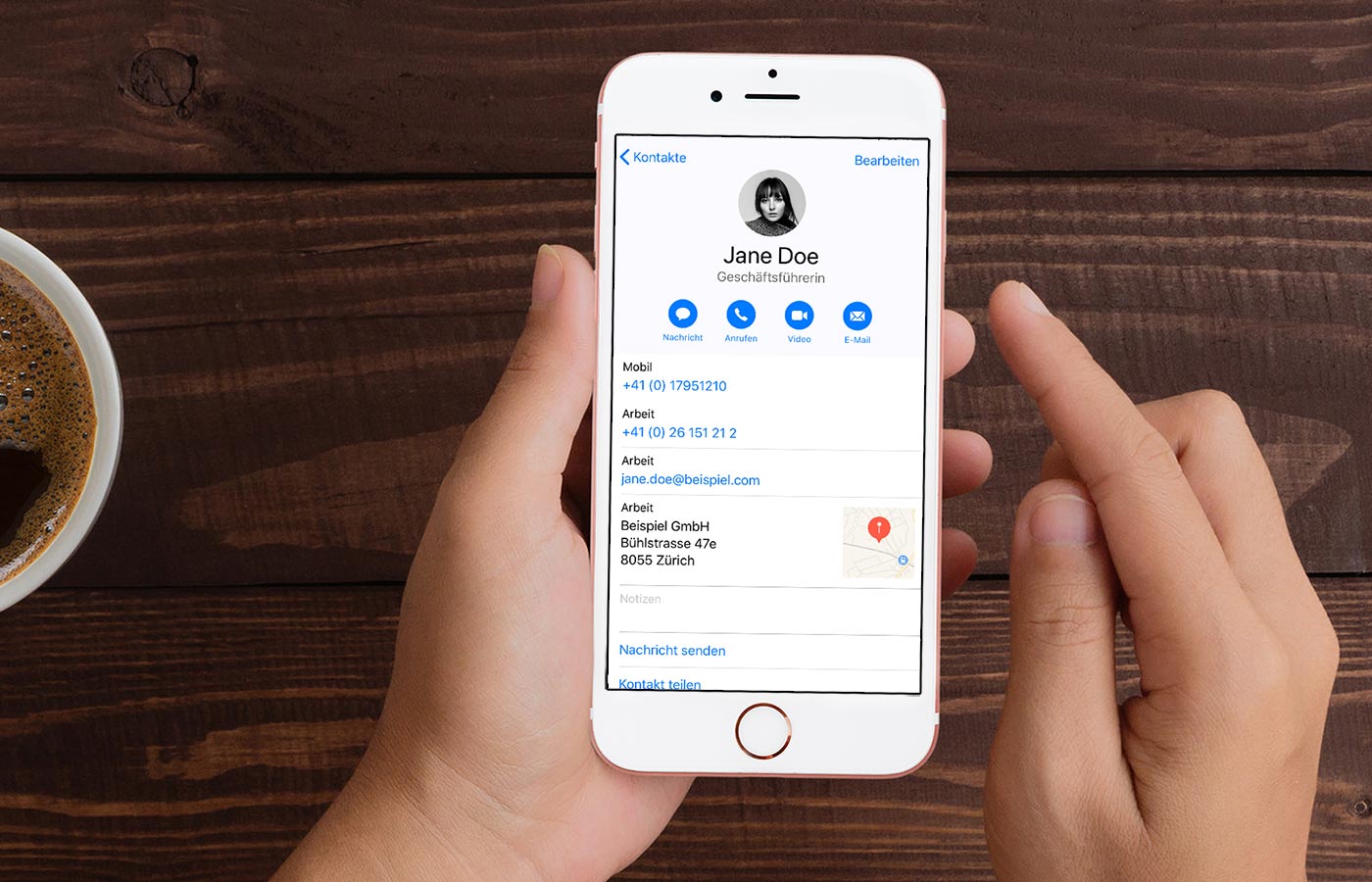
Provided by MOCO: Access via CardDAV
CardDAV allows you to retrieve business contact details for companies, staff, and contacts from MOCO. The data is centrally managed in MOCO and displayed in sync on the devices where the contacts were added. This works for example on:
- iOS (iPhone, iPad)
- Mac OS
- Android
- Linux
- Windows (Outlook, Thunderbird)
How to proceed
1. Activate CardDAV in the settings.
2. Add your MOCO account to the address book.
3. Use the CardDAV password from your personal profile as the password.
All information on CardDAV integration
1. Activate CardDAV in the settings.
2. Add your MOCO account to the address book.
3. Use the CardDAV password from your personal profile as the password.
All information on CardDAV integration
Option for Two-Way Sync
For a two-way synchronization, the integration of sync.blue (phonebridge GmbH) can be used. This allows GDPR-compliant synchronization of contacts, e.g., between MOCO + Microsoft Office 365, Hubspot, and others.
Phone System / Softphone
Connect Phone System
The business contacts (contacts, companies, employees) from MOCO can also be used with a phone system.
» FRITZ!Box
» 3CX VoIP
» CLINQ
The business contacts (contacts, companies, employees) from MOCO can also be used with a phone system.
» FRITZ!Box
» 3CX VoIP
» CLINQ
Export for Newsletter, Mail Merge, etc.
Whether it's for sending Christmas cards, a newsletter, or an invitation to the summer party – companies and contacts can be filtered and exported along with contact details, custom fields, and labels as an Excel file.
Export Companies
Clients, suppliers, and other companies can be exported from the respective menu at the top right.
Export Companies
Clients, suppliers, and other companies can be exported from the respective menu at the top right.
Export Contacts:
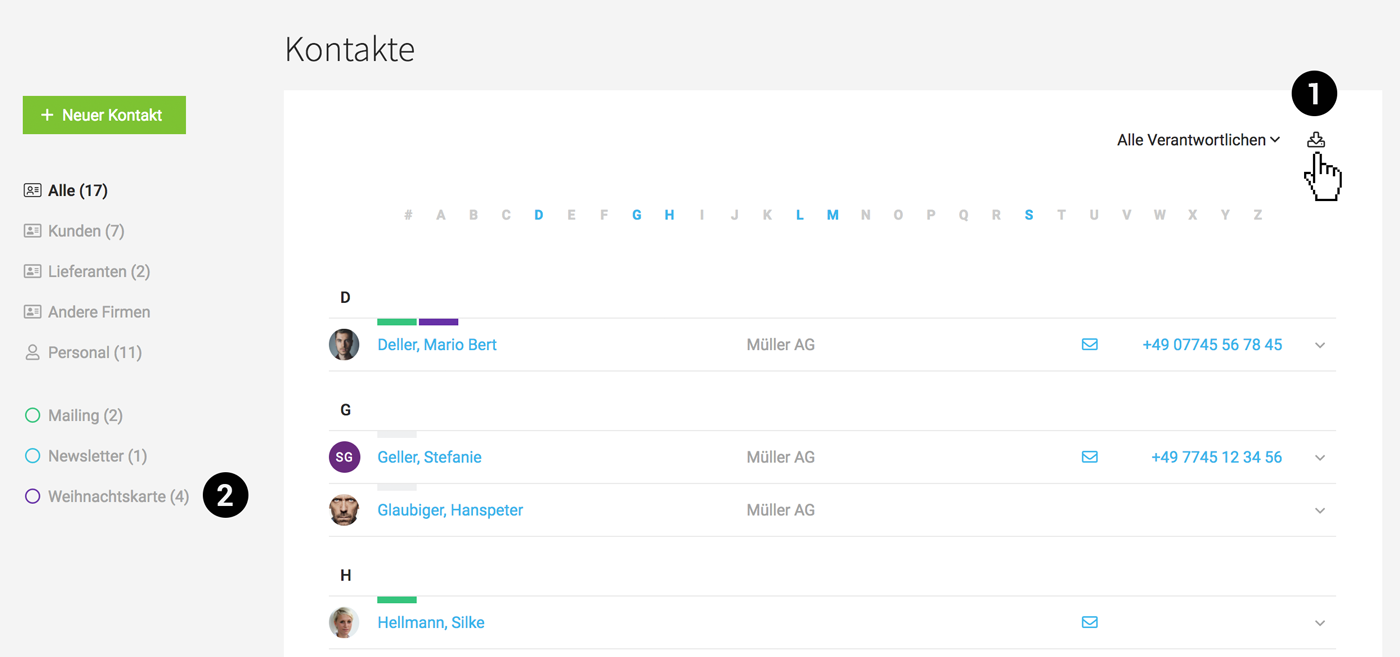
Contacts can also be exported from the top right (1).
Contacts can also be exported from the top right (1).
- Labels can be filtered in advance (2).
- If a client is assigned to the contact, the client's address and name will be exported (unless a different address is entered for the contact).
I need the address in multiple lines
Even if addresses are entered in a single field, they can be easily processed for use in a classic Word mail merge. To do this, select "Wrap Text" for the "Address" column in Excel.
 (English image not yet available)
MOCO & Email Marketing
Integration with Active Campaign, Mailchimp, Sendinblue, Freshmail, etc.








