Article from
MOCO + MCP: Ask Your AI Chatbot Questions About Your Own Company Data
Use the MCP integration for Claude, ChatGPT, & co. to ask questions about your MOCO data. Your AI chatbot provides answers, creates reports, and can handle small tasks if you want it to.
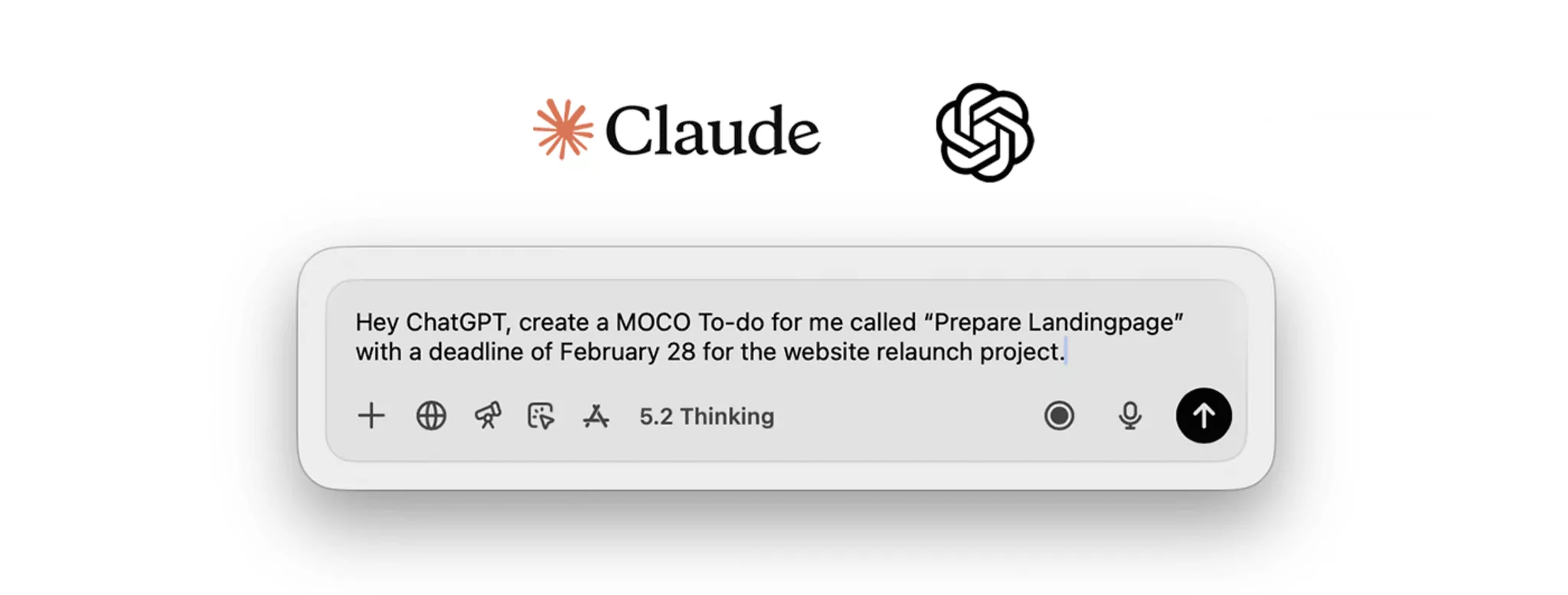
With the MCP server, you can query your MOCO data directly via your AI chatbot – and, depending on your opt-in settings, even trigger actions in MOCO.
This is made possible by the MCP server as the interface between the AI and MOCO: it controls which data can be queried and which write actions are allowed – so you stay in control of your data, while the AI provides practical support.
During the beta phase, you can enable this AI feature in Settings and use it free of charge (opt-in). The quality of the answers depends not only on the data in MOCO, but also on the capabilities of the chatbot you use.
Connect Your AI Chatbot to MOCO
Enable
Enable the AI feature in Settings under Account > AI.
Set Up
If your AI chatbot (Claude, ChatGPT, etc.) supports the Model Context Protocol (MCP) and OAuth, you can use the integration. Depending on the provider, you may need a paid account and admin rights.
You can find setup guides here:
You can find setup guides here:
AI Use Cases with MOCO
Once you have connected the MCP server, try these prompts in your AI chatbot. The results are based on your MOCO access rights and user role. For commands, read and write permissions must be enabled in the MOCO settings.
.jpg "Claude und MOCO: MCP") (English image not yet available)
(English image not yet available)
(English image not yet available)Questions for Your AI Chatbot
- “Which employees haven’t logged any time today?”
- “How many hours have I logged for client X so far this week?”
- “Which to-dos do I currently have open?”
Commands for Your AI Chatbot
- “Log 8 hours for me today on project Y.”
- “Send these people a reminder via MOCO.”
- “Create a new to-do called ‘Check lead’.”
Expanded Step by Step, Where It Makes Sense
To help the AI work effectively with MOCO, we provide it with selected functions (“tools”). This is done deliberately, step by step: to begin with, only selected queries and actions are available – the ones that bring the most day-to-day value while also being safe.
You can find an overview of all currently available tools in the app/integration settings of your AI chatbot. Which tools are added next depends heavily on user feedback, so please share your experience with us via the in-app support.
You can find an overview of all currently available tools in the app/integration settings of your AI chatbot. Which tools are added next depends heavily on user feedback, so please share your experience with us via the in-app support.








