Article from
Comments + AI: Capture Comments Faster with Voice Input.
With the new voice input, you can capture clear, concise comments quickly – neatly formatted and error-free. MOCO recognises mentioned people and suggests notifying them.
 (English image not yet available)
Comments via Voice Input
Voice input is available on all pages with a comments section. For example, after a sales call or a client call, simply dictate the key information. The AI processes your input and creates a comment for you.
Enable
Enable the AI feature in Settings under Account > AI.
Dictate
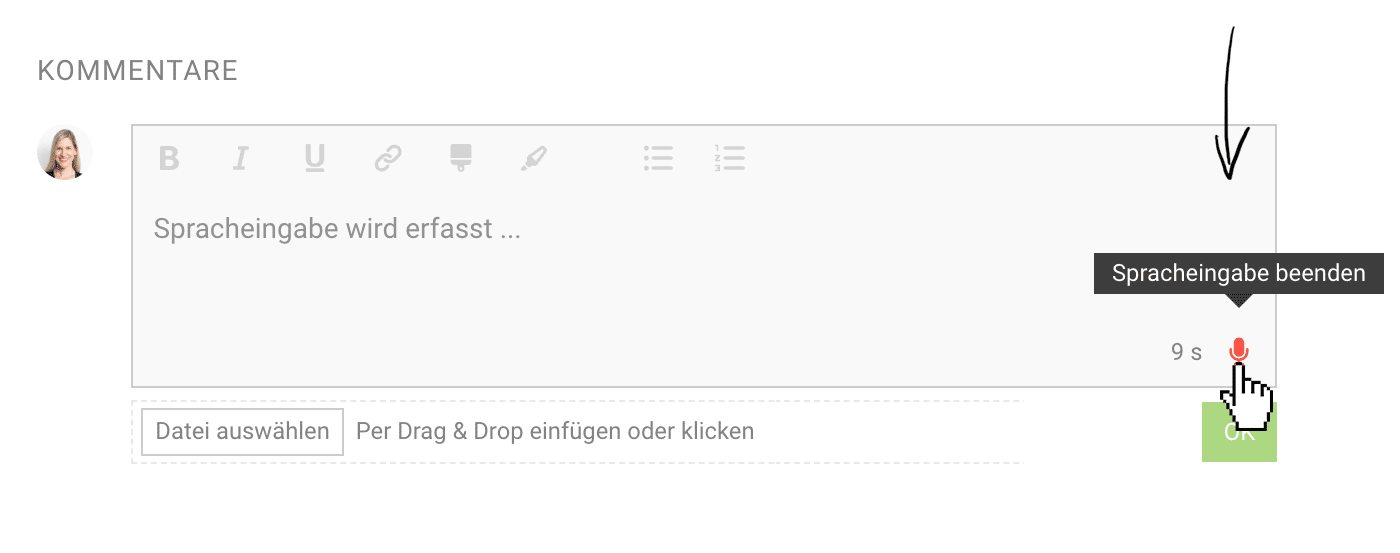
Start and stop using M on your keyboard or by clicking the microphone icon.
The AI analyses your voice input and writes the most accurate comment possible. Review it, and confirm with OK if everything looks right.
The input time window is usually 60 seconds. 10 seconds before the end, the number turns red. You can cancel at any time using ESC.
The input time window is usually 60 seconds. 10 seconds before the end, the number turns red. You can cancel at any time using ESC.
AI Suggests an Edited Comment
- Minor errors are fixed – capitalisation corrected, missing words added, and German/English terms recognised correctly.
- If your comment gets longer, the AI creates a short, one-sentence summary at the top – perfect for quick overviews.
- If you mention people in your comment, e.g. "notify Thomas" or "inform Sabine", the AI automatically adds the correct @mention.
- AI structures things for you: dictating several points in a row? It automatically turns them into a structured list.
AI in MOCO
All AI features are optional (opt-in). You decide whether, and how, you use them. During the beta phase, you can try the new features for free.








