Options
5 UI Languages, 2 Correspondence Languages | Non-Standard Financial Year | Variations per Client | Two or More Companies5 UI Languages, 2 Correspondence Languages
User Interface Language
You can choose the language directly when creating a new user. Each user can also change their language later in their profile. Available languages are German, English, French, Spanish, and Italian.
Language for Client Correspondence
For each client, you can choose whether documents should be created and sent in the alternative language (English is the default).
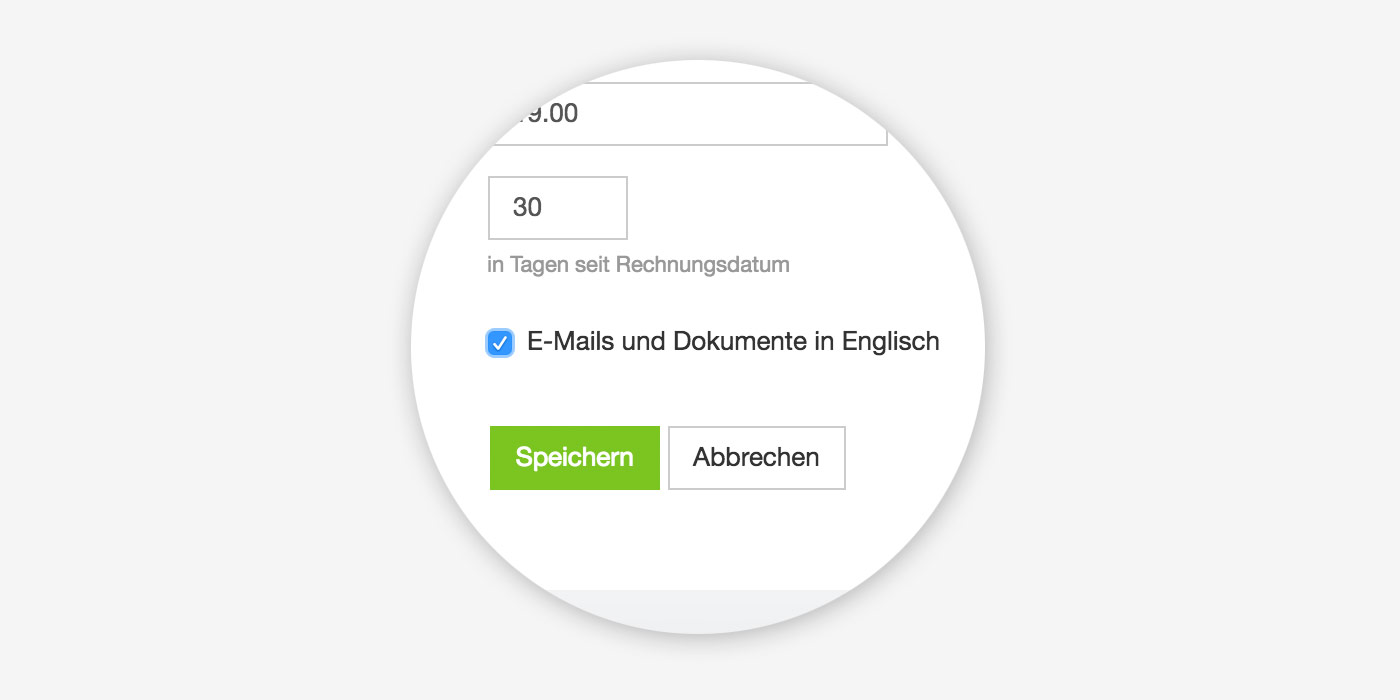 (English image not yet available) The standard texts (salutation, footer, and email texts) can be entered in Settings in the Quotes or Billing section.
(English image not yet available) The standard texts (salutation, footer, and email texts) can be entered in Settings in the Quotes or Billing section. Changing the Main and Alternative Language
You can adjust the main and alternative language for the account under Settings > Account.
Non-Standard Financial Year
If your financial year differs from MOCO’s default (1 Jan – 31 Dec), we can set this up for your account free of charge. Please contact us via the in-app service.
The following global reports / settings are affected by the financial year change:
The following global reports / settings are affected by the financial year change:
- Company Report
- Financial Report
- Billing > Report
- Purchases > Report
- Purchases > Budgets (& Settings > Purchases > Budgets)
- Fixed Costs (Settings > Purchases > Fixed Costs)
Variations per Client
For each client, you can define different hourly rates and alternative payment terms.
Two or More Companies
2 Companies = 2 Accounts
For each legally separate company (e.g. GmbH), having its own MOCO account makes sense. This way, invoice number ranges, reports, letterheads, bank accounts, etc., are well separated.
Easily Switch Between Accounts
If users are registered with the same email address in both accounts, a globe icon will appear at the top right in MOCO, allowing them to switch between accounts easily without the hassle of logging out and back in.