Alter News-Artikel!
» Hier geht's zur aktuellen Online-Hilfe
Article from
Quick Wins for Expenditures, Personal Expenses, and Accounting.
 (English image not yet available)
Expenditure Status "Partially Paid"
When a partial payment is made, the status "Partially Paid" is automatically suggested during payment entry.
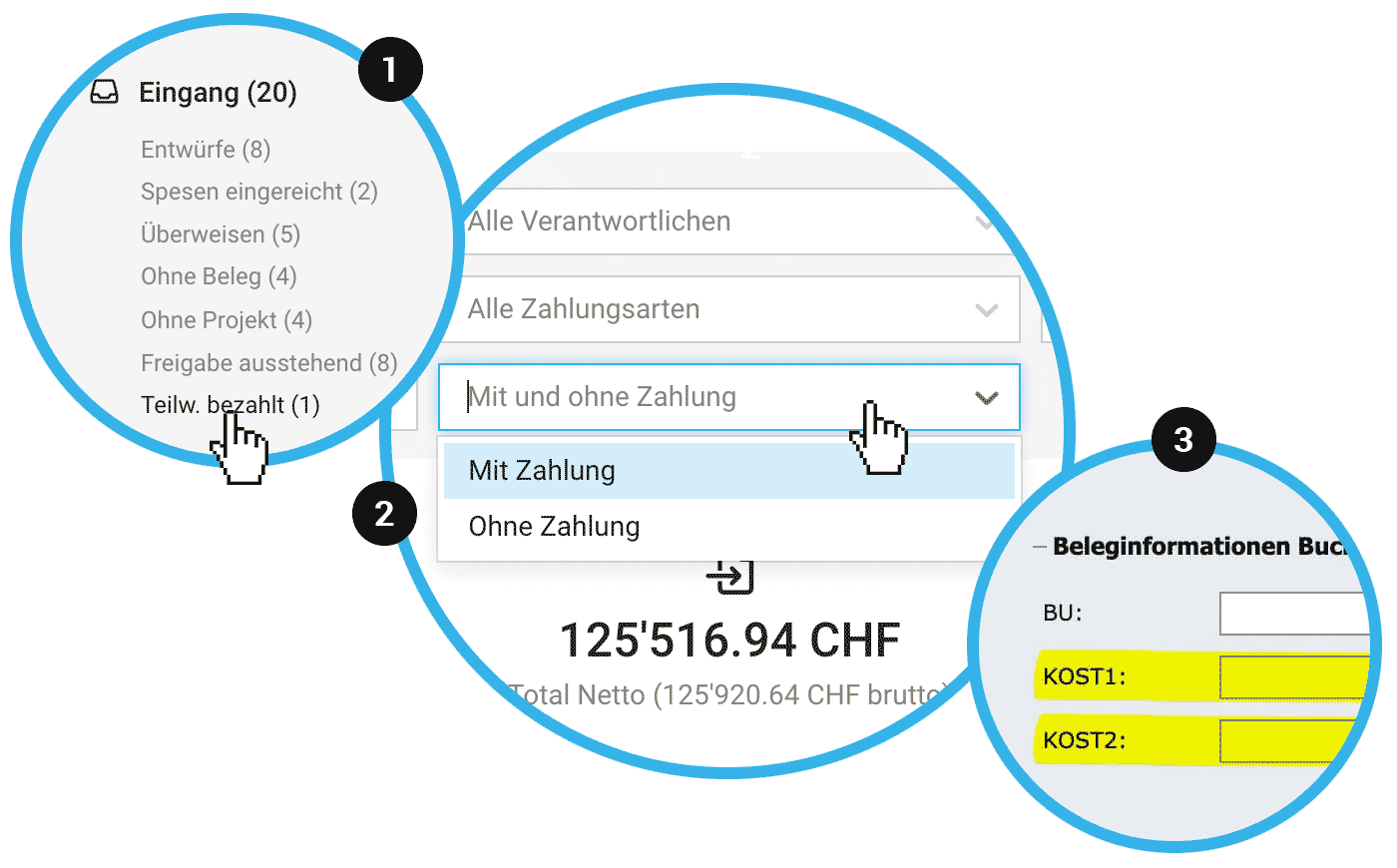
- All partially paid expenditures can be accessed with one click using the Smart Filter "Partially Paid" (1).
- An additional "Paid" column has been added to the Excel export to capture the final status.
- If you include the expenditures in the payment order, the difference is taken into account.
- For expenditures where payments differ due to discounts, the status "Paid" is the correct choice. These discrepancies are handled accordingly in accounting.
Expenditure Filter "Without Payment"
In the expenditure list, you can now specifically filter for expenditures that have no payment yet (2).
Personal Expenses in Foreign Currency
Previously, personal expenses were recorded in the account currency – now, if needed, a different currency stored in the account can be selected.
All about personal expense entry
All about personal expense entry
Cost Centres for DATEV Format (CSV)
The cost centres (3) can now also be used for file-based export in DATEV format.
All information on cost centres for DATEV
All information on cost centres for DATEV








