Exports
Time Tracking: Projects and Leads | Projects, Leads, Quotes | Invoices and Payments | Companies and Contacts | Expenditures | Revenue Forecast | Planning and Absences | Working Hours | Person/Personnel | Additional Services | Service CatalogueTime Tracking: Projects and Leads
Timesheet Export: Projects
- Filterable global timesheet export
Under "Projects" > "Timesheet" - Timesheet export by year or month
Under "Reports" > "Time Tracking" > "Project Times", there is an Excel export in the top right for all projects and people.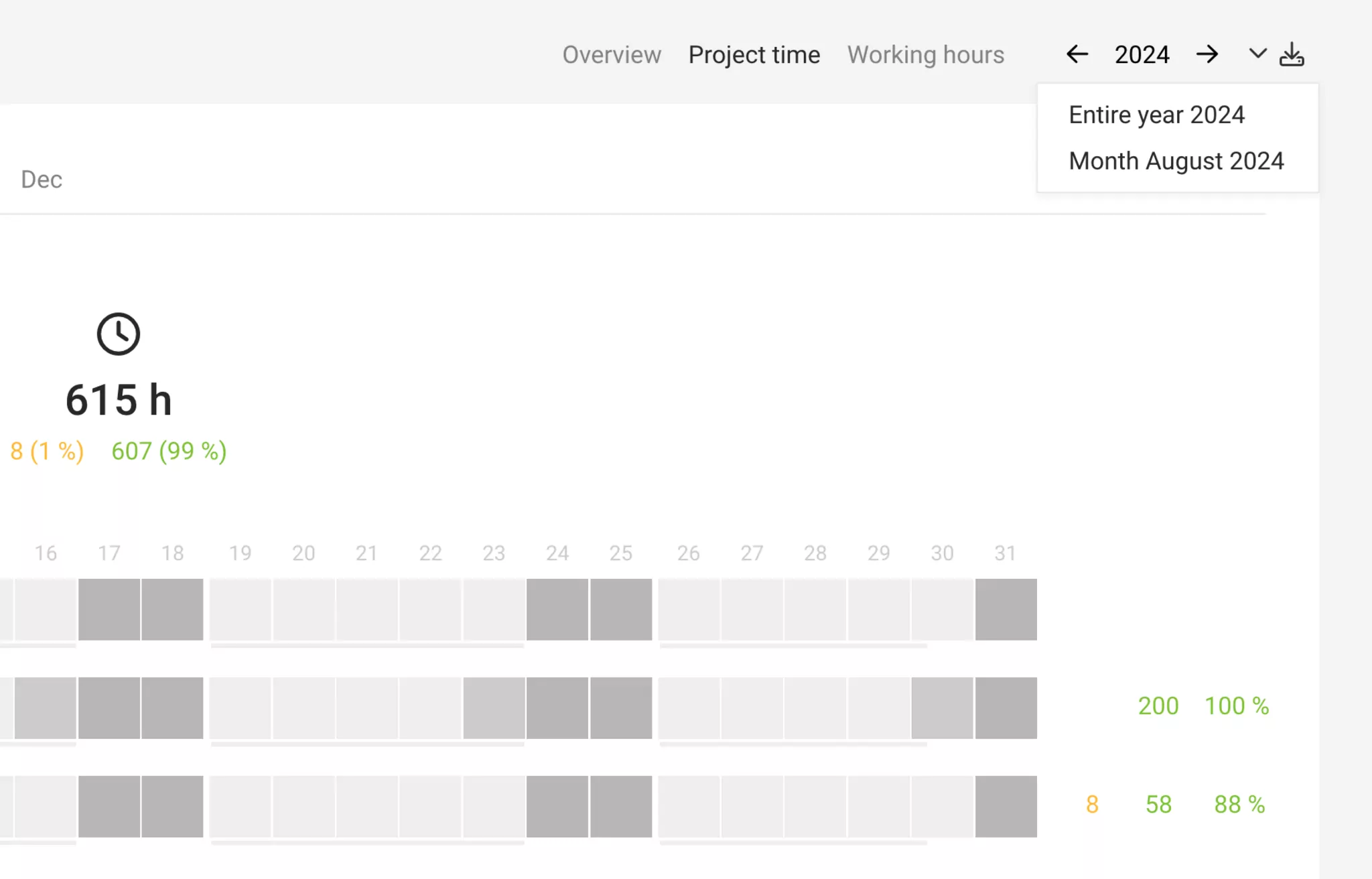
- Individual timesheet exports by person, project, client, etc.
Via the Timesheets at each level (project, client, person, and overall), time entries can also be further filtered and exported as needed (PDF, Excel, CSV).
Time Tracking: Leads
- Time recorded against leads can now be analysed via the leads export.
Projects, Leads, Quotes
Projects
Excel export for the project lists at the top right of each list (see example image: Client projects)
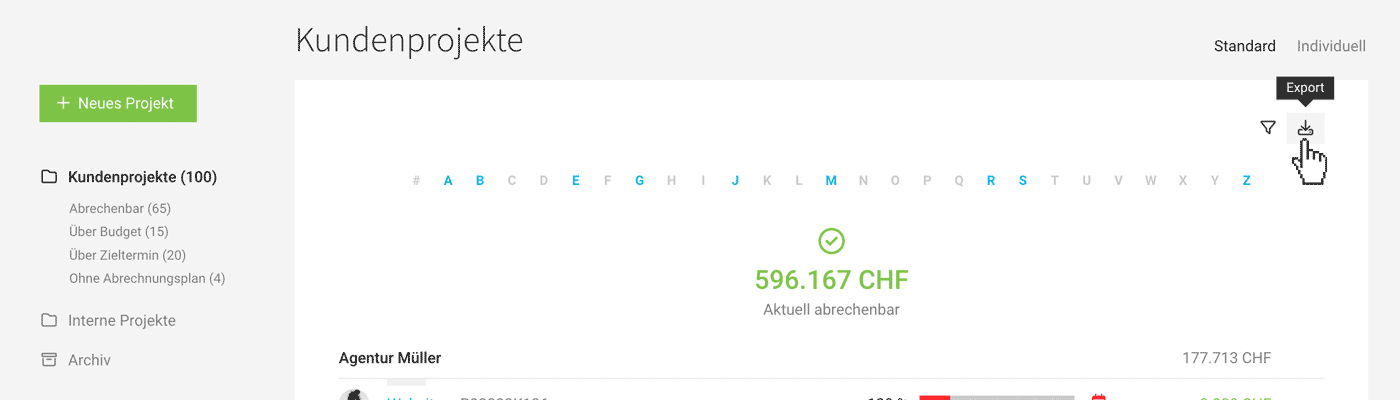 (English image not yet available)
(English image not yet available)Projects with Custom Data
Excel export of the custom project list (Projects > Custom)
Project Profitability
Excel export in the report under "Reports > Projects"
Ongoing Leads
Excel export at the top right under "Sales" > "Leads"
Completed Leads
Excel export at the top right under "Sales" > "Completed"
Quotes
Excel export and documents at the top right under "Sales" > "Quotes"
Invoices and Payments
Invoices by Creation Date
Location: Billing > Invoices
- Export invoices as rows (xls)
- Export invoices as individual line items (xls)
- Download invoice documents in one go.
Note: When filtering, select the required status using the icons
 (English image not yet available)
Payments & Invoices by Payment Date
Location: Billing > Payments
- Export payments to Excel.
- Export invoice documents by payment date.
Pre-Assigned Accounting Exports
Companies and Contacts
Clients
The export option is located under "Companies" > "Clients" in the top right corner.
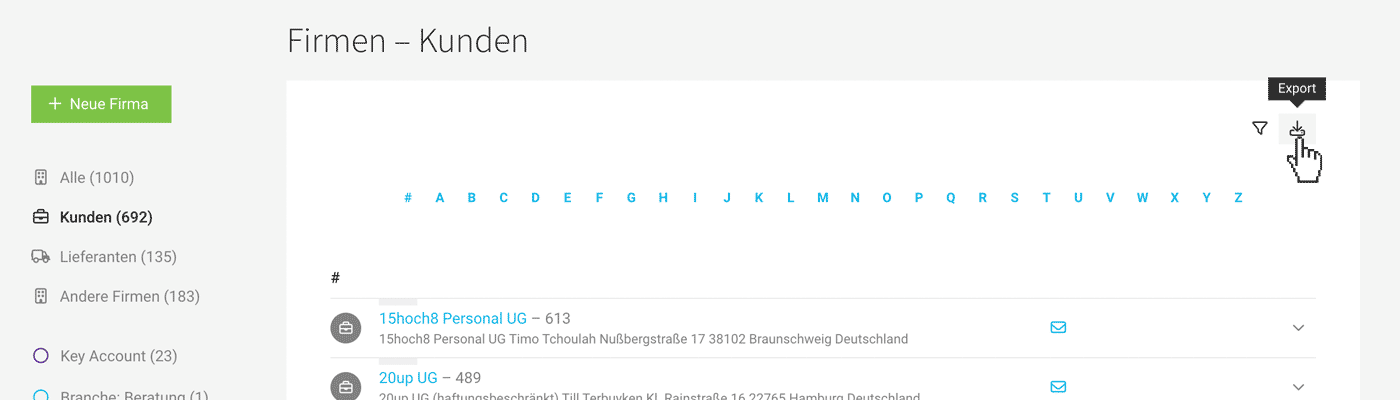 (English image not yet available)
(English image not yet available)Suppliers
The export option is located under "Companies" > "Suppliers" in the top right corner.
Other Companies
The export option is located under "Companies" > "Other Companies" in the top right corner.
Contacts
can be exported as an Excel file from "Contacts" in the top right corner.
If filtered by Label, only the filtered companies or contacts will be exported.
Expenditures
Expenditures Inbox & Archive
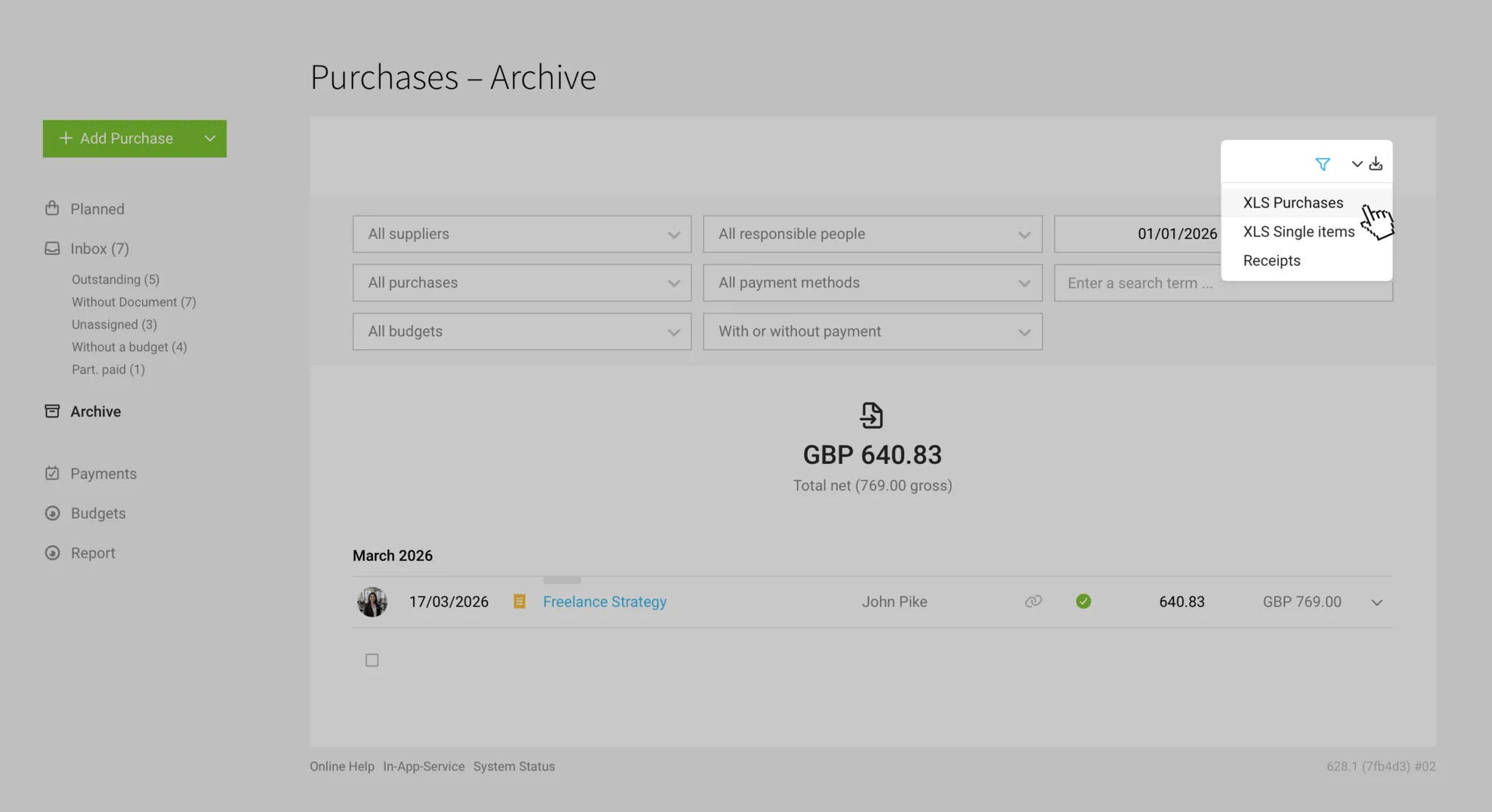
Typically, the inbox contains pending recorded expenditures, personal expenses, and drafts. The archive holds completed expenditures. In both the inbox and archive, you can find these export options at the top right:
- Individual Items (including details defined at the item level: project name, project number, category, expense account, net, tax, gross, etc. Expenditures can consist of one or more items.
- Simple Expenditure Export, which is not broken down into items.
- Batch Download of Receipts
Accounting Export
In addition to the standard exports, an Accounting Export is also available.
Outgoing Payments
Under "Expenditures > Payments" you can export all recorded payments.
- Export Payments as Excel.
- Export Receipts by payment date.
Planned Expenditures
Under "Expenditures > Planned" you can find the exports.
- All planned expenditures under "All"
- Recurring planned expenditures under "Recurring"
Expenditure Budgets
Under "Expenditures > Budgets" you can export the annual budgets.
Revenue Forecast
Under "Billing" > "Reports", you can export a breakdown of billable items and forecast revenue.
You can also find the same export under "Reports" > "Finance" in the top right.
You can also find the same export under "Reports" > "Finance" in the top right.
Planning and Absences
Reports > Planning
- Export "Planning" Entire year per person/day
- Export "Absences" Entire year per person/day
Reports > Personnel
- Export "Target-Actual & Billability" Entire year per person/month – absences, targets, hours, etc.
- Export "Leave" Leave balance per person and number of sick days per year
- Export "Absences" Export precise, filterable absences as needed.
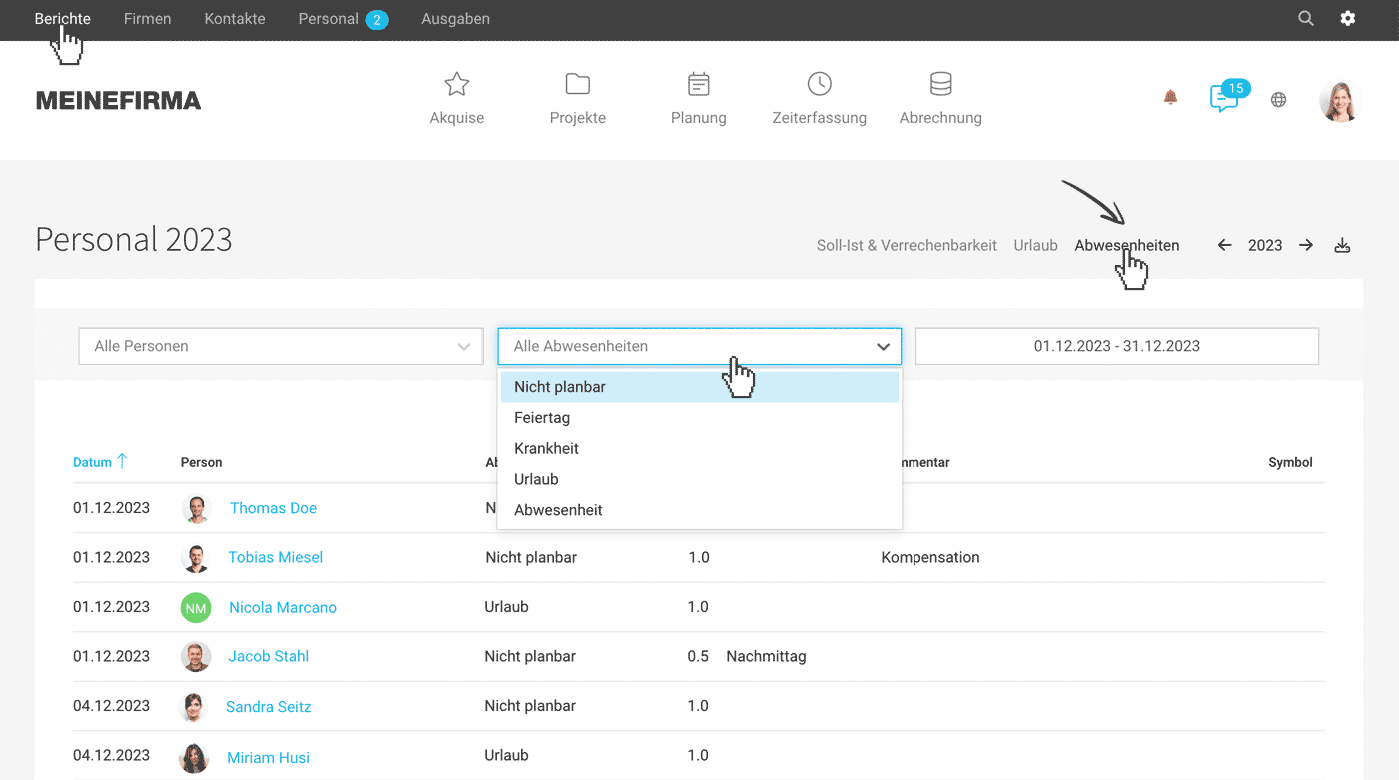 (English image not yet available)
Personnel > Person > Target-Actual
- Export "Target-Actual" Entire year per person/day – absences, targets, hours, etc.
Working Hours
Individual & Time Period
An extract of working hours per person for any given period can be generated under "Personnel" at the person > "Working Hours". Each user can also find this option under "Time Tracking" > "Working Hours" to create an extract (see image).
- PDF: Overview
- xls or csv: Listing of individual work slots
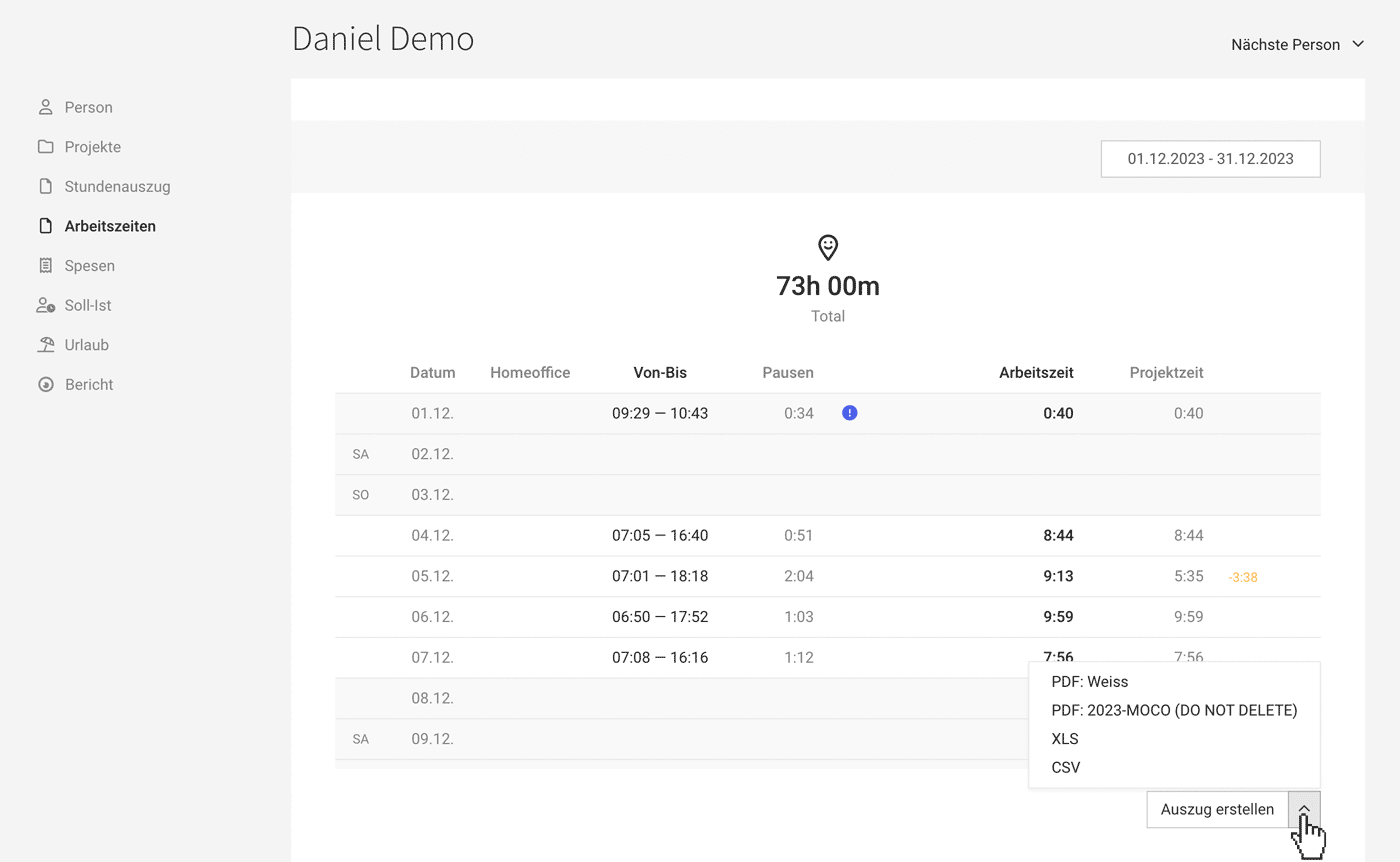 (English image not yet available)
Individual & Whole Year
Under "Personnel" at the person, the Export under "Target-Actual" provides daily target hours, working time, absences, and project times.
All Individuals Whole Year
The time tracking for all individuals for the entire month or year (xls) can be found under "Reports" > "Time Tracking" > "Working Hours"
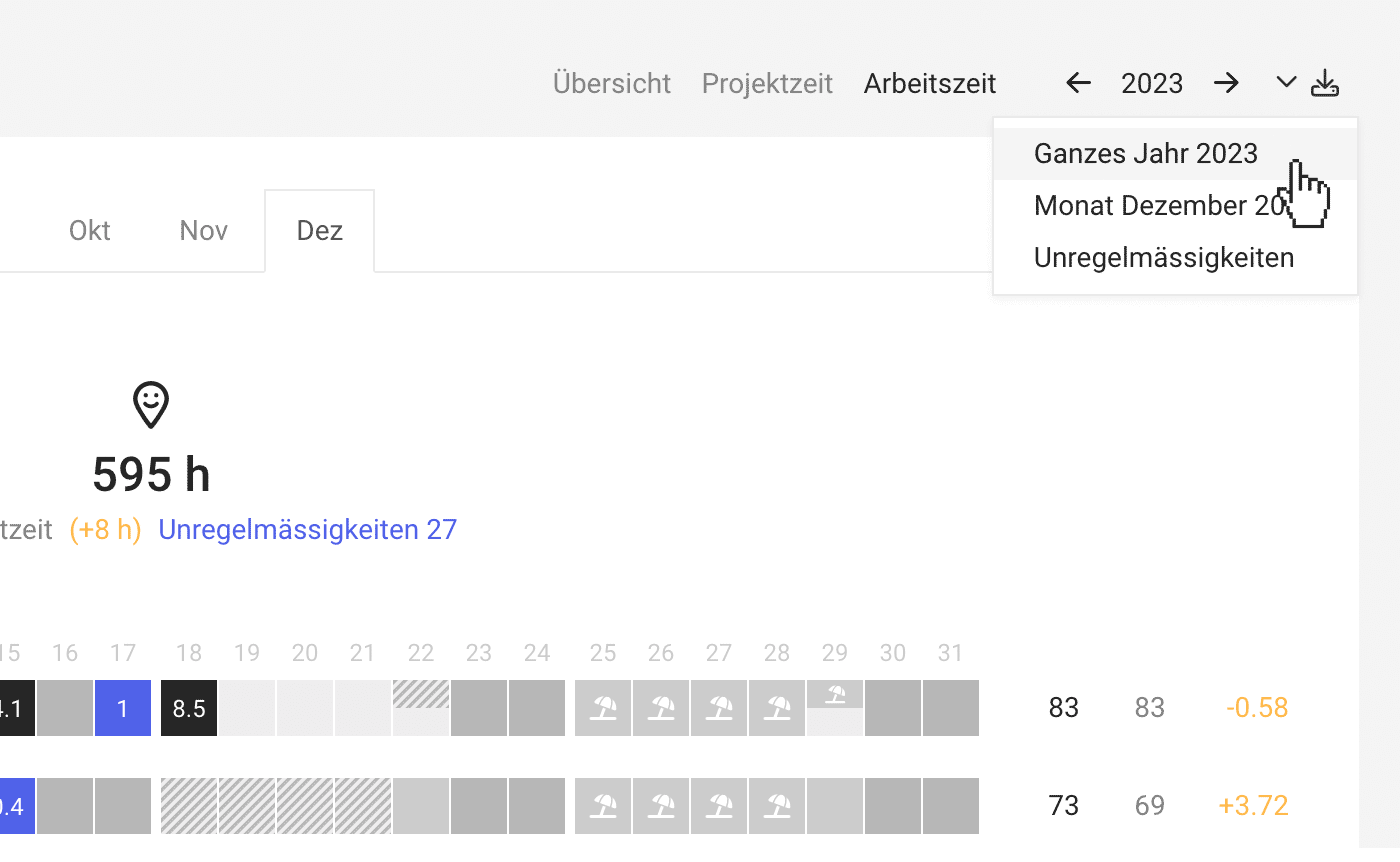 (English image not yet available)
(English image not yet available)Person/Personnel
Export Personnel Data
In the "Personnel" section at the top right, employee data can be exported as an Excel file.
Weekly Models
In "Personnel > Weekly Model" (top right), the active weekly models for all individuals can be exported.
Absences, Home Office, Working Hours, Target-Actual, Billability, etc. across all Personnel
Under "Reports" > "Personnel", the comprehensive information displayed there can be exported.
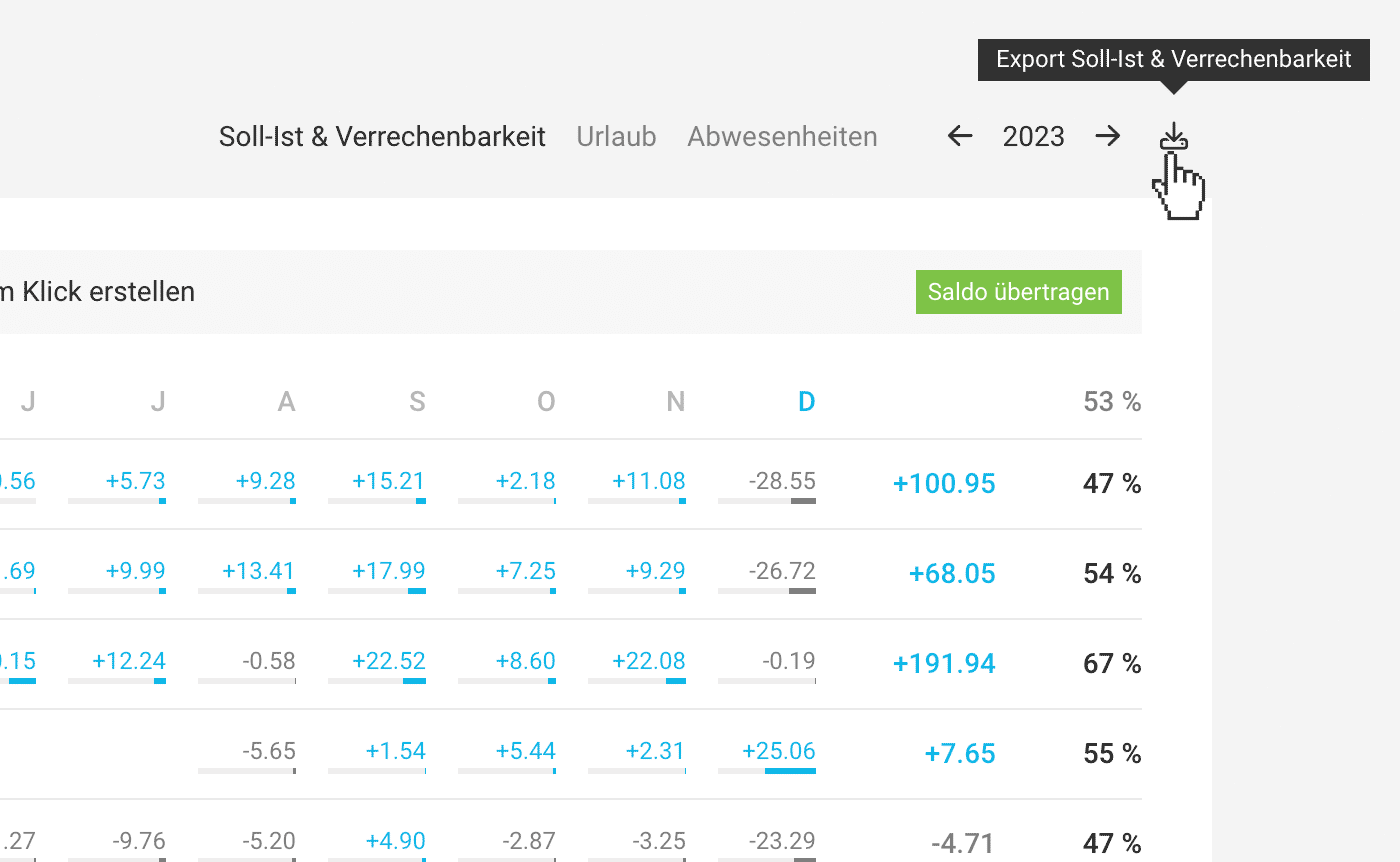 (English image not yet available)
(English image not yet available)Daily Target-Actual for Individual Personnel
In "Personnel" > Person > "Target-Actual", there is an export option at the top right where absences, home office, working hours, target-actual, etc. are broken down per day. This allows almost any display to be traced.
Exports on Absences
Exports on Absences
Additional Services
Additional Services per Project
Additional services can be exported directly within the project under "Additional Services" at the top right.
Global Additional and Recurring Services
Under "Projects" > "Additional Services" (filterable by Client, search term, responsible person, and time period)
Service Catalogue
Under "Settings > Services > Catalogue", you can export the service catalogue.








