
-------

MOCO + Slack
Eliminate email overload and display MOCO information directly in Slack.
By introducing a team chat like Slack, internal email overload can be reduced by half and meetings by a quarter. Through integration via Zapier, Make, or API, various pieces of information from MOCO can be displayed directly in Slack – and automation can be initiated via Slack Command.
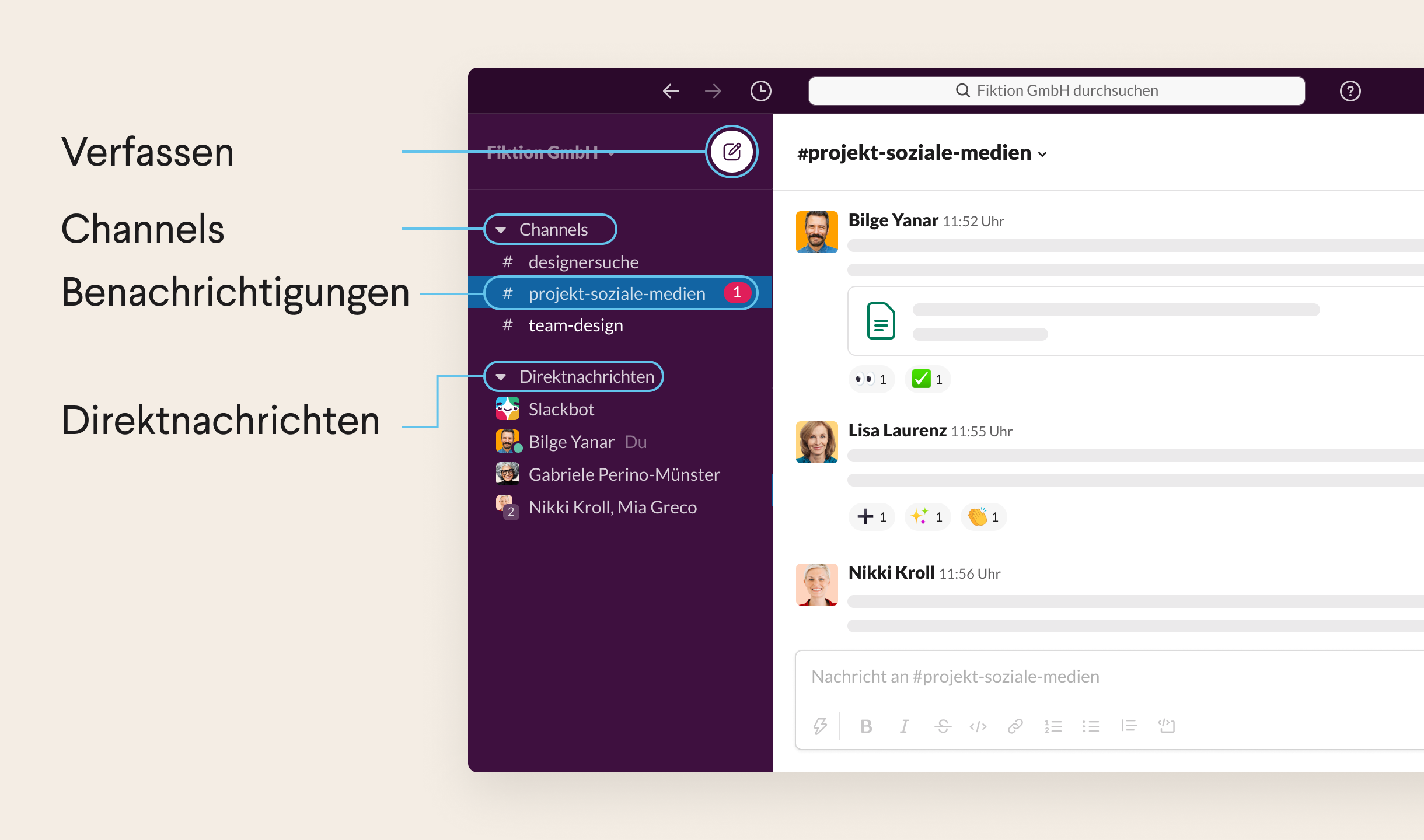
Goodbye Email Overload
At the same time, productivity and transparency are significantly increased. The term chat is certainly an understatement. Compared to, for example, Skype, the software offers a whole new dimension of added value: besides direct exchange, it also includes topic channels, video calls, and automatic reminders – and can be wonderfully combined with MOCO via Zapier.
» How to use Slack – your quick guide
» How to use Slack – your quick guide
Benefits of Integration (via Zapier)
Status updates and reminders can be sent directly to specific channels in Slack. Through Zapier or Make, it can be set up without programming knowledge.
» 12 Tips for Better Communication in Agencies – with Slack
» 12 Tips for Better Communication in Agencies – with Slack
Examples of MOCO & Slack Integration via Zapier (no programming knowledge required)
- Slack notifies when a new lead has come in
- Slack notifies when the project budget is running low
- Slack notifies when an invoice is created
- Slack notifies when an invoice is paid
Setting Up the Connection
How to set up a connection via Zapier is shown by Tobias in this video:

Additional Workflows with MOCO + Slack
Make (programming knowledge advantageous)
Slack Slash Commands
The IT service provider newcubator GmbH automates project invoicing with Slack Slash Commands
» How we optimally complement MOCO for ourselves – Tools, Slack Commands, Chatbots
» How we optimally complement MOCO for ourselves – Tools, Slack Commands, Chatbots
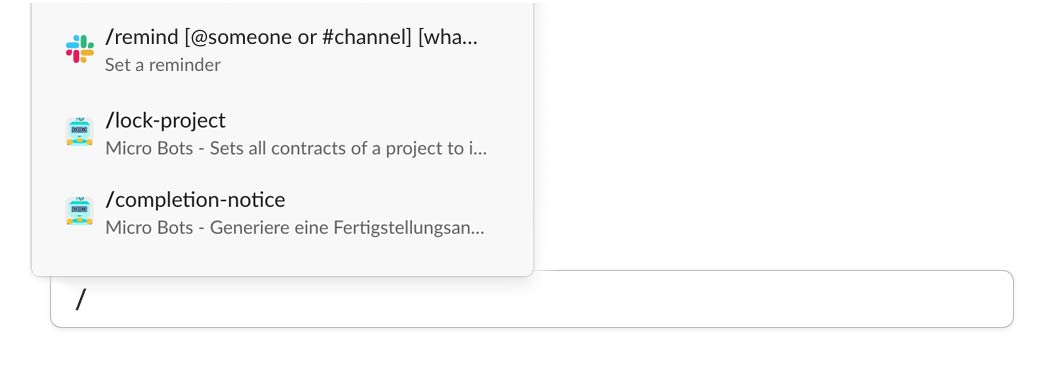 (English image not yet available)







