
-------

MOCO + Microsoft Power BI
Automate Custom Reports from MOCO
Power BI enables tailored and targeted data analysis and visualization.
The Problem
In an era where analyzing business data is crucial, the common scenario is having to manually create the same report in Excel every month. This process is tedious and time-consuming, resulting in a static visualization with no interactivity.
The Solution: New Possibilities with Power BI
A few years ago, Microsoft introduced a product that automates these processes and offers users interactivity: Microsoft Power BI (BI stands for Business Intelligence). Power BI is part of the Office 365 Suite and is a cloud-based business analytics tool for data preparation and visualization.
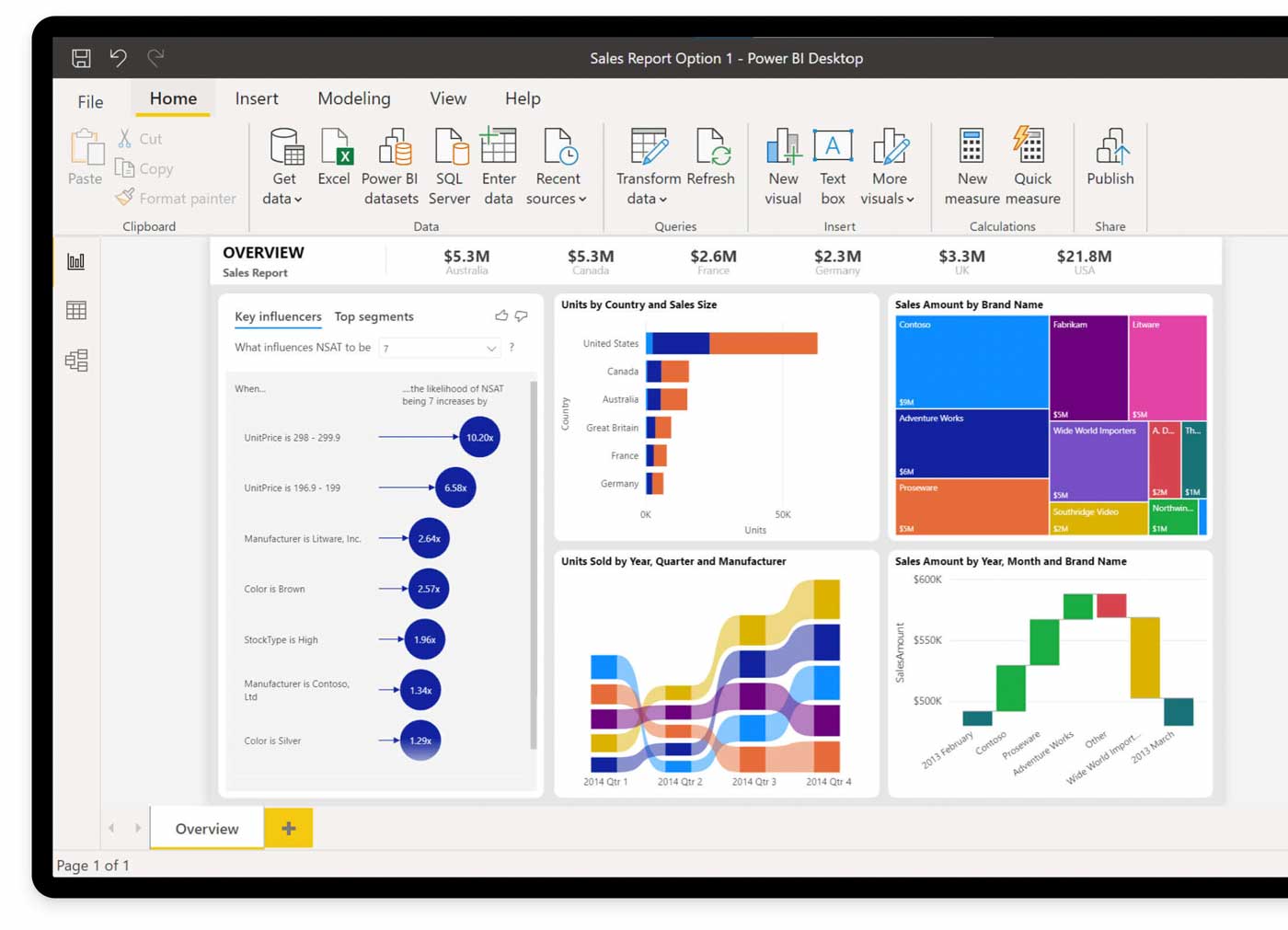 (English image not yet available)
Source: https://powerbi.microsoft.com/de-de/cds-analytics/
The Core Components of Power BI
(English image not yet available) Source: https://powerbi.microsoft.com/de-de/cds-analytics/
The Core Components of Power BI
- Microsoft Power Query: This service allows you to find and combine data from various sources.
- Microsoft Powerpivot: The ability to create pivot tables in Excel is utilized in Power BI to facilitate the design of complex data models.
- Microsoft Power View: Users can create interactive reports with this tool.
Advantages
Always Up-to-Date Custom Reports
The major advantage of Microsoft Power BI is its ability to aggregate and update data from different sources. This means a report only needs to be created once—the BI reporting tool then handles the updating of the underlying data, ensuring the report is always current. This saves your company recurring workload and allows employees to focus on more important tasks.
Easy for Those with Excel Knowledge
Since many of the functions originate from Excel, the business intelligence tool is easy to learn and use.
Cloud-Based and Platform Independent
Like MOCO, Power BI is cloud-based, and access to Power BI reports is through a browser. This means reports can also be accessed via mobile devices.
The major advantage of Microsoft Power BI is its ability to aggregate and update data from different sources. This means a report only needs to be created once—the BI reporting tool then handles the updating of the underlying data, ensuring the report is always current. This saves your company recurring workload and allows employees to focus on more important tasks.
Easy for Those with Excel Knowledge
Since many of the functions originate from Excel, the business intelligence tool is easy to learn and use.
Cloud-Based and Platform Independent
Like MOCO, Power BI is cloud-based, and access to Power BI reports is through a browser. This means reports can also be accessed via mobile devices.
Power BI Can Retrieve Data from MOCO via API.
To obtain data from MOCO, the REST API must be connected. It is important to note that our interface has rate limiting. Alternatively, it might be useful to work with XLSX export.
External Partners and MOCO Users Who Can Assist








