Alter News-Artikel!
» Hier geht's zur aktuellen Online-Hilfe
Article from
Quick Wins: Detecting Duplicates in Expenditures & Other Enhancements.
MOCO is continuously evolving, with updates to the software practically every day. In recent weeks, we've refined texts, tidied up the layout, improved contrasts – and with the following new features, we're taking even more work off your hands.
 (English image not yet available)
Filter Timesheet by Teams with One Click
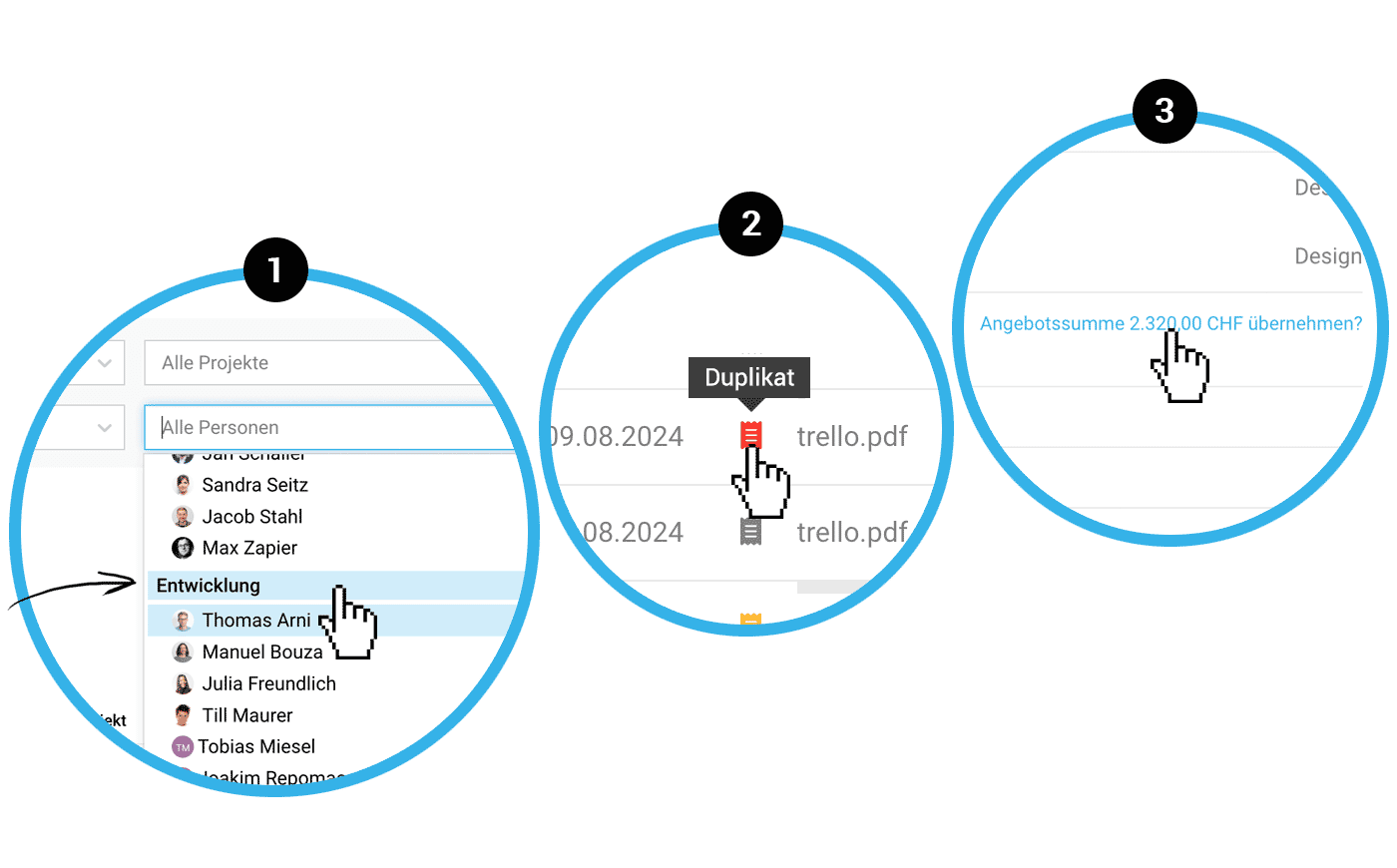
If you want to review the efforts of an entire team, you can now simply click on the team name and all associated members will be selected (1).
Duplicate Detection for Expenditures
It's possible to accidentally record a receipt twice. MOCO now supports you with the new duplicate detection feature: In such cases, MOCO will alert you to a duplicate receipt. This is indicated in the list (2), in the detail view, and also when creating the expenditure. With a click on the info, you can access the already recorded receipt.
Optimisation for Adopting Proposal Amount as Project Budget
When a proposal is confirmed in the project, the proposal amount can be adopted as the project budget with one click (3). Unconfirmed proposals are ignored. As usual, items marked as additional services are recorded as a proportional additional service budget.
More Convenience When Switching Users
When you switch to another user profile, you can return to your own profile as before via "Log out". New is the addition of an orange banner that reminds you that you are still in the other profile. This prevents you from forgetting to switch back – and offers the option to return to your own profile with a direct click.
Further Selected Enhancements
- Direct Info When OCR Budget is Exhausted
With the AI-supported OCR function, receipts can be read and expenditures pre-filled. When the monthly budget set in the settings is reached, MOCO will show you a corresponding notice directly in the expenditures. - Better Traceability of Access Rights
Under Personnel, a tooltip is displayed for access rights for each person and functional area, making it easier to quickly understand what access rights are granted. - Icons and Emojis in planning entries are now also synchronised with the external calendar.








