Alter News-Artikel!
» Hier geht's zur aktuellen Online-Hilfe
Article from
Sync Credit Card Payments and Receipts with MOCO
MOCO + Pliant: direct integration of the credit card solution for comprehensive synchronisation of all credit card payments and receipts. Company purchases and employees’ expenses are automatically captured in MOCO, read, and prepared for accounting.
.png "Kreditkarten Integration: Pliant + MOCO ERP Agentursoftware") (English image not yet available)
(English image not yet available)Benefits of the Credit Card Integration
With the integrated credit card solution, you can manage business expenses more easily and efficiently. Key highlights at a glance:
- Automatic capture of all credit card payments.
- Automatic capture of all credit card receipts.
- Additional synchronisation from MOCO to Pliant.
- Real-time view in the cashflow report.
- For each purchase, the cardholder is identified in MOCO, ensuring correct allocation.
- The integration is developed and maintained by MOCO, and included in your subscription.
Automatic Capture of All Credit Card Payments
Transactions from Pliant are synced to MOCO as purchase payments. There is no need to reconcile the credit card statement. Transactions in Pliant that have not yet been posted (shown as pending) are displayed under “Drafts”, including count and total, plus a link.
Automatic Capture of All Credit Card Receipts in MOCO
MOCO creates purchase drafts directly, including the receipt from Pliant. If text recognition (OCR) is enabled, the receipts are also read.
If the receipt is only captured in Pliant later, it will be synced afterwards. If the receipt is still missing, MOCO will still create a purchase draft, with a note that the receipt is missing.
We recommend always capturing receipts via Pliant. Pliant provides an incoming email address, so receipts are automatically assigned to the payment.
If the receipt is only captured in Pliant later, it will be synced afterwards. If the receipt is still missing, MOCO will still create a purchase draft, with a note that the receipt is missing.
We recommend always capturing receipts via Pliant. Pliant provides an incoming email address, so receipts are automatically assigned to the payment.
Additional Synchronisation from MOCO to Pliant
If you add a missing receipt to a purchase draft in MOCO, or assign a payment from Pliant to a receipt already recorded in MOCO, the receipt is also synced to Pliant.
This significantly reduces admin effort, simplifies receipt tracking, and ensures both systems are always in sync.
This significantly reduces admin effort, simplifies receipt tracking, and ensures both systems are always in sync.
Real-Time View in the Cashflow Report
Because payments are recorded immediately after approval in Pliant, they flow straight into the cashflow report, and you can also see the payment in the Dashboard tile “Outgoing Payments”.
Why Use a Credit Card Solution Like This?
Here’s why it’s worth using a card solution like this — quite apart from the seamless integration with MOCO:
- Fully digital card and receipt management.
- You can create as many credit cards as you like for personal expenses, projects, or specific purposes. New employees can also get a card instantly with a click.
- Each card can have its own individual limit.
- Cards can be created immediately and added straight to your smartphone wallet.
- You always have an overview of which receipts for credit card payments are still missing.
Popular with Agencies
Many agencies work remotely or in a hybrid setup. A digital credit card solution provides a simple, flexible payment option for all employees, while still keeping things transparent for management.
Agencies offering SEA can create a card per ad channel, client, or project, and use budgets to control spend.
Agencies offering SEA can create a card per ad channel, client, or project, and use budgets to control spend.
Pliant
Best-in-class approach
Pliant, like MOCO, follows a best-in-class approach: a small number of tools focused on specific areas, integrated properly, creates the best flow and the most value.
Unique, comprehensive integration
Until now, the usual approach has been “light integrations” — where only payments are retrieved via finAPI, and no receipts. MOCO is currently the first agency software in the DACH region to offer such a direct and comprehensive integration with Pliant credit cards.
You’re not using Pliant yet, but interested? More information about Pliant
Pliant, like MOCO, follows a best-in-class approach: a small number of tools focused on specific areas, integrated properly, creates the best flow and the most value.
Unique, comprehensive integration
Until now, the usual approach has been “light integrations” — where only payments are retrieved via finAPI, and no receipts. MOCO is currently the first agency software in the DACH region to offer such a direct and comprehensive integration with Pliant credit cards.
You’re not using Pliant yet, but interested? More information about Pliant
Enable Credit Card Sync
Enable
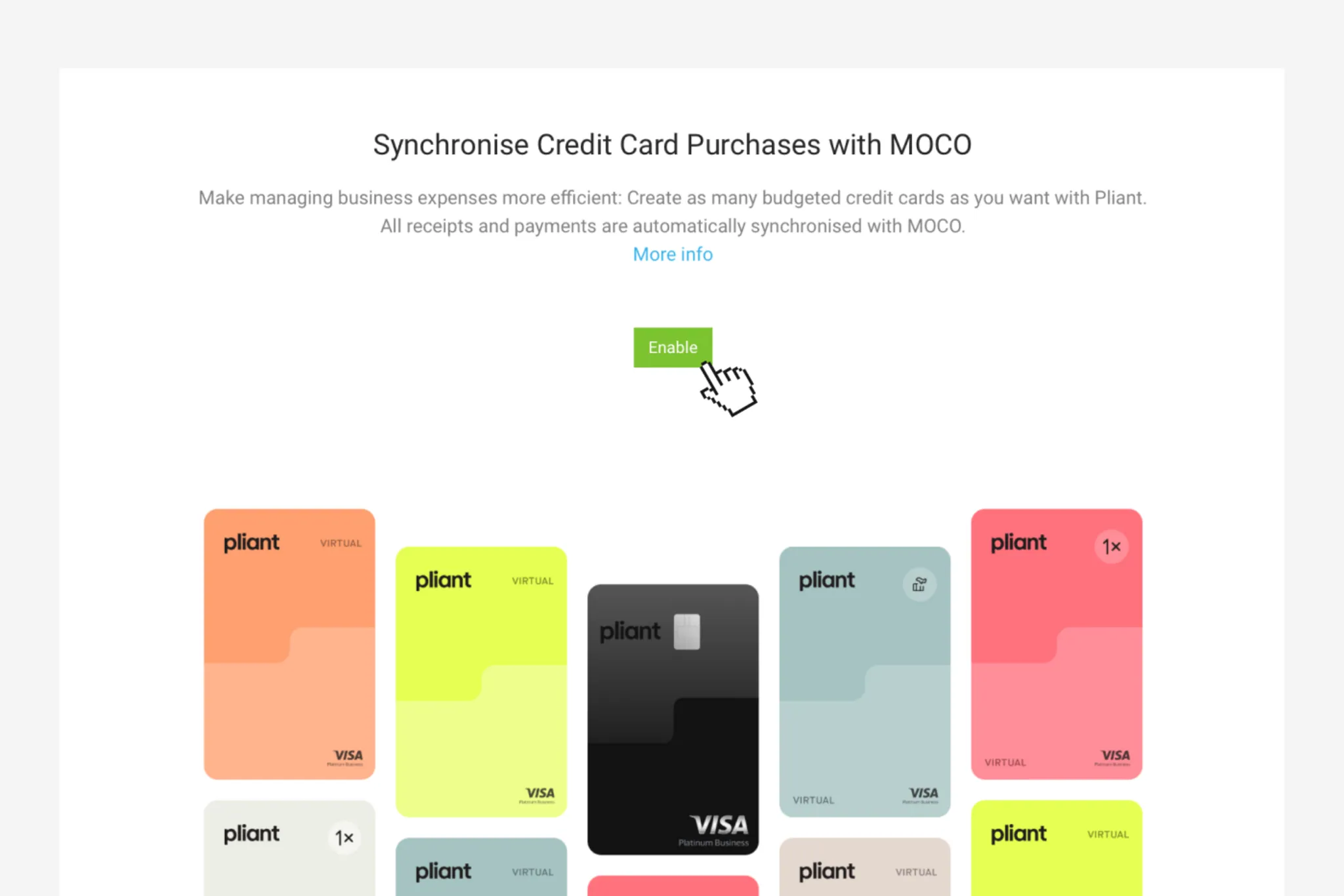
You can enable the option in Settings > Extensions > Credit Cards. After clicking the “Enable” button, you confirm the connection to your Pliant account, which you have created in advance.
Then You’re Ready to Go
The rest happens automatically: as soon as the payments are posted in Pliant, MOCO automatically records the purchase draft and the payment. Receipts are synced too. We describe the mechanics in more detail above.
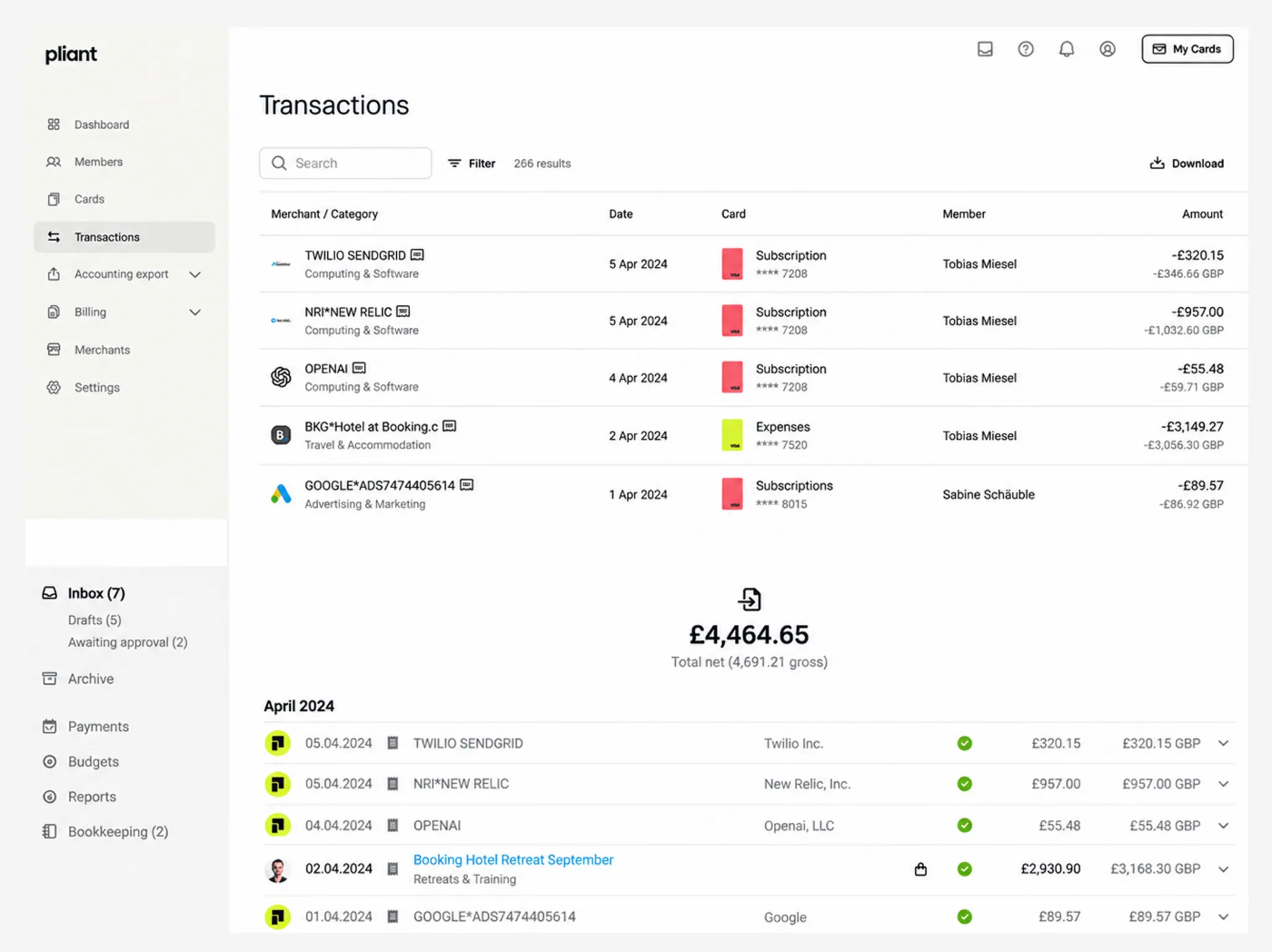
Accounting note: Accounting is disabled in Pliant, as the accounting preparation is handled via MOCO. Accounting in MOCO
We Use Pliant Ourselves
We at MOCO use MOCO as our ERP and Pliant’s credit card solution for our own business. This hands-on experience played a key role in creating an integration that is genuinely useful. Some team members have a personal virtual card for expenses such as travel costs. In addition, we have several credit cards used for our subscriptions (tools and other services).