Article from
Set Custom Fields as Required Fields.
With custom fields, you can extend master data for clients, projects, and more in MOCO to suit your needs. From now on, you can also set fields as required – and hide fields that are only intended for the API from the interface.
Set Custom Fields as Required Fields
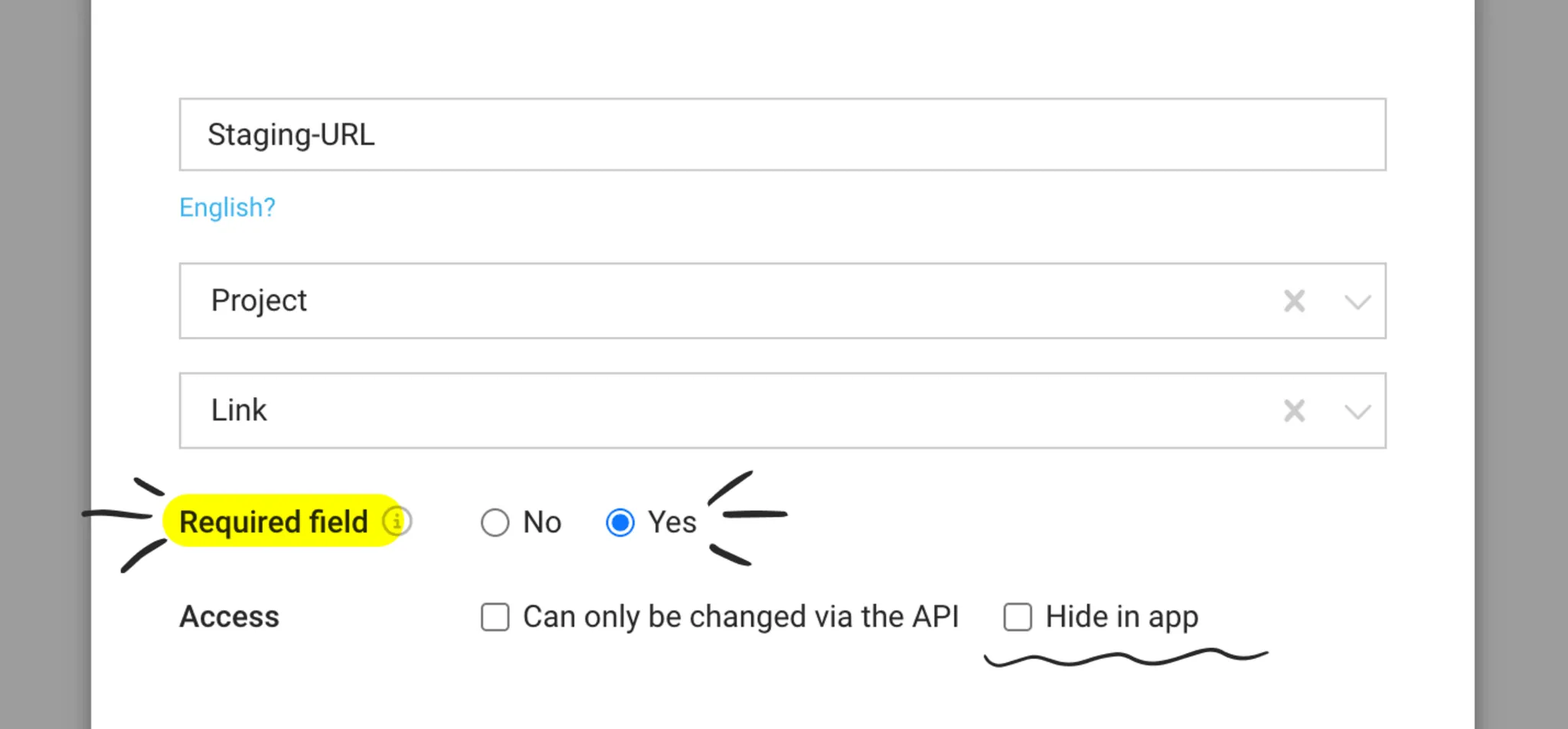
The new “Required field” option (1) is available for existing and new custom fields. If it is enabled, MOCO will show an error message on the field when you save, if it has not been filled in.
Good to know: the requirement applies to entries made in the app. Data maintained via the API, as well as imports, are not affected. The option is not available for “Yes/No” fields or for fields on invoices.
Hide Custom Fields in the App
For some time now, you have been able to define custom fields as “only editable via the API” – useful if you want to store data for an integration or interface. In addition, you can now hide these fields in the app (2). This keeps the interface clear, even if you use many fields for integrations.