Article from
To-Dos in the Android App.
Stay on top of things – wherever you are. From now on, you can view and tick off your personal and assigned to-dos in the MOCO Mobile App for Android.
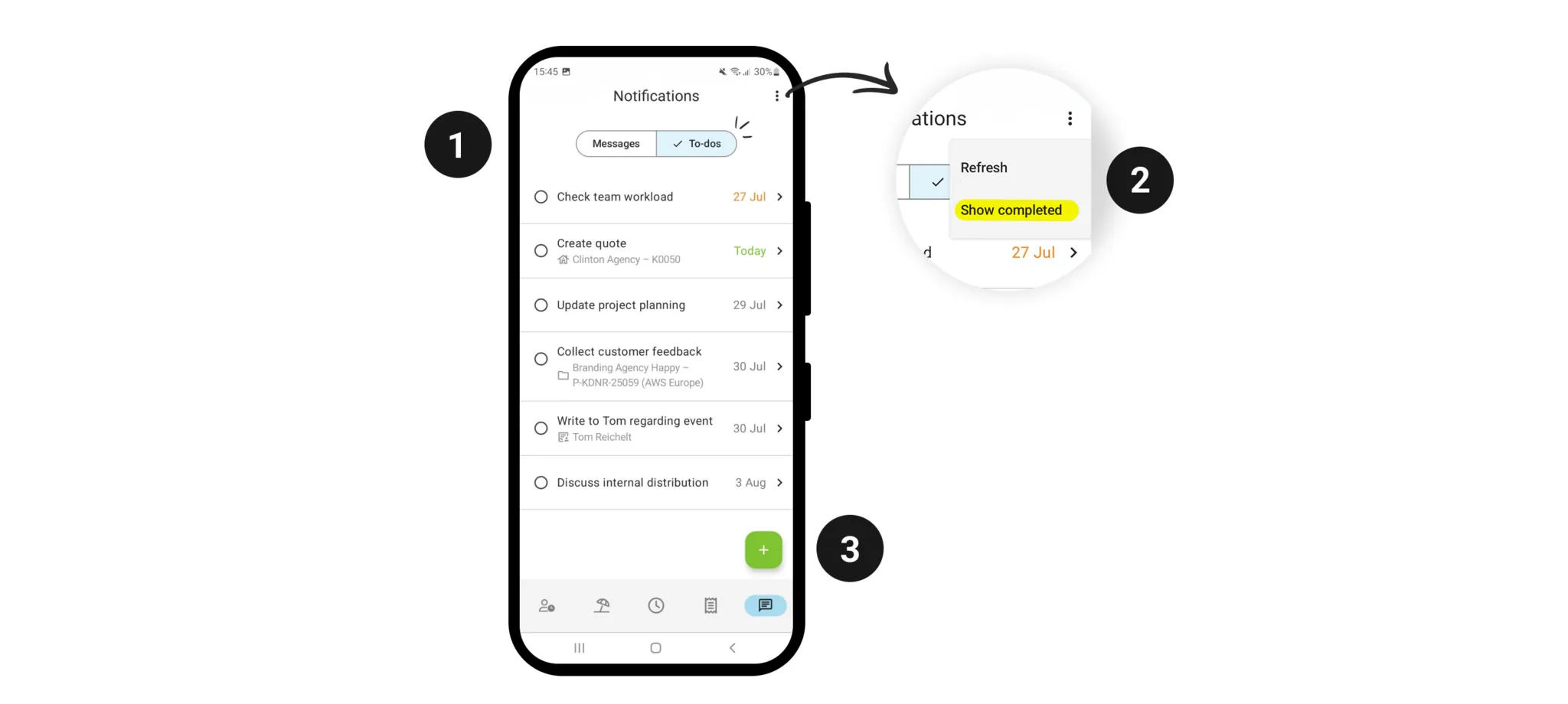
You’ll find your to-dos right next to your messages (1). Tap the checkbox or swipe right to tick off a to-do. Swipe left to delete to-dos.
Use the menu to show completed to-dos (2). Create new personal to-dos via the plus icon (3).
Use the menu to show completed to-dos (2). Create new personal to-dos via the plus icon (3).
Don’t have the MOCO Android app yet? Download it now!