Article from
Quick Wins June 2026
Find payments faster, tidy up leads, and enjoy a few more small improvements you’ll notice straight away. Summer can come!
Find Payments for Purchases Faster
The free-text search in the payment overview under Purchases has been expanded. As well as the payment description, you can now also search by the purchase title, receipt number, invoice number, or supplier – all in a single search field.
More on Purchases > Payments
More on Purchases > Payments
Delete Multiple Leads with One Click
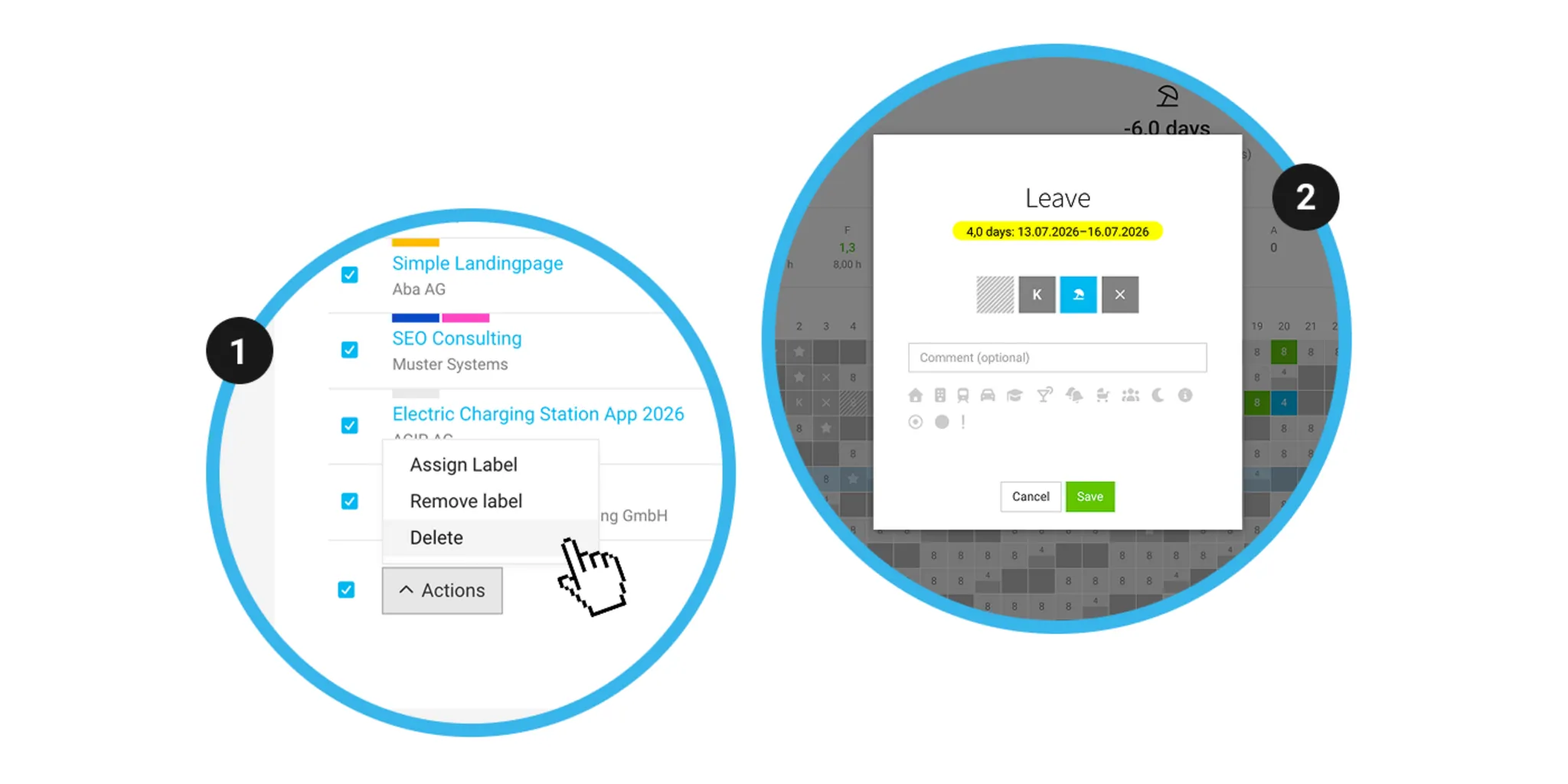
Select multiple entries in the lead list, then choose Actions > Delete (1) at the bottom to delete several leads in one go. Note: leads with existing quotes cannot be deleted.
More on Leads in MOCO
More on Leads in MOCO
Further Improvements
- Links saved in the description of a planning entry are now clickable in the tooltip. Simply hover over an entry in planning and open the link.
- If you request an invoice approval or purchase approval, MOCO automatically suggests the person you last sent an approval request to.
- The leave requests under Staff are now sorted by request date – the most recent request appears at the top.
- When you request leave, MOCO shows the total number of days and the period (2) for you to double-check.








