Article from
Leave Requests for iPhone
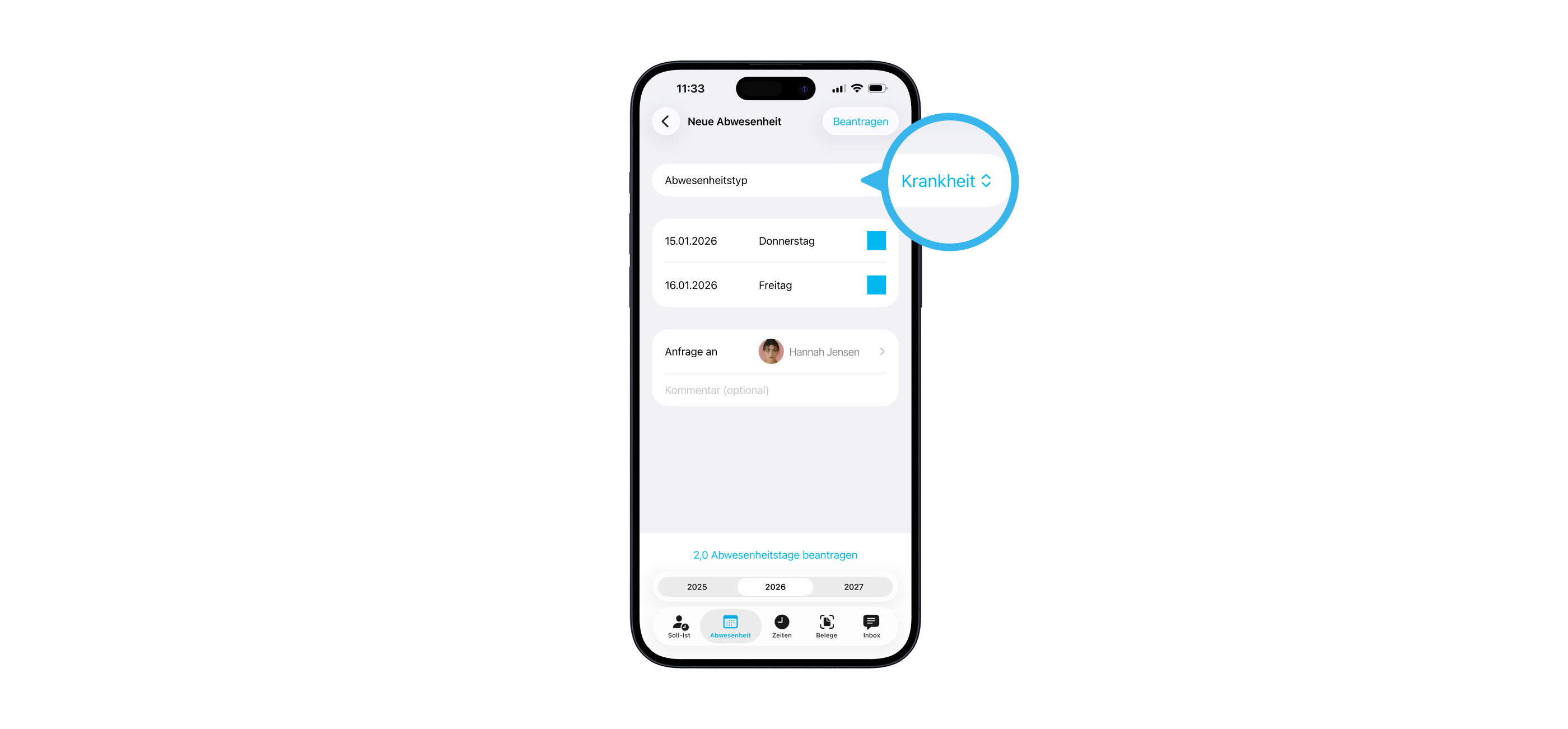
With the latest update to the iOS app, you can now request not only leave, but also sickness and neutral absences.
 (English image not yet available)
For a few weeks now, you’ve been able to manage sickness and neutral absences centrally via the new leave requests. The update is now also available for your iPhone.
As usual, select the days you want in the calendar and choose “Request Absence”. In the next step, select the type of absence: Leave, Sickness, or Neutral. Choose the approver, optionally add a comment, and submit.
As usual, select the days you want in the calendar and choose “Request Absence”. In the next step, select the type of absence: Leave, Sickness, or Neutral. Choose the approver, optionally add a comment, and submit.
Open requests are shown in blue in the calendar. Approved leave appears in green, and other approved absences in grey. This way, you can see at a glance what’s still pending.
Leave requests will be available in the Android app in the coming weeks.
Leave requests will be available in the Android app in the coming weeks.








