Cost Calculation
Start Calculation | Transfer Costs to the ProjectStart Calculation
With the calculation, you can estimate expected costs and your profit margin as you create a quote. Using it is optional, so your existing processes won’t become more complicated if you prefer not to use this pre-calculation.
If needed, you can start the calculation in edit mode:
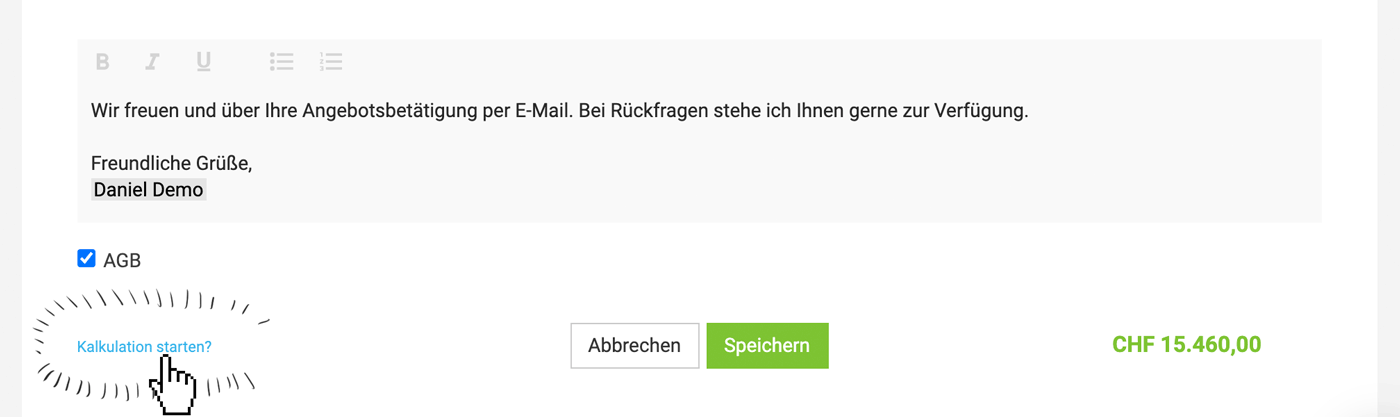 (English image not yet available)
If needed, you can start the calculation in edit mode:
(English image not yet available)Enter or Adjust Costs
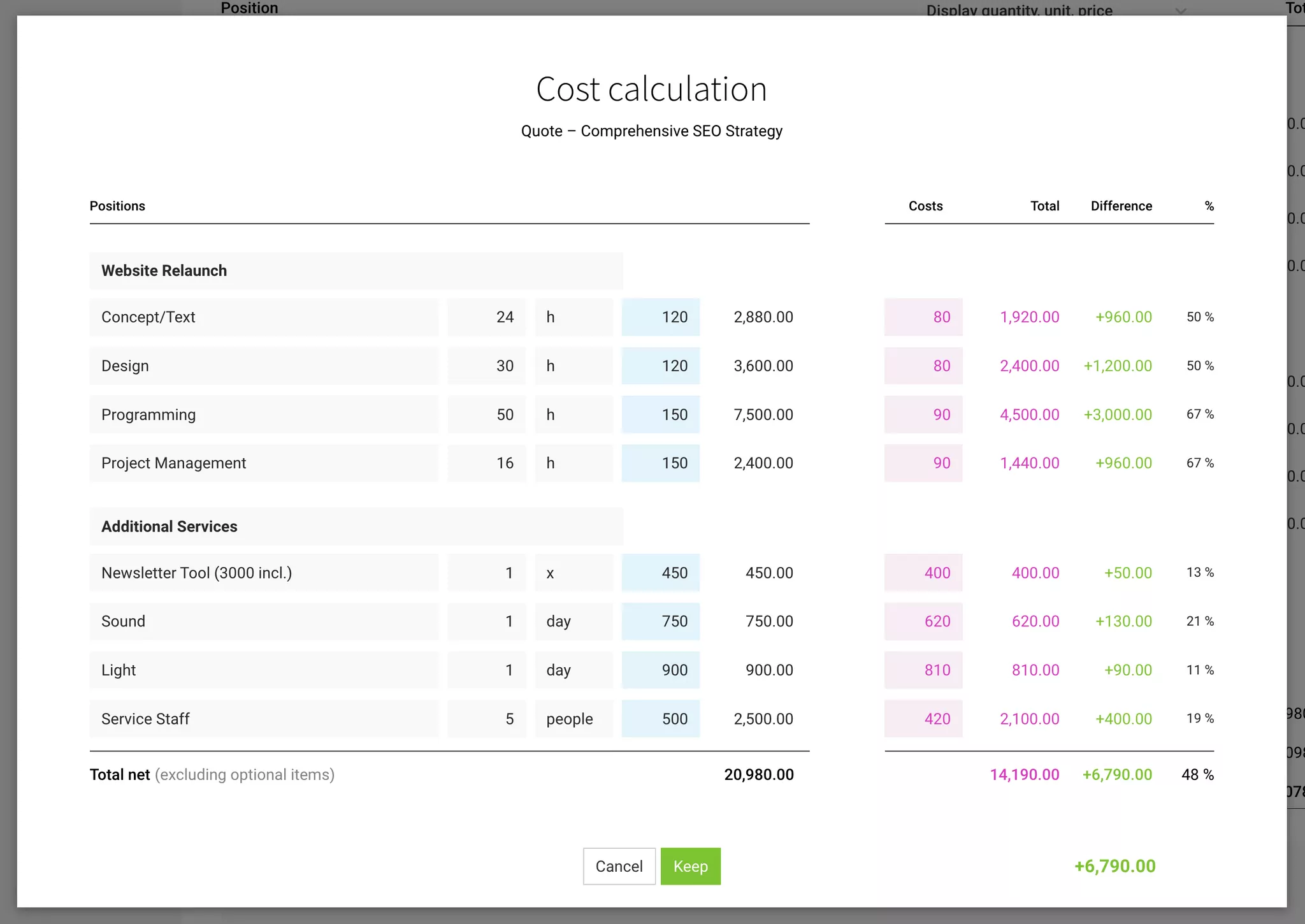
- In the calculation window on the right, enter or adjust the costs.
- If needed, adjust line items as well.
- For services (usually your own work), you can enter a standard hourly rate (blue link). You can change this in Settings under "Services" > "Internal Hourly Rates".
- If predefined additional services with stored costs have been added to the quote, the costs are applied automatically.
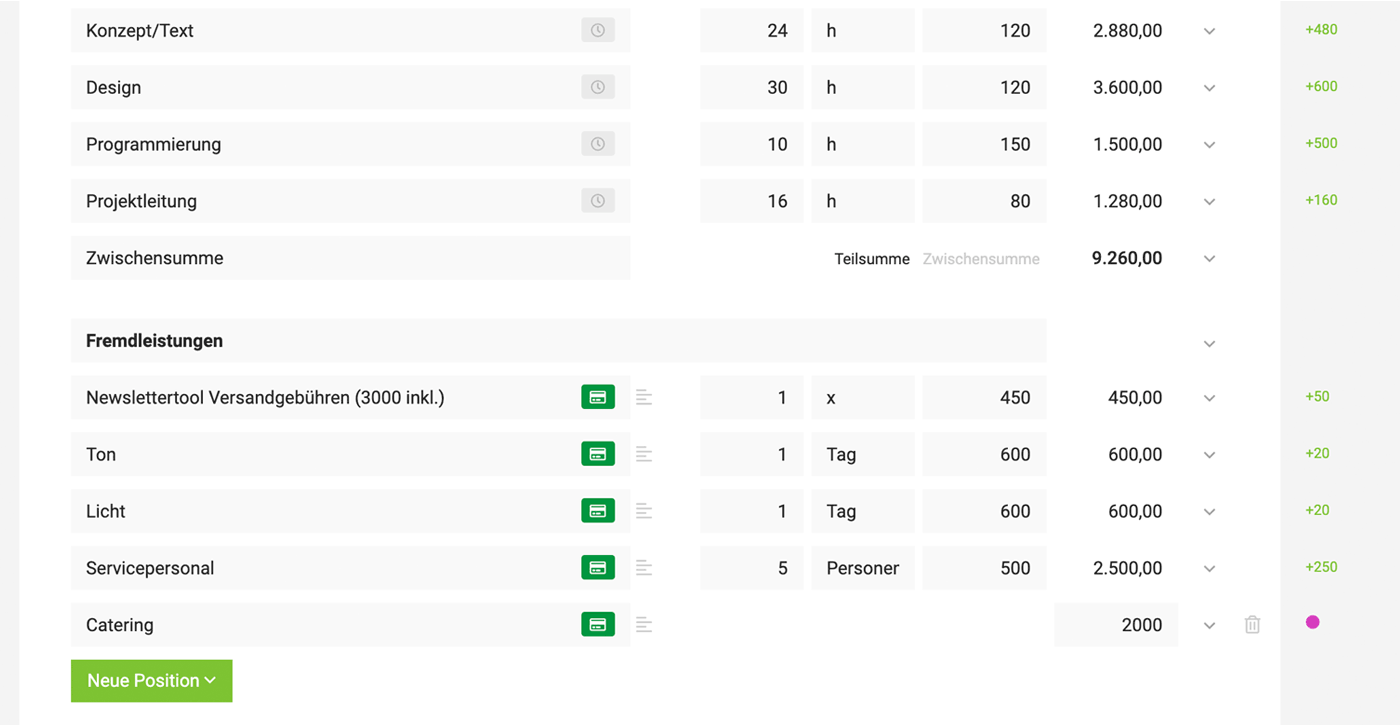
After closing the calculation window, MOCO shows the difference on the right, or a purple dot if no costs have been entered. This allows you to keep things under control even when line items are added later. Clicking this info takes you straight to the calculation option.
 (English image not yet available)
Transfer Costs to the Project
If a quote was created in the project or assigned later, you can transfer the line items from the quote, including forecast costs, into the project under "Additional Services".
If a purchase (supplier invoice) is later assigned to this additional service, the project costs are updated.