Plan Revenue
Fixed-Price/Flat-Rate Billing | Time & Materials BillingFixed-Price/Flat-Rate Billing
Planned Billing
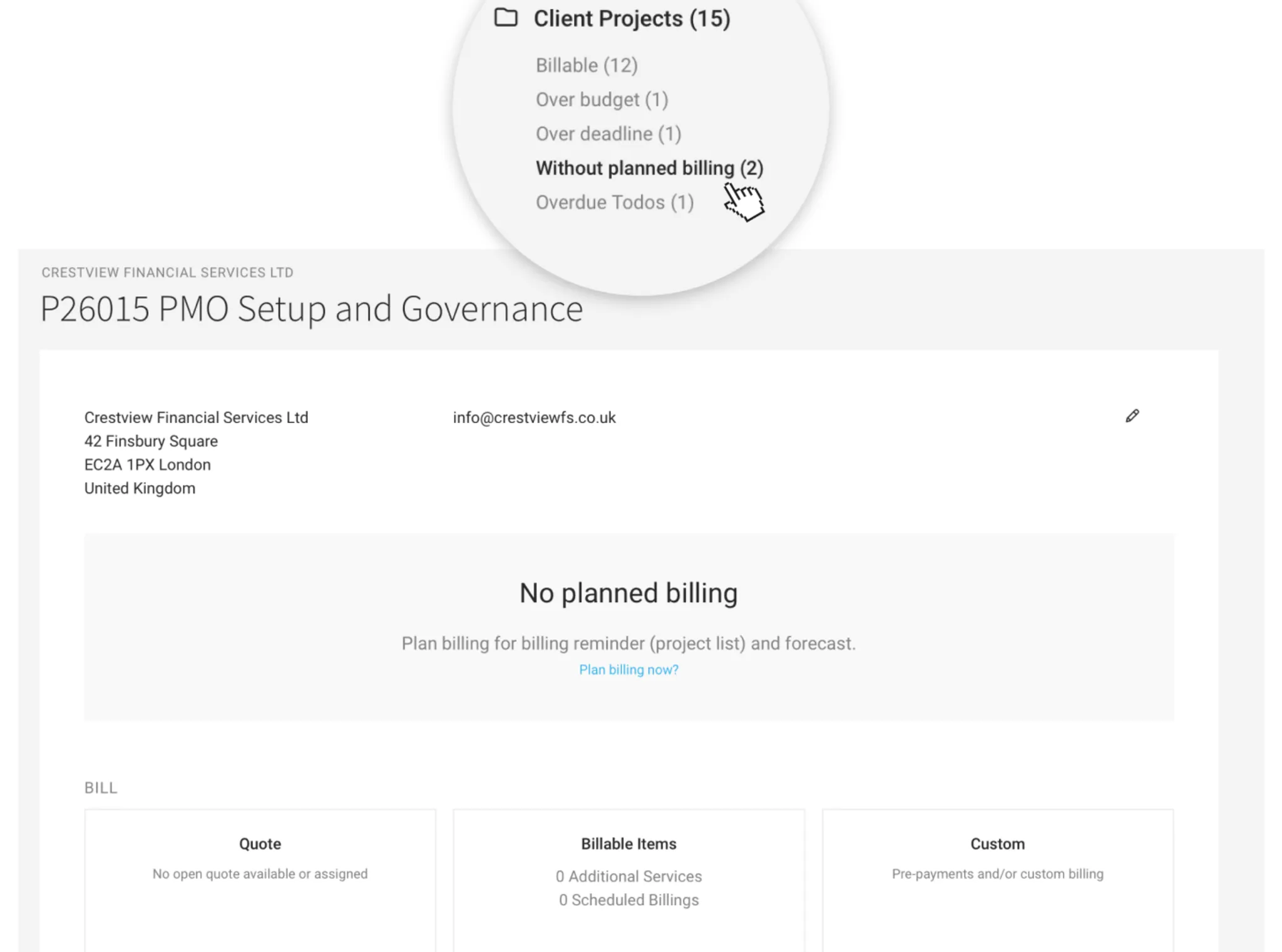
For projects with the billing type "Fixed price/flat rate", you actively plan the Billing after creating the project (in the project under "Billing"). To make sure this is not forgotten for any project, MOCO uses the Smart Filter to highlight projects without planned Billing.
Retainer
With a selected monthly budget (retainer), MOCO automatically creates the planned Billing. You can adjust the cut-off date, etc., if needed.
Time & Materials Billing
Planned Hours
For projects where time & materials Billing is selected, planned revenue is calculated based on the hours planned in capacity planning. The monthly amounts are shown in the project under "Billing" (1) – and are also reflected in the financial report.
The figures link directly to planning (2), so you can quickly adjust them if needed.
If the project is budgeted, MOCO shows whether too few or too many hours have been planned (3).

The figures link directly to planning (2), so you can quickly adjust them if needed.
If the project is budgeted, MOCO shows whether too few or too many hours have been planned (3).
Hour Allowances (Monthly Budget)
Using the monthly budget, MOCO automatically calculates the planned revenue for the financial report.
- For past months, MOCO only shows the hours that are actually billable
- For the current month, the hours that are actually billable + remaining budget
- For future months, MOCO uses the monthly budget








