Alter News-Artikel!
» Hier geht's zur aktuellen Online-Hilfe
Article from
Planning: Provisional Planning or Neutral Project Blocker.
With the new option, you can provisionally plan projects. This provisional planning does not affect the workload of an individual or the team.
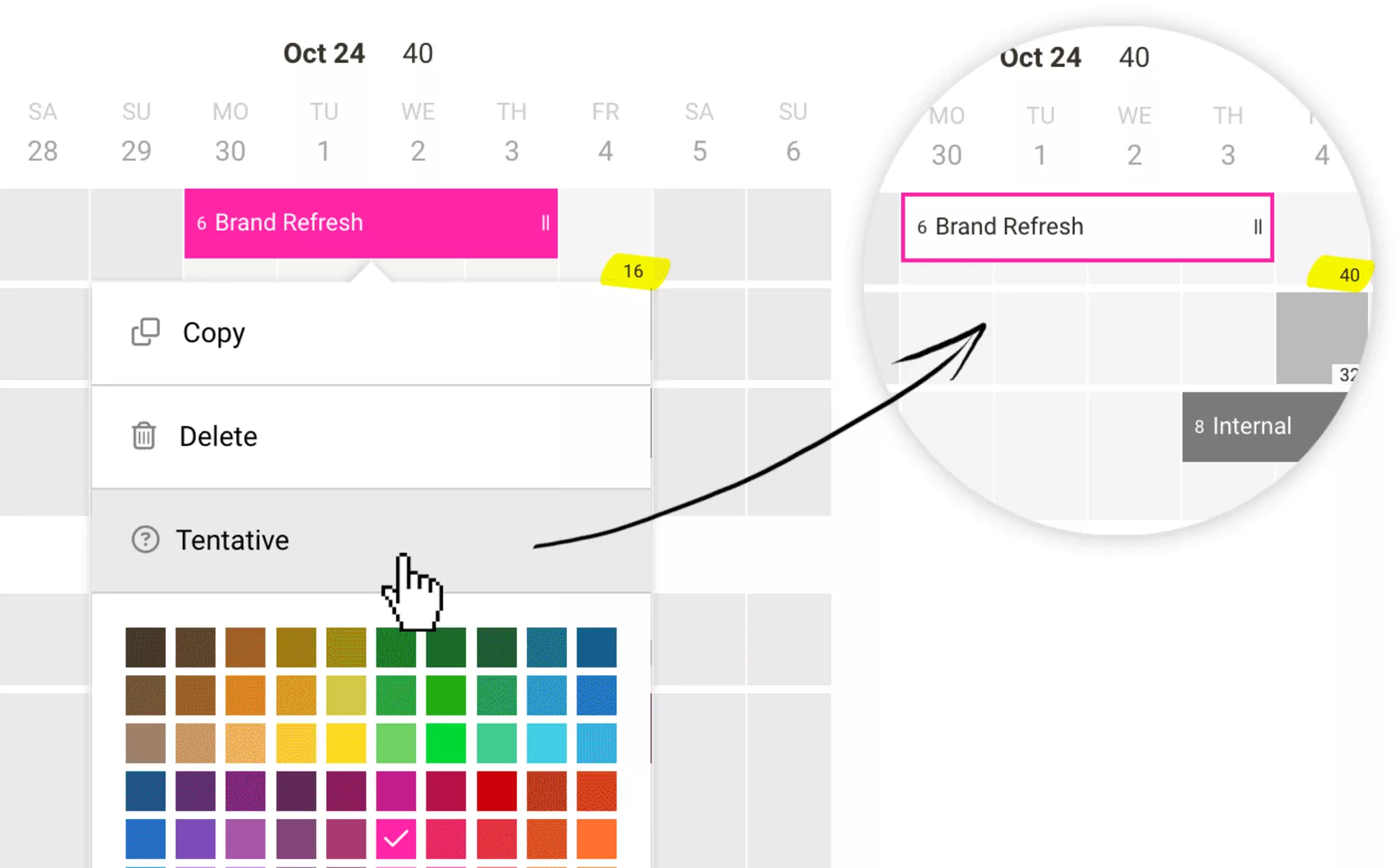
Make an entry for a provisional entry using the checkbox (Entry > More Options) or more easily via right-click (see illustration). Entries marked this way will be highlighted in white and outlined with the project colour.
With another click and selecting "Schedule", you can turn the entry into a regular planning entry.
Use Cases:
With another click and selecting "Schedule", you can turn the entry into a regular planning entry.
Use Cases:
- It is not yet known which team member will ultimately take on the work.
- You want to indicate that the planning is currently just a proposal.








