Alter News-Artikel!
» Hier geht's zur aktuellen Online-Hilfe
Article from
Accounting Export BMD (Austria).
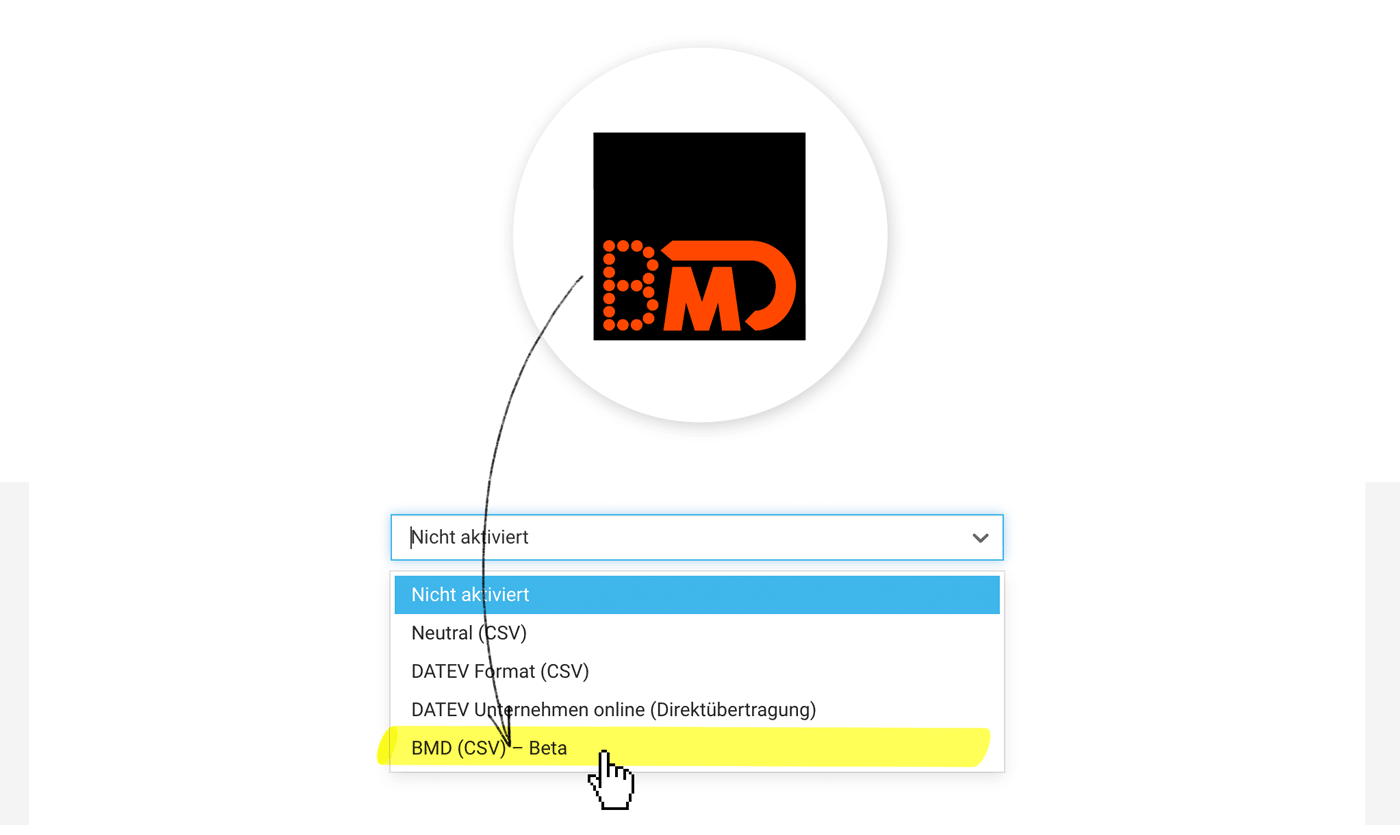
The new accounting export is tailored for the BMD accounting software . Incoming and outgoing invoices (invoice data and documents) can be exported from MOCO and then imported into BMD. The structured invoice data (CSV) is specifically prepared for BMD.
BETA Version
The export has been successfully tested by clients in Austria. In Austria, BMD is a relatively popular accounting software. Since it is an independent development, we cautiously call the first version "Beta".
 (English image not yet available)
How it works
1. Select the accounting option in the settings under "Accounting".
3. Create export (in the respective section under "Accounting").
4. Download booking data (CSV file) and documents and hand them over to your tax advisor/accountant.
Tip for importing into BMD
If all documents are unzipped in the same folder as the CSV file, BMD can directly assign the documents.
» Link to the BMD Website Austria
BETA Version
The export has been successfully tested by clients in Austria. In Austria, BMD is a relatively popular accounting software. Since it is an independent development, we cautiously call the first version "Beta".
(English image not yet available)How it works
1. Select the accounting option in the settings under "Accounting".
3. Create export (in the respective section under "Accounting").
4. Download booking data (CSV file) and documents and hand them over to your tax advisor/accountant.
Tip for importing into BMD
If all documents are unzipped in the same folder as the CSV file, BMD can directly assign the documents.
» Link to the BMD Website Austria








