Alter News-Artikel!
» Hier geht's zur aktuellen Online-Hilfe
Article from
🎅 Confirm Proposals Online.
 (English image not yet available)
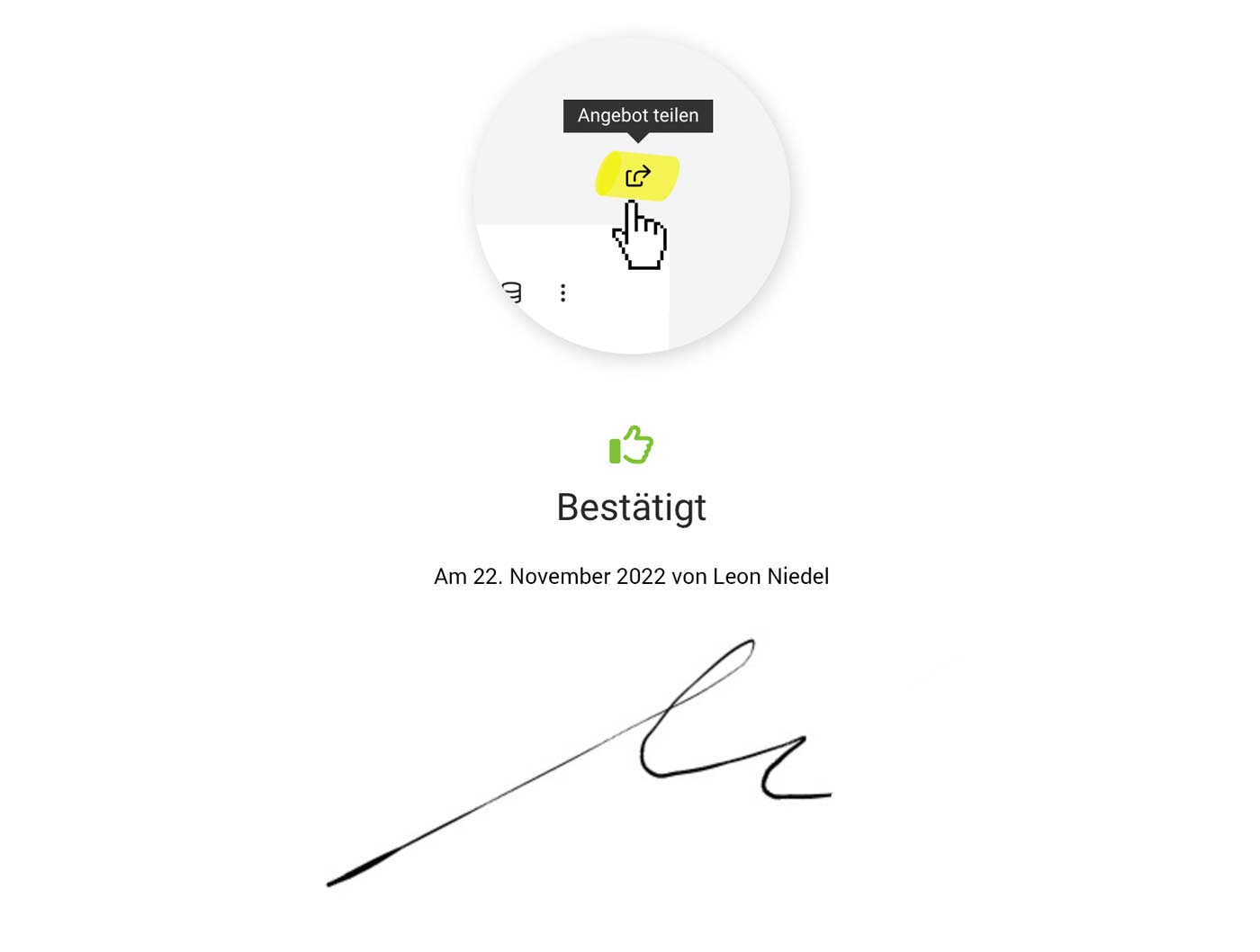
Thomas demonstrates how clients can easily confirm proposals online. As the project owner, you will be notified once the confirmation is completed.

Variable "Link/Online Confirmation Proposal"
To automatically include the link for online confirmation with the proposal email, use the variable "Link/Online Confirmation Proposal" in the standard email text. This variable can also be added at the time of sending if needed.
Allow Online Access
Access via the link is automatically activated upon sending – this also applies if the link is used in the proposal's closing text. Otherwise, access must be manually enabled, similar to sharing a project report.
The process is as follows:
1. Offer Online Confirmation to Client
Inform clients via email and/or PDF that the proposal can be confirmed through the link.
2. Client Confirms
The recipient or another person in the company confirms online (with name, email, and signature)
3. Proposal is Set to Confirmed & Project Owner Informed
The person chosen as the "Internal Contact" in the proposal will be notified, a note is added to the proposal, and the proposal status is set to "Confirmed".
Confirmation can later be verified by clicking "Share Proposal" or via the link.








