Alter News-Artikel!
» Hier geht's zur aktuellen Online-Hilfe
Article from
iPhone App Update: Record Personal Expenses.
Just paid the invoice at the restaurant? Quickly scan the receipt now, and your personal expense entry is recorded.
 (English image not yet available)
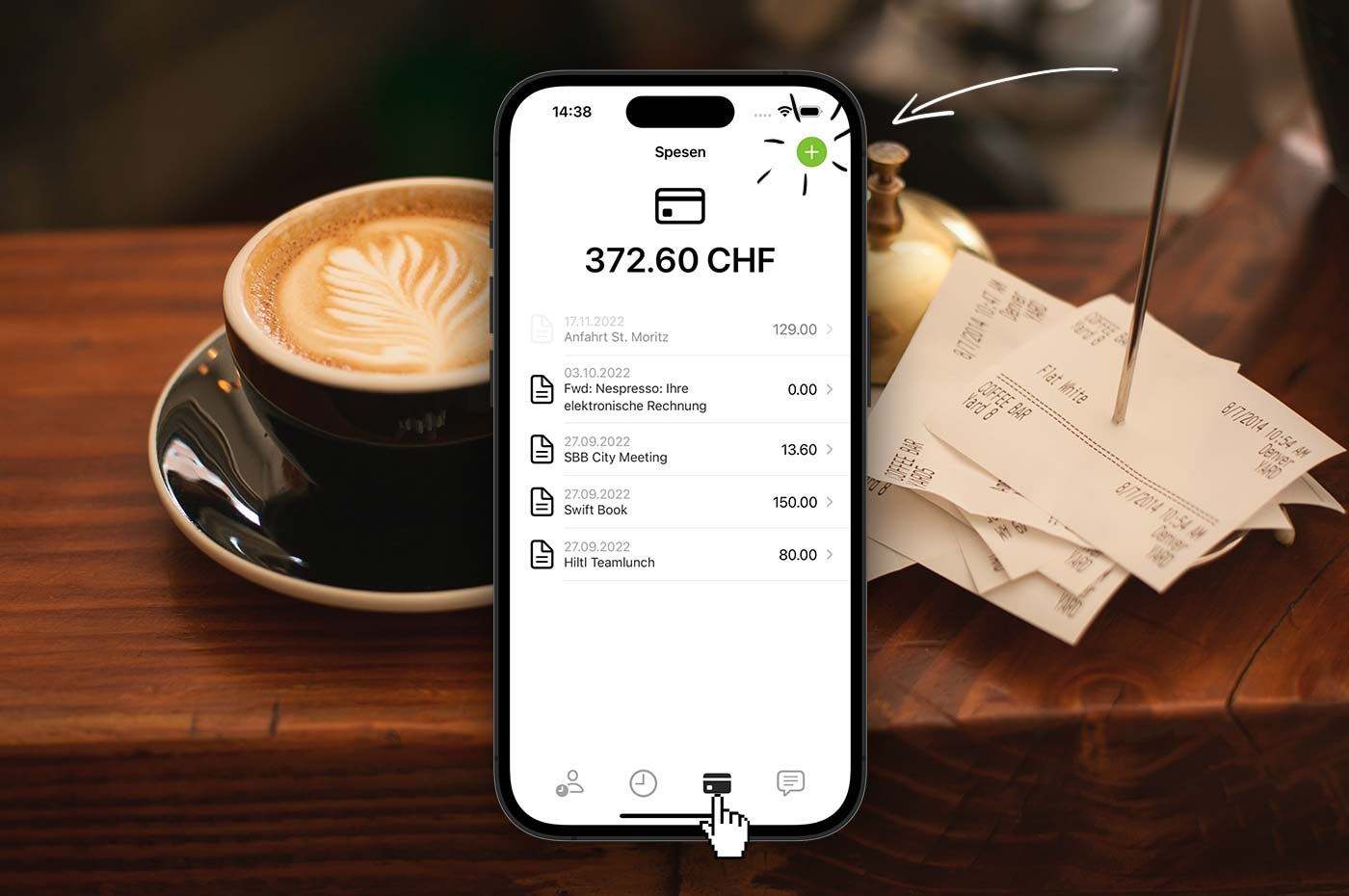
Just like the Android app, you can now record your personal expenses with the MOCO iPhone app. Simply select the credit card icon in the menu and use the "+" to add a new receipt (including date, amount, description). You can add more details later in your personal expenses management (profile).
By the way, an entry can also be recorded without a receipt - for example, if it's a daily allowance or if you can only add the receipt later.
Not using the personal expenses feature in MOCO yet?
Activate the option for your account in the settings under Expenditures > Personal expenses. After that, everyone can manage their personal expenses in their profile and see the additional menu item on the mobile app.
All information on personal expenses management
Photo by Carli Jeen on Unsplash








