Alter News-Artikel!
» Hier geht's zur aktuellen Online-Hilfe
Article from
Time Tracking: Auto-Completion of Tags.
 (English image not yet available)
Tag = Marker
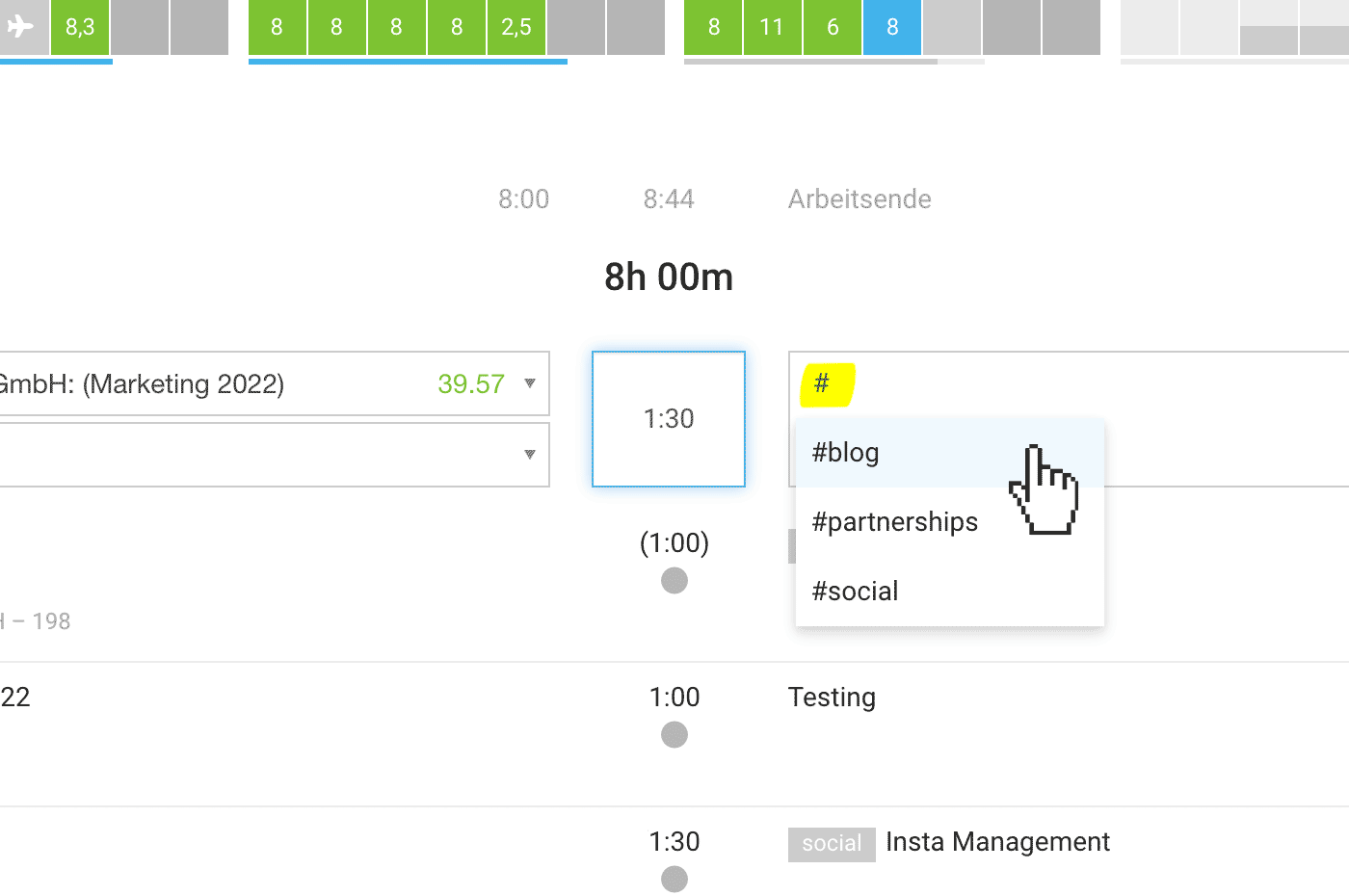
In MOCO, you can label time entries with a hashtag "#" – something you're likely familiar with from social media posts.
MOCO automatically suggests all tags that have already been used in a project when you make new entries and type a #... Tags are often used for ticket numbers, but they can also differentiate services or highlight special entries. You can later filter and analyze by these tags.
Activation
To ensure existing workflows remain unaffected, auto-completion must be enabled in the settings under "Time Tracking".
Link to the online manual








