Alter News-Artikel!
» Hier geht's zur aktuellen Online-Hilfe
Article from
Online Accounting Export for Expenditures.
 (English image not yet available)
Activate
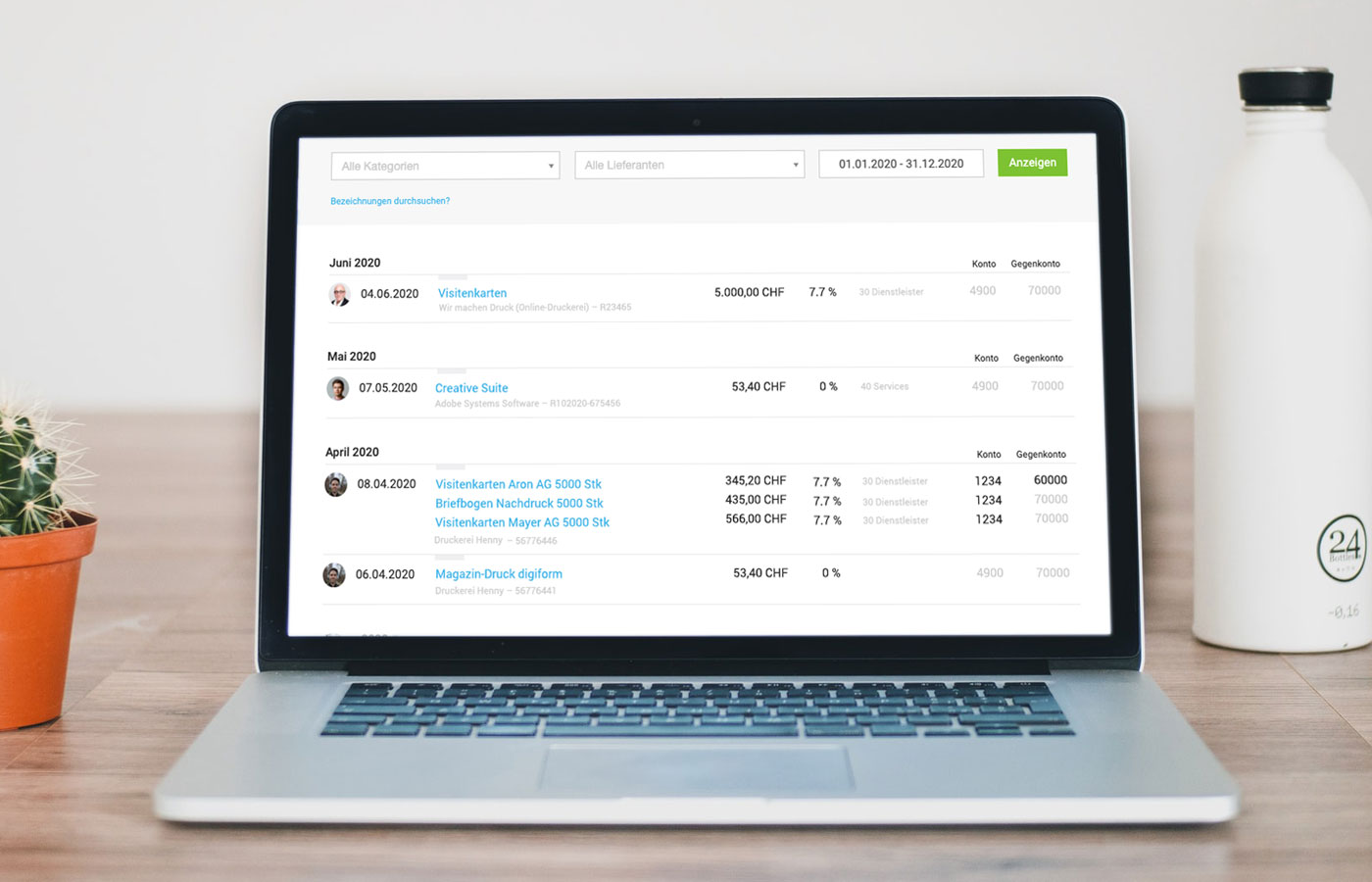
The accounting section can be activated in the settings: Select DATEV export or generic CSV export under the "Extensions" tab and make entries. After confirmation, an additional submenu item "Accounting" will appear under Invoicing and Expenditures. Here, invoices can be exported for accounting purposes. The accounting export includes all accounting-relevant information for each expenditure item.
Prepare
Creditor accounts can be overridden if necessary under "Expenditures" > "Accounting" > "Creditors". Without overriding, the standard creditor account applies.
The expense accounts are stored in the settings under "Expenditures" > "Categories". Each expenditure item can be assigned to a category.
Incidentally, multiple expenditure items can be recorded for one expenditure.
More information on expenditures
The expense accounts are stored in the settings under "Expenditures" > "Categories". Each expenditure item can be assigned to a category.
Incidentally, multiple expenditure items can be recorded for one expenditure.
More information on expenditures
Export
1. All completed incoming invoices (moved to the archive) are offered for export under "Accounting".
2. Select invoices individually via the grey filter area or on the left.
3. Check accounts.
4. Choose "Export invoices".
5. Under "Exports", the completed export is listed with the specified period and can be downloaded with or without receipts and sent to the accountant (e.g., monthly).
2. Select invoices individually via the grey filter area or on the left.
3. Check accounts.
4. Choose "Export invoices".
5. Under "Exports", the completed export is listed with the specified period and can be downloaded with or without receipts and sent to the accountant (e.g., monthly).
DATEV-Approved
Approved means: Using the test scenarios agreed with the manufacturer for this interface, DATEV has confirmed the technically error-free data exchange.
Image source for assembly: Unsplash Frederica Galli gallifederica.it








