Article from
Slack – The Free Communication Platform for Businesses.
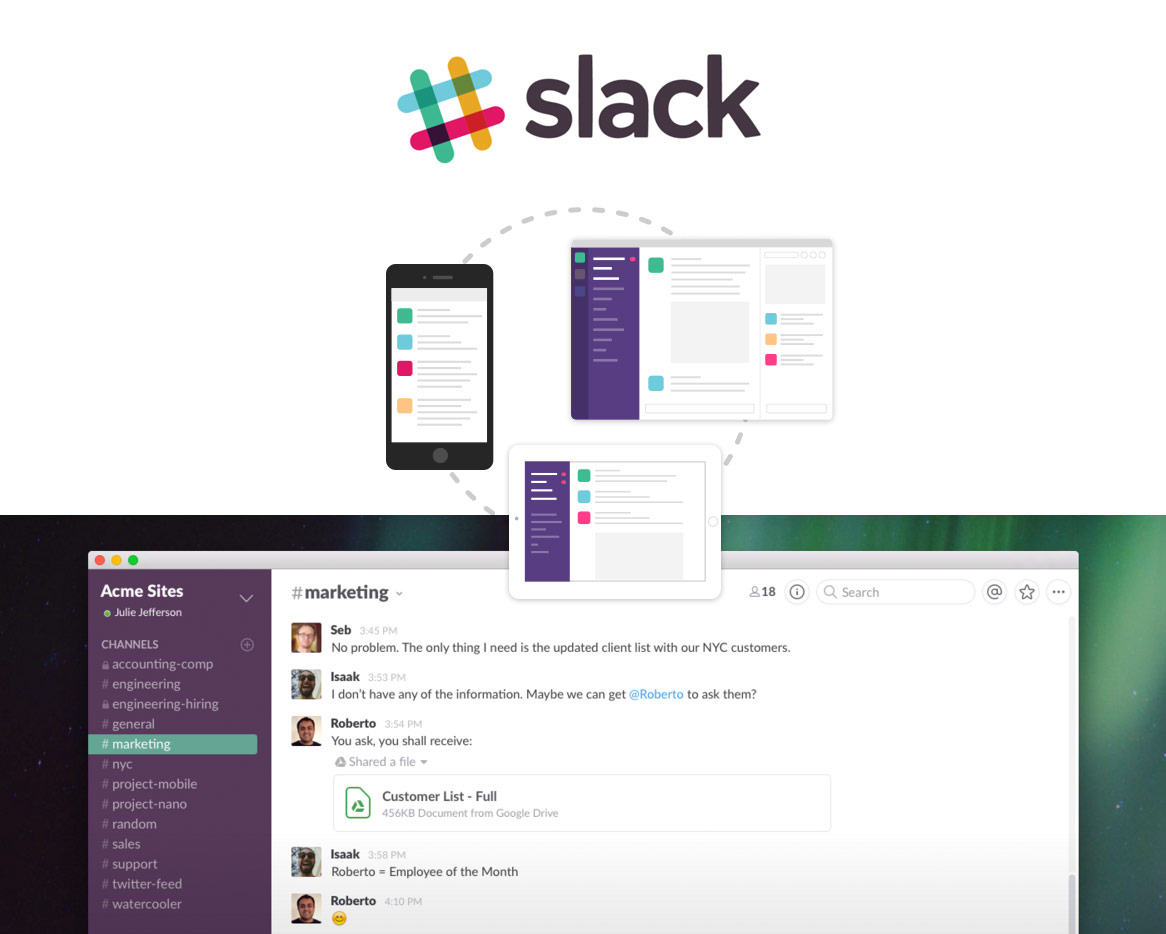 (English image not yet available)
Image source: Slack.com
- Dynamic News Feed
- Open and Closed Chats
- Direct Video Calls with Screen Sharing Option
- Fast Document Exchange
- Easy Search for Documents and Messages
Email communication is indispensable today. Over the past decades, nothing has changed in this regard - it's time for a new way to exchange information more effectively and efficiently.
Slack is gaining popularity. After its launch in January 2014, 120,000 people were already using the new communication platform daily within six months. Now, it's millions.
Advantages Over Emails
Searching through emails for specific content - whether topics or files - can be tedious. Slack offers a different approach: similar to Twitter, messages and documents can be tagged with hashtags, making them easier to manage.
There is no traditional inbox here. In the created channels (topics) or personal communication between users, the latest information is always displayed. This immediacy and transparency offer many advantages within a company. Information is exchanged quickly – email distribution lists and cc notifications are unnecessary. Slack operates simply and informally. However, it cannot replace the formality of an email.
Small and medium-sized businesses worldwide are particularly fond of Slack. While it cannot completely replace email, this new form of communication is now more appreciated internally than traditional emails.
Key Features at a Glance:
1. Channels
Open channels are accessible to all users. General information can be exchanged here. If you're running late in the morning, you can post a quick update here - but information about the daily lunch menu or the next company event reaches all users immediately.
2. Private Channels
Certain topics are only relevant to specific users. Whether sensitive issues or just projects, you can create a “Private Channel” and invite the relevant users.
3. Direct Communication
You can send a private and direct message to any user - similar to what you're used to with Skype.
4. File Sharing
With drag-and-drop, various files can be shared or sent in Slack, including comments. Collaboration with Google Drive, Dropbox, or Box is possible via the file link.
5. Integrations
Tools like GitHub, Dropbox, Twitter, Asana, etc., can be integrated, allowing notifications to be fully covered by Slack. This eliminates the need to switch between different tools, and Slack offers comprehensive searchability.
6. Deep Search
All content in Slack – messages, notifications, files, etc. – can be found at any time through the search. Even content within a posted PDF, Word document, or Google Docs is indexed! Hashtags help further channel information.
7. Apps
Through the Slack Apps, you automatically have access to all messages and archives, documents can be quickly uploaded, and notifications are immediately visible via push notification.
Free Version
With Slack's free basic version, unlimited employees can be added. This model includes 5 GB of storage, and search is limited to the last 10,000 messages. Other models offer a range of special services and features.








