
-------

MOCO + Quick Access
Browser Quick Access
With the browser extension, you can log time directly through the browser without switching to the MOCO window or tab.
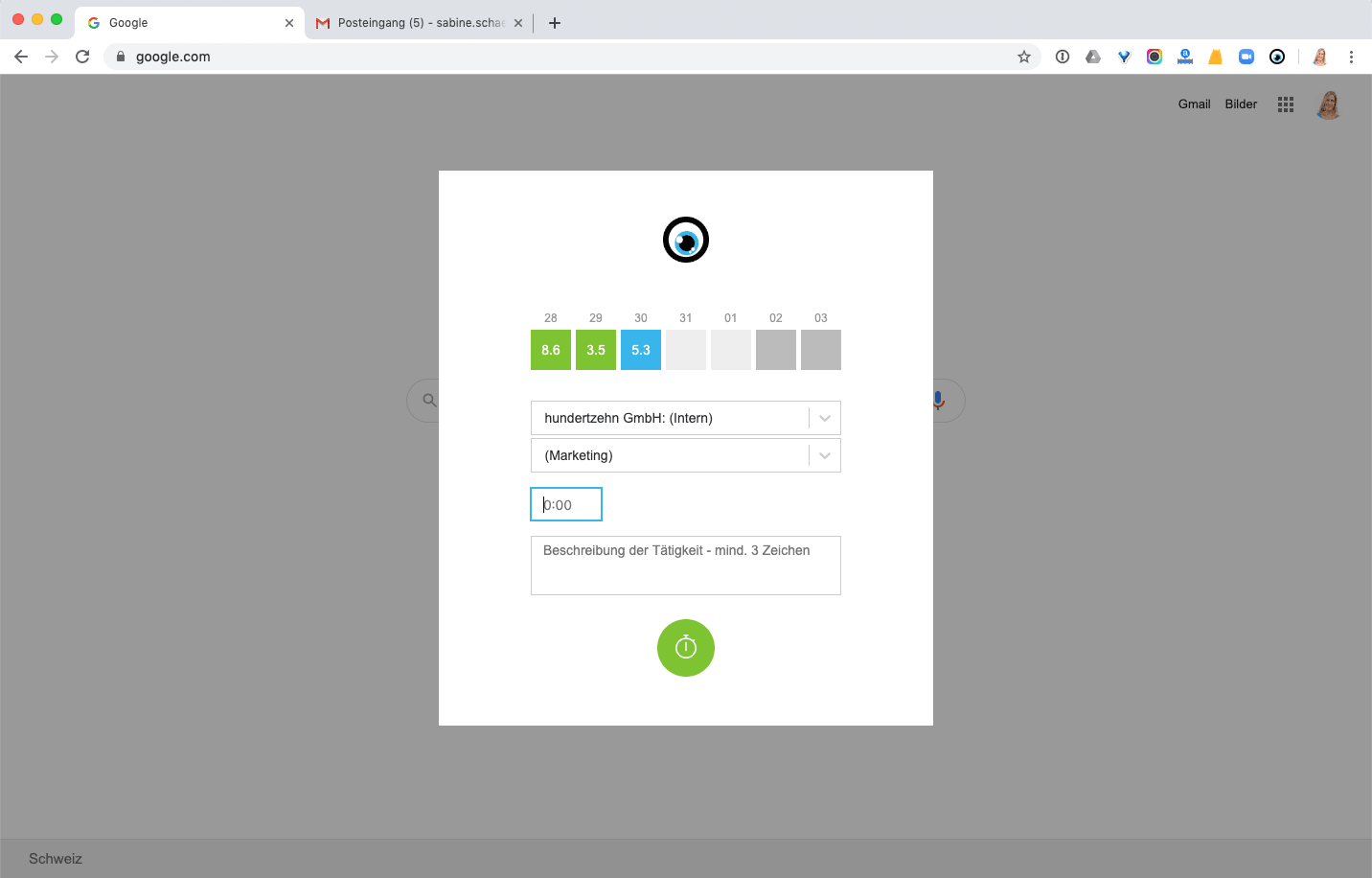 (English image not yet available)
Benefits of the Integration
After installing the browser extension for Chrome or Firefox, you can use the quick access in the top right corner of the browser bar to log hours on current days in MOCO. Each user can find the API key to activate the extension in their profile under "Integrations".
You can call up the time tracking via keyboard with Command + Shift + K (you may need to set this shortcut for the browser).
You can call up the time tracking via keyboard with Command + Shift + K (you may need to set this shortcut for the browser).
Setting Up the Connection
1. You use Chrome or Firefox as your browser
2. Install the browser extension
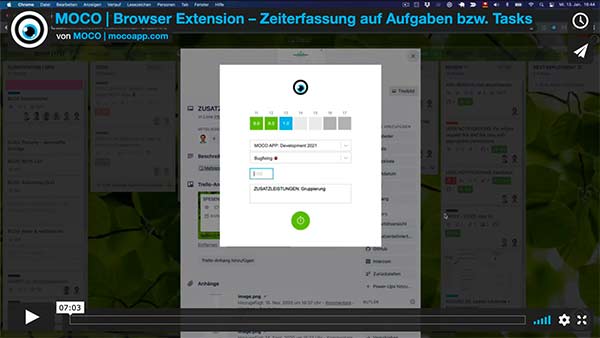
» In the video, Tobias demonstrates the setup from minute 1:00
 (English image not yet available)
2. Install the browser extension
» In the video, Tobias demonstrates the setup from minute 1:00
(English image not yet available)







