Alter News-Artikel!
» Hier geht's zur aktuellen Online-Hilfe
Article from
Planning: Team Sorting, Hide Individuals, Focus on Your Own Schedule.
With these new options, you can customise your planning view: Set the order of teams, hide certain individuals, or with one click, focus solely on your own schedule.
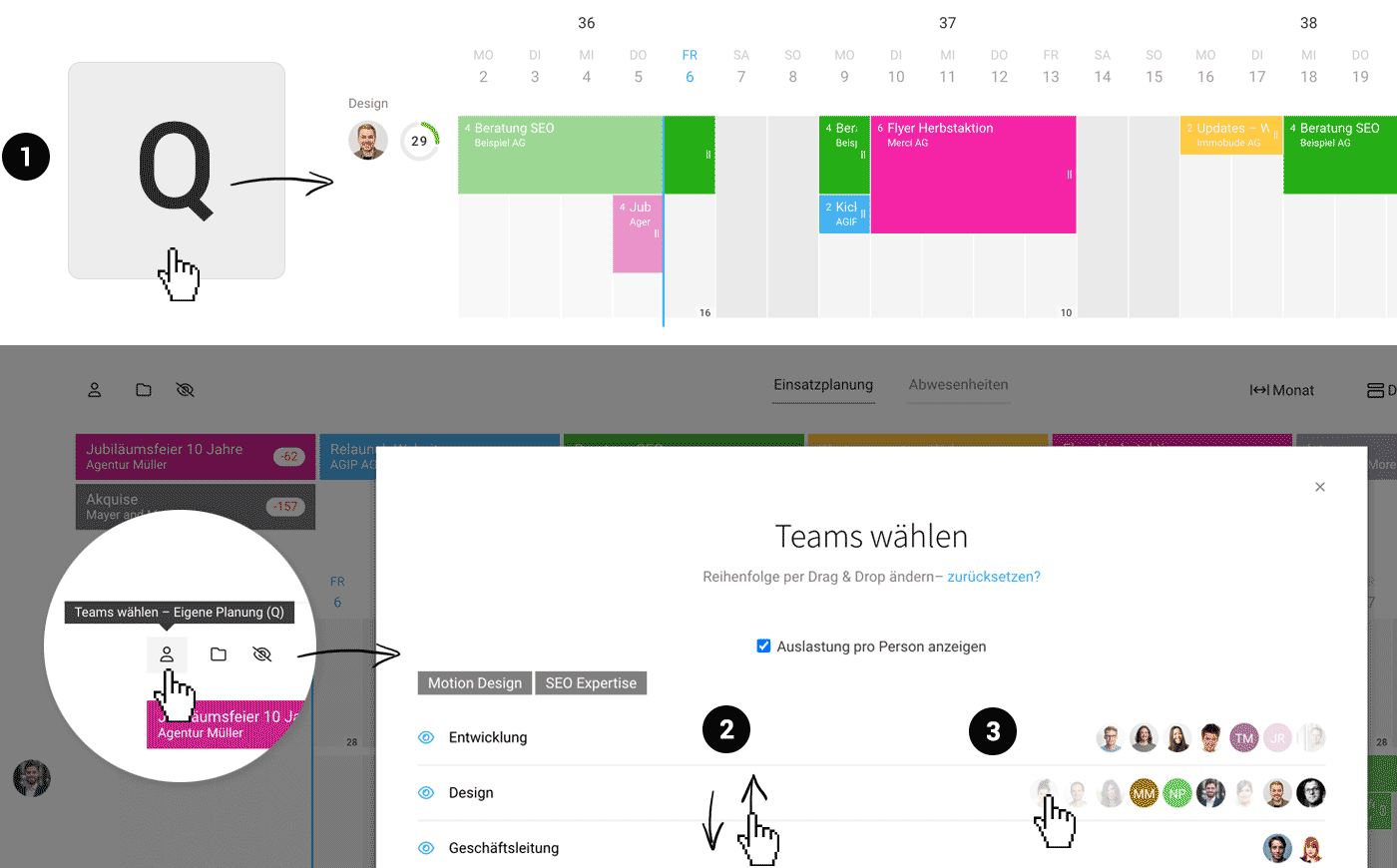 (English image not yet available)
Q – View Your Schedule with One Click
Select Q on your keyboard to quickly access your schedule (1). The view will switch directly to the detailed mode, providing you with the most informative display.
Choose Team Order
Want to see your own team first? Besides the existing option to hide teams irrelevant to your planning, you can now set the order. This works via drag & drop, similar to selecting project favourites (2).
Hide Individuals
Are certain individuals in a visible team not scheduled? In addition to team selection, you can now also choose to hide or show specific individuals (3).








