Alter News-Artikel!
» Hier geht's zur aktuellen Online-Hilfe
Article from
Additional Options for Expenditures.
The new expenditure planning is followed by a few additional options that were not essential for the first version but nicely complete the feature. These are now also available online:
 (English image not yet available)
Export for Planned Expenditures
Under "Expenditures" > "Planned" there are now two new export options:
a) All planned expenditures under "All"
b) Recurring planned expenditures under "Recurring"
a) All planned expenditures under "All"
b) Recurring planned expenditures under "Recurring"
Export Additional Services with Plan Data
The export for additional services has been supplemented with the planned date and planned amount (complete list under "Projects" as well as individual export in the project)
Notification for Overdue Planned Expenditures
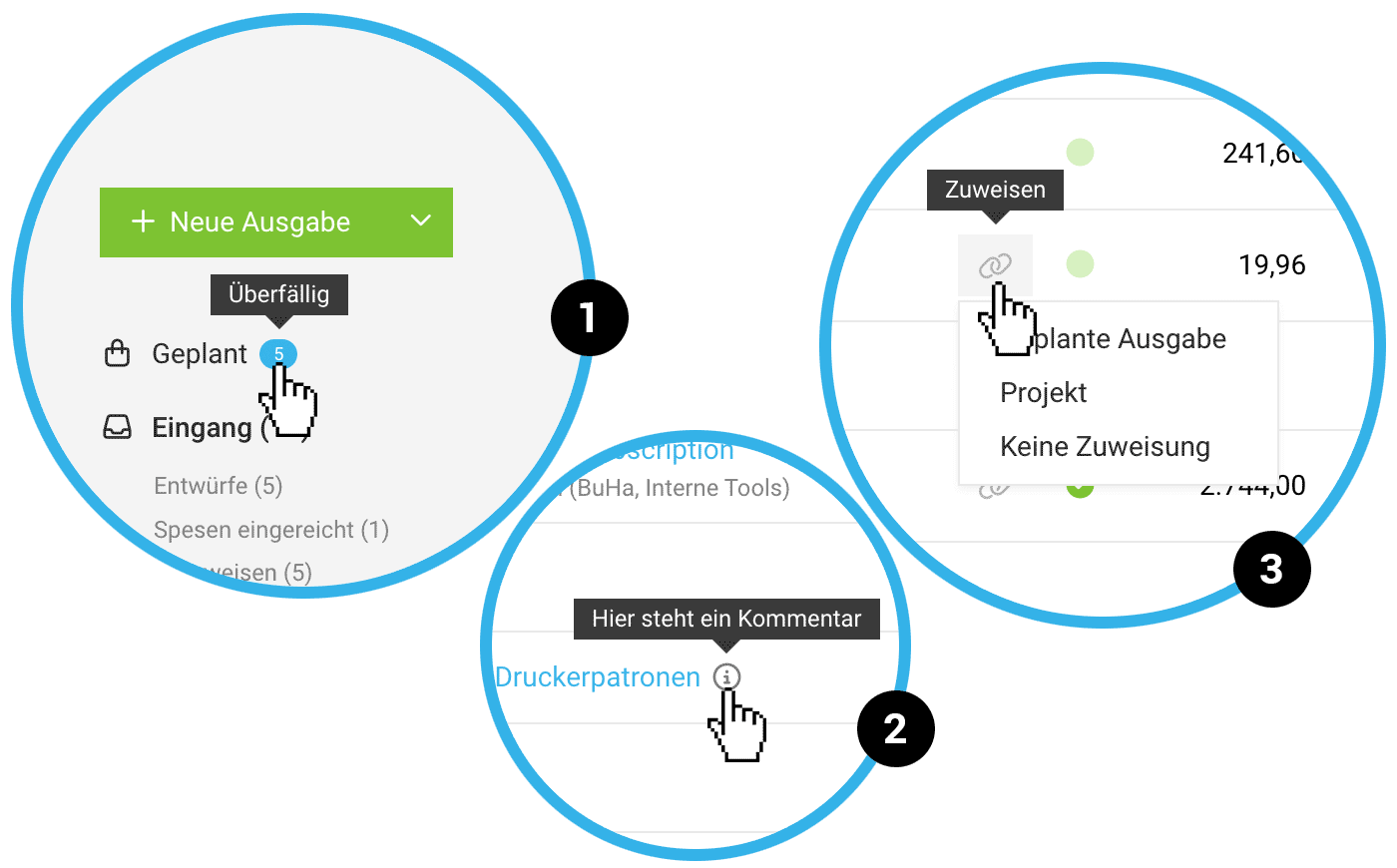
Similar to leads, overdue planned expenditures are indicated with "a blue pill" (+ number of items) (1).
Create New Suppliers Without Page Change
When creating a planned expenditure, a supplier can now be created directly via a quick creation option. If the supplier has not yet been recorded, this saves a few clicks.
Info Supports Assignment of Expenditure
When assigning the planned expenditure, any additional information stored is displayed in the modal via "i" with a tooltip (2)
Mark Expenditures When No Assignment is Needed
Not all incoming invoices should be assigned to a planned expenditure or project. If you mark these with "No Assignment" under the "Assign" option (3), the link icon disappears from the expenditure list, and the expenditure is no longer listed under the smart filter "Without Assignment". If you want to undo this or make an assignment later, remove the selection in the expenditure's detail view.
This action is also possible as a mass action by marking expenditures and collectively setting them to 'No Assignment'."
This action is also possible as a mass action by marking expenditures and collectively setting them to 'No Assignment'."








