Alter News-Artikel!
» Hier geht's zur aktuellen Online-Hilfe
Article from
Creating Delivery Notes.
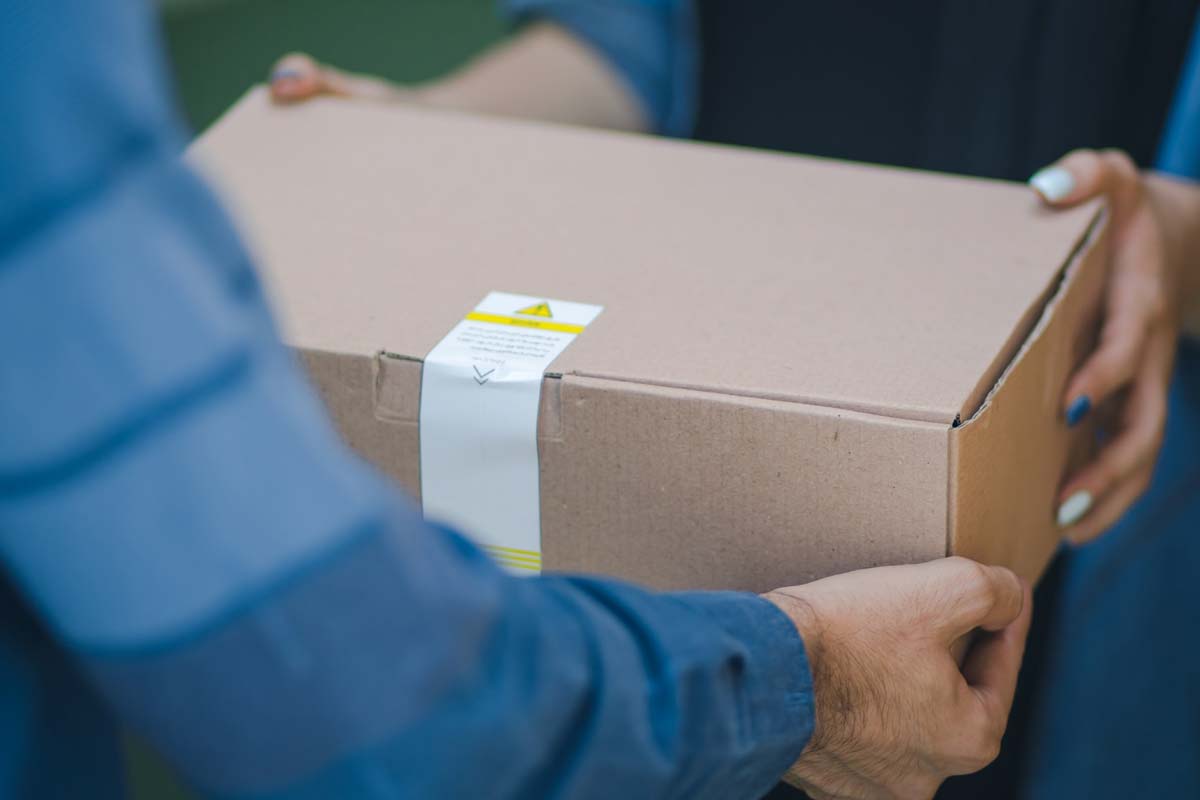
What is a Delivery Note? A delivery note is a document accompanying a shipment of goods. When you send goods for an order, you typically issue a delivery note as the sender. The recipient or your client gets a quick overview of the delivery through the delivery note.
 (English image not yet available)
(English image not yet available)Am I required to create delivery notes?
No. Creating a delivery note is not mandatory. There are no legal requirements for it. The client can also verify the completeness of the goods delivery using an invoice that contains all the details about the goods.
In many cases, service providers prefer to create a delivery note as a goods accompanying document. The invoice is usually sent separately from the delivery note. The delivery note helps the client to directly check and allocate the scope and type of ordered goods upon receipt.
Standard Information
The following information is a sensible minimum for a delivery note:
- Names of supplier and recipient
- Delivery date
- Quantity and description of the goods
- Proposal or invoice number as a reference
Creating Delivery Notes in MOCO
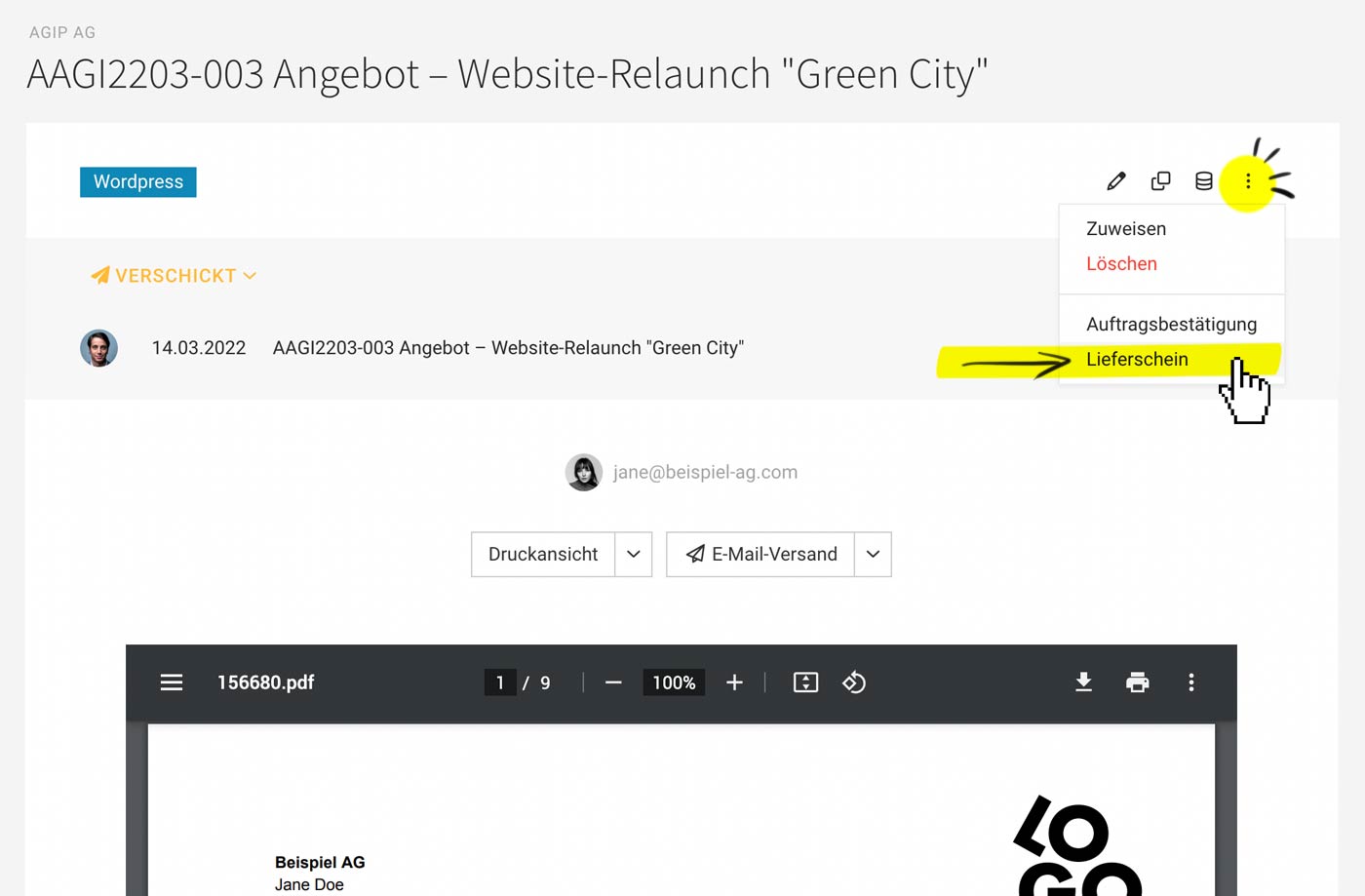
The delivery note in its current version is based on an existing invoice or proposal. It is directly linked to the document.
 (English image not yet available)
(English image not yet available)1. Select "Delivery Note" in the top right action menu of the proposal or invoice.
2. MOCO offers the most important details as a standard accompanying text. Depending on the case, decide which variables you want to add or remove (e.g., invoice number as a reference).
3. Select the relevant items and save the delivery note.
The standard letterhead for proposals or invoices is used accordingly. Alternatively, a different letterhead can be selected via "Print Preview".
Order Confirmations Moved to the Menu
Since order confirmations are also used sporadically, they have now been moved to the top right menu in proposals.
Photo by RoseBox رز باکس on Unsplash
Photo by RoseBox رز باکس on Unsplash








