Alter News-Artikel!
» Hier geht's zur aktuellen Online-Hilfe
Article from
Proposals: Cost Estimation.
With cost estimation, you can calculate expected costs at the moment of proposal creation and estimate the profit margin. Its use is optional, so existing workflows are not complicated if you choose to skip this pre-calculation.
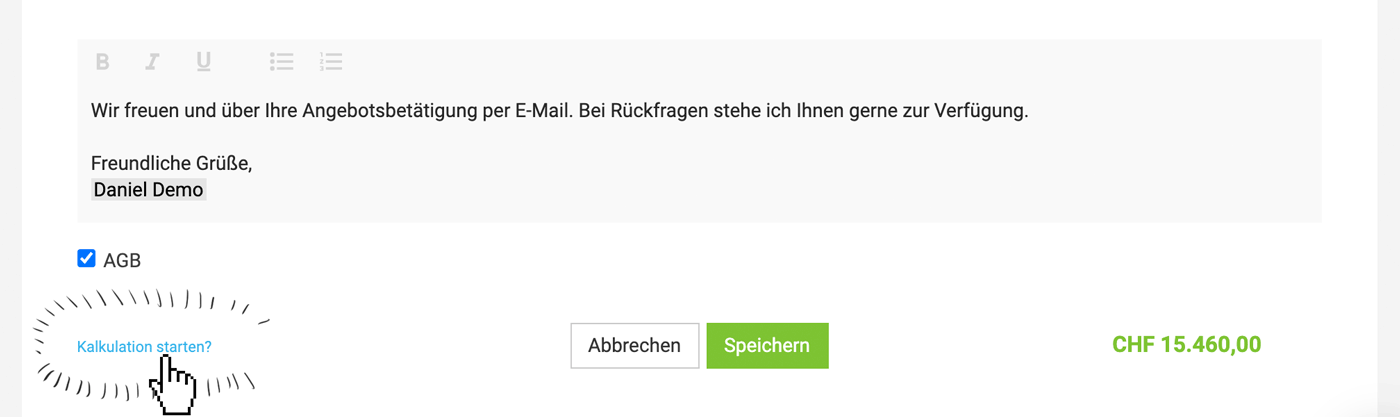
Start Estimation
Using one of these typical small, blue MOCO links, the estimation can now be started in the proposal footer.
 (English image not yet available)
(English image not yet available)Enter or Adjust Costs
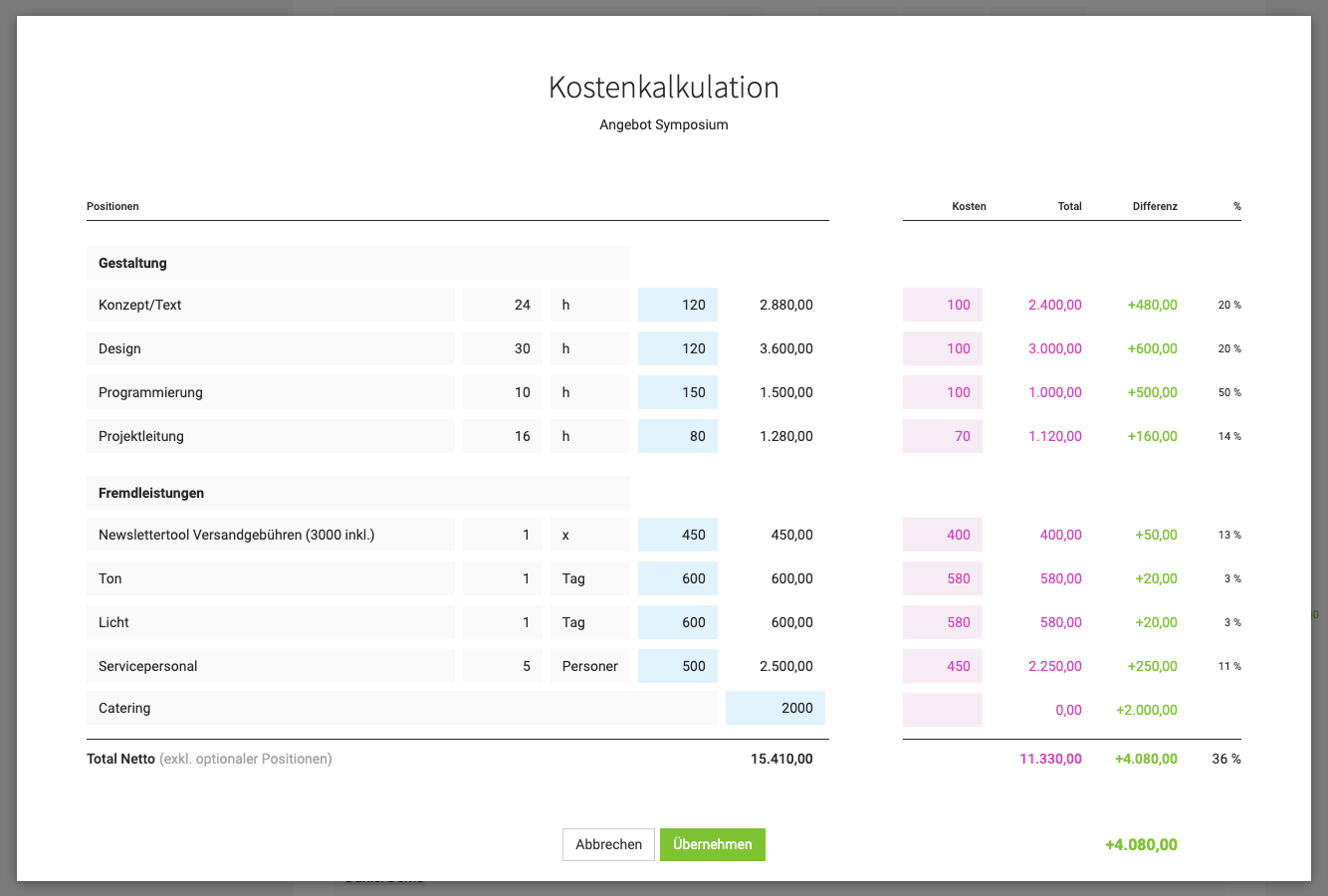
- Enter or adjust costs in the estimation window on the right side.
- Adjust positions if necessary.
- For services (usually in-house services), a standard hourly rate can be filled in (blue link). This can be changed in the settings under "Services" > "Internal Hourly Rates".
- If predefined additional services with associated costs are included in the proposal, the costs are automatically adopted.
 (English image not yet available)
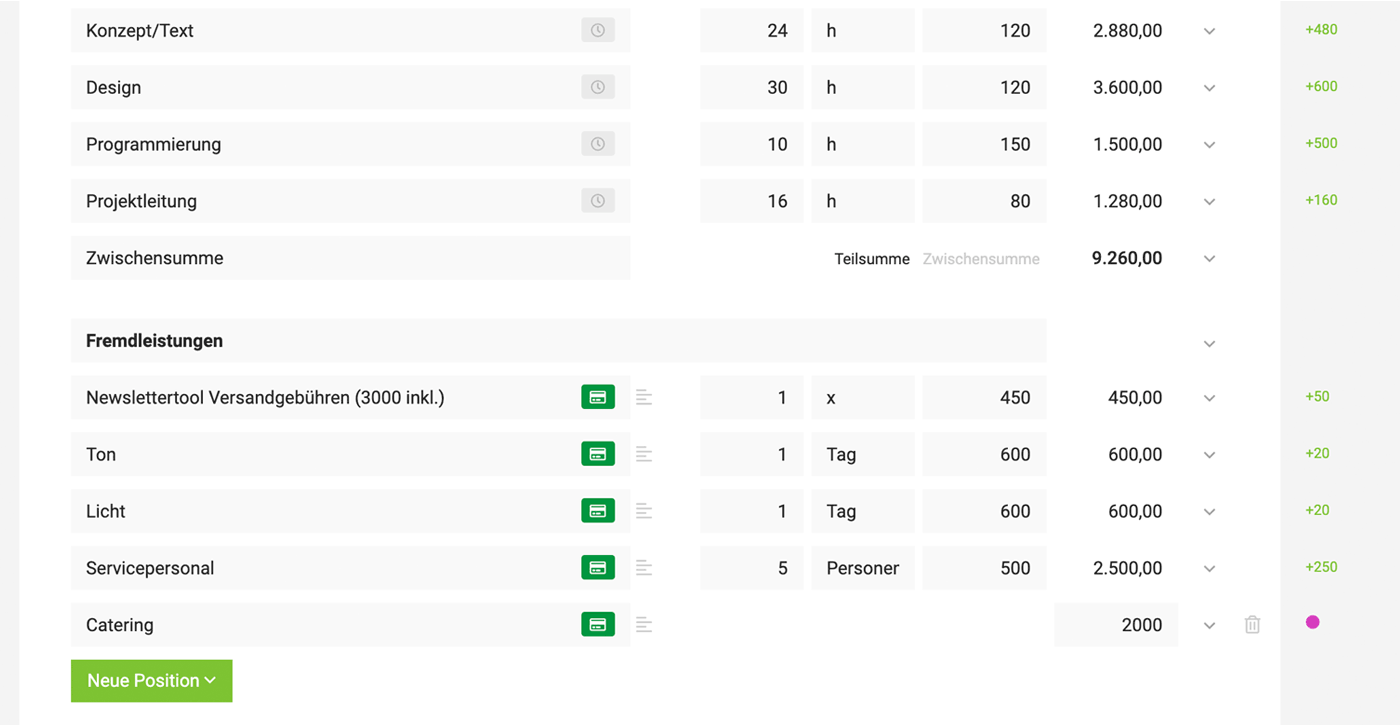
After closing the estimation window, MOCO displays the difference on the right or a purple dot if no costs are entered. This allows for control even with subsequently added positions. Clicking on this info directly calls up the estimation option.
 (English image not yet available)
Transfer to Project
If additional services from the proposal are transferred to the project, the entered costs are also carried over. If an expenditure is assigned later, these projected costs are updated.








