Alter News-Artikel!
» Hier geht's zur aktuellen Online-Hilfe
Article from
Images in Proposals.
Incorporate scribbles, illustrations, moodboards, and screenshots into proposals. The proposals in MOCO have traditionally focused on the calculation section. The new image position opens up a variety of possibilities.
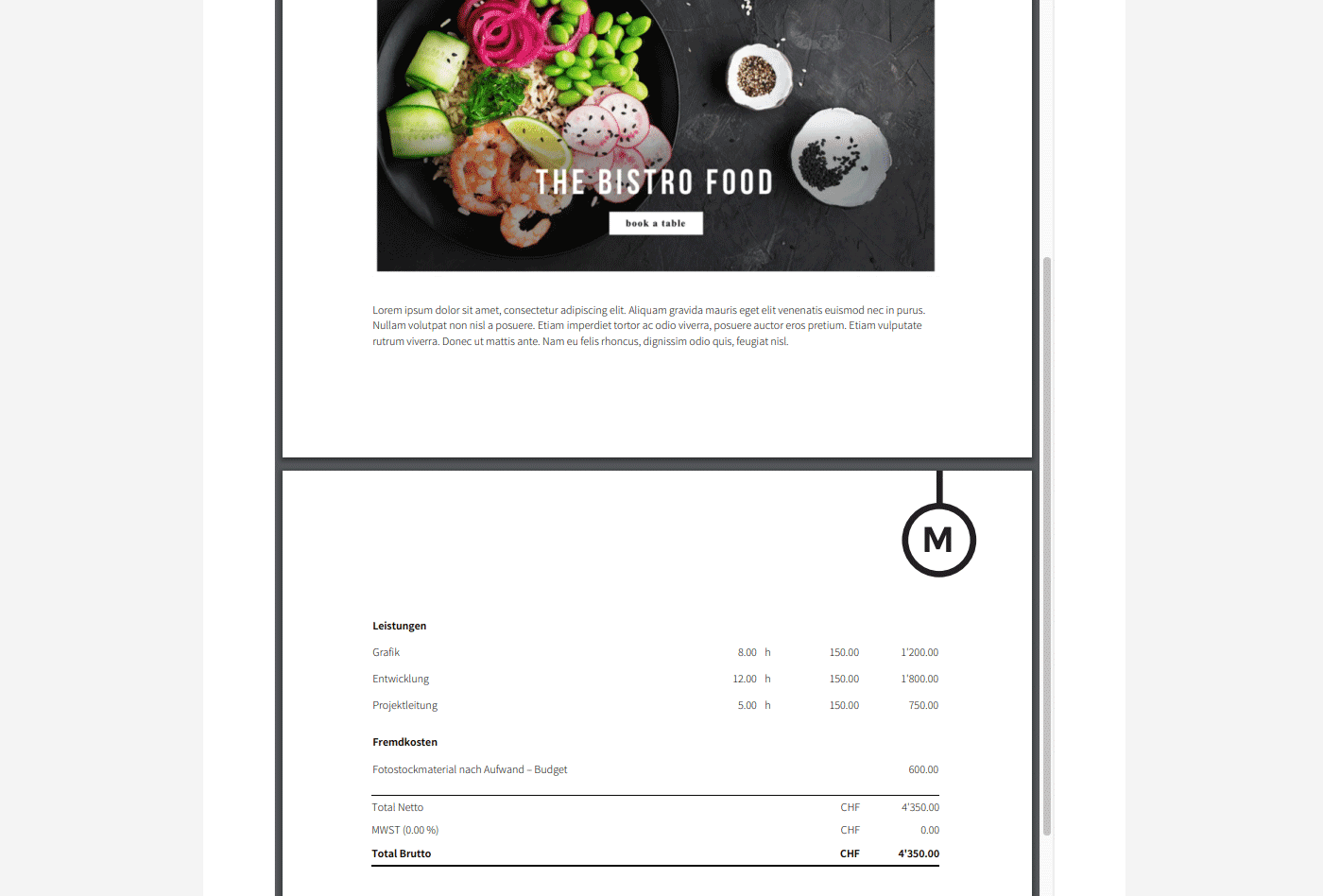 (English image not yet available)
The new "Image" position
In proposals, you can now select "Image" when adding new positions.
(English image not yet available)The new "Image" position
In proposals, you can now select "Image" when adding new positions.
- Insert images in JPG or PNG format via drag and drop.
- The maximum displayed width in the PDF is controlled by the description width (setting under "Layout"). Smaller images are left-aligned.
- Recommended image properties: 150 dpi at display size, RGB.
Hide table header
Introduction and positions can be seamlessly used when the table header is hidden in the proposal. Besides the default setting, the table header can now also be hidden in individual proposals.
This allows for a quick creation of an introductory page with a title character:
Set a title, leave the introduction text blank, hide the table header, insert an image, add a description text if needed, and insert a page break.
Ignored for invoicing
When proposals are invoiced, the images are not included, as they are generally not desired in invoices.
Introduction and positions can be seamlessly used when the table header is hidden in the proposal. Besides the default setting, the table header can now also be hidden in individual proposals.
This allows for a quick creation of an introductory page with a title character:
Set a title, leave the introduction text blank, hide the table header, insert an image, add a description text if needed, and insert a page break.
Ignored for invoicing
When proposals are invoiced, the images are not included, as they are generally not desired in invoices.
By the way
We hope you like the new editing look of proposals and invoices. The styling adjustments (replacing the border of input fields with a light grey background and optimizing small details) aim to make the content easier to overview, slightly more compact, and provide a small WYSIWYG effect.








