Alter News-Artikel!
» Hier geht's zur aktuellen Online-Hilfe
Article from
Quick Wins: Working Hours in the Summary Report, Invoice Email at Project Level & More.
 (English image not yet available)
Reports
Display of daily time tracking in the summary report (Reports > Time Tracking: click on a day).
Months without a weekly model are hidden in the personal report (comprehensive view of absences and Target-Actual).
Projects
Override invoice email at project level
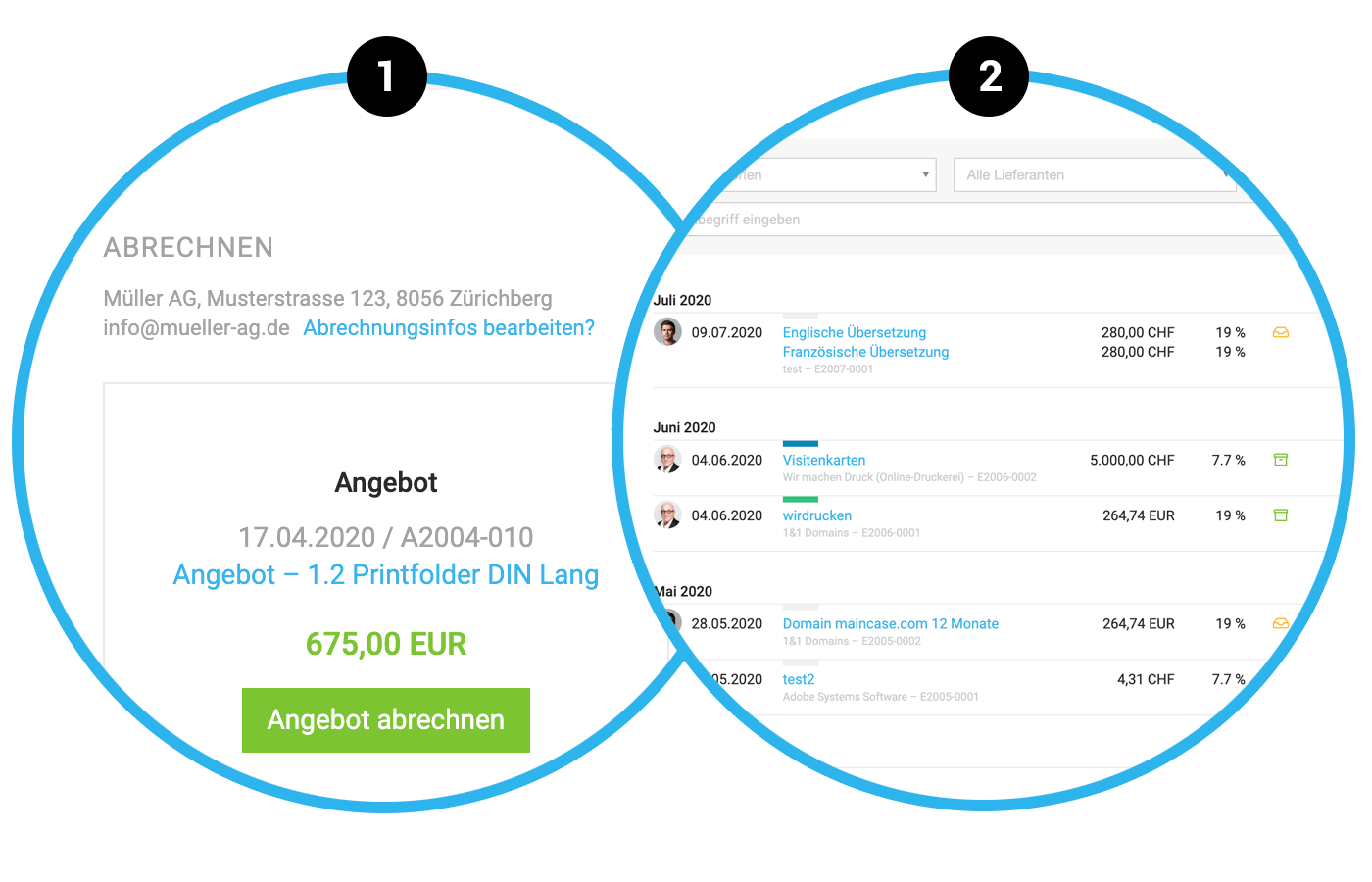
In the project under “Invoicing”, not only can the invoice address be overridden specifically for the project, but also the invoice email (1).
Optimized project copying
When copying a project, the copy is not created immediately. Various elements can be adjusted in the project form before saving the project copy. Newly, labels are also directly offered for adoption.
In the project under “Invoicing”, not only can the invoice address be overridden specifically for the project, but also the invoice email (1).
Optimized project copying
When copying a project, the copy is not created immediately. Various elements can be adjusted in the project form before saving the project copy. Newly, labels are also directly offered for adoption.
Expenditures
All expenditures still in receipt are offered for export (2). After export, the expenditure cannot be changed. However, the following is still possible:
- Record payment
- Add labels
- Assign to project
- Upload receipt in storage view
Expenditure items are now grouped by year for the supplier.








