Alter News-Artikel!
» Hier geht's zur aktuellen Online-Hilfe
Article from
Select Standard Services for the Project Retroactively.
With this update, MOCO makes it easier to retroactively add individual standard services and to narrow down the standard services to a specific selection.
1. In the project services (see image), choose the small blue option "Adopt services?"
2. Select the desired services (all or individual ones).
3. Decide whether existing services should be deleted (deletable if no hours have been booked on them yet).
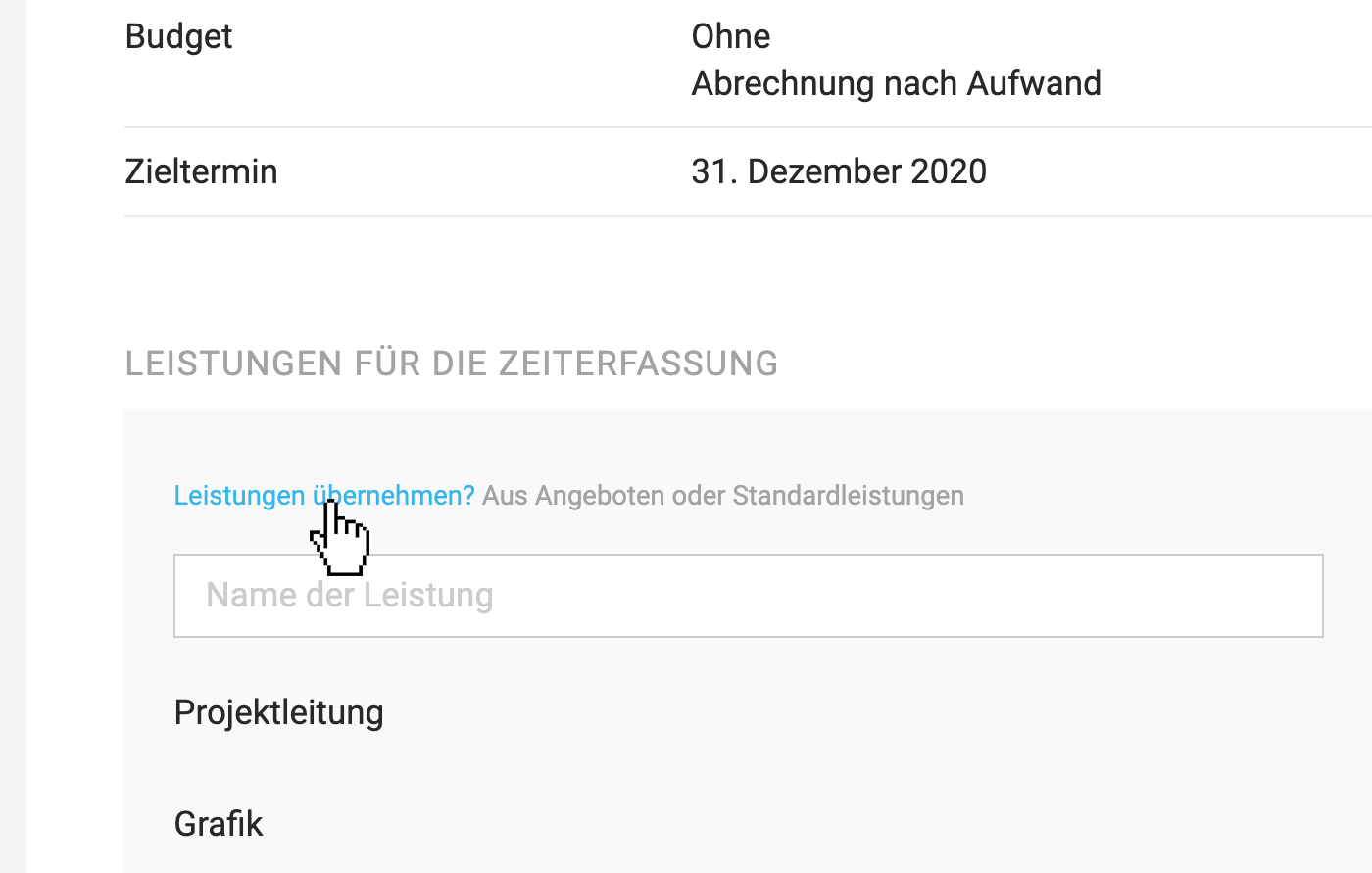 (English image not yet available)
Tip: Standard services and project services can be rearranged in the desired order using the mouse.
1. In the project services (see image), choose the small blue option "Adopt services?"
2. Select the desired services (all or individual ones).
3. Decide whether existing services should be deleted (deletable if no hours have been booked on them yet).
(English image not yet available)Tip: Standard services and project services can be rearranged in the desired order using the mouse.








