Article from
Leads: Activities Optimised & Filterable.
The "Activity" overview lists comments, changes, and status updates for all leads. With additional logs and new filters, you can keep track of all processes.
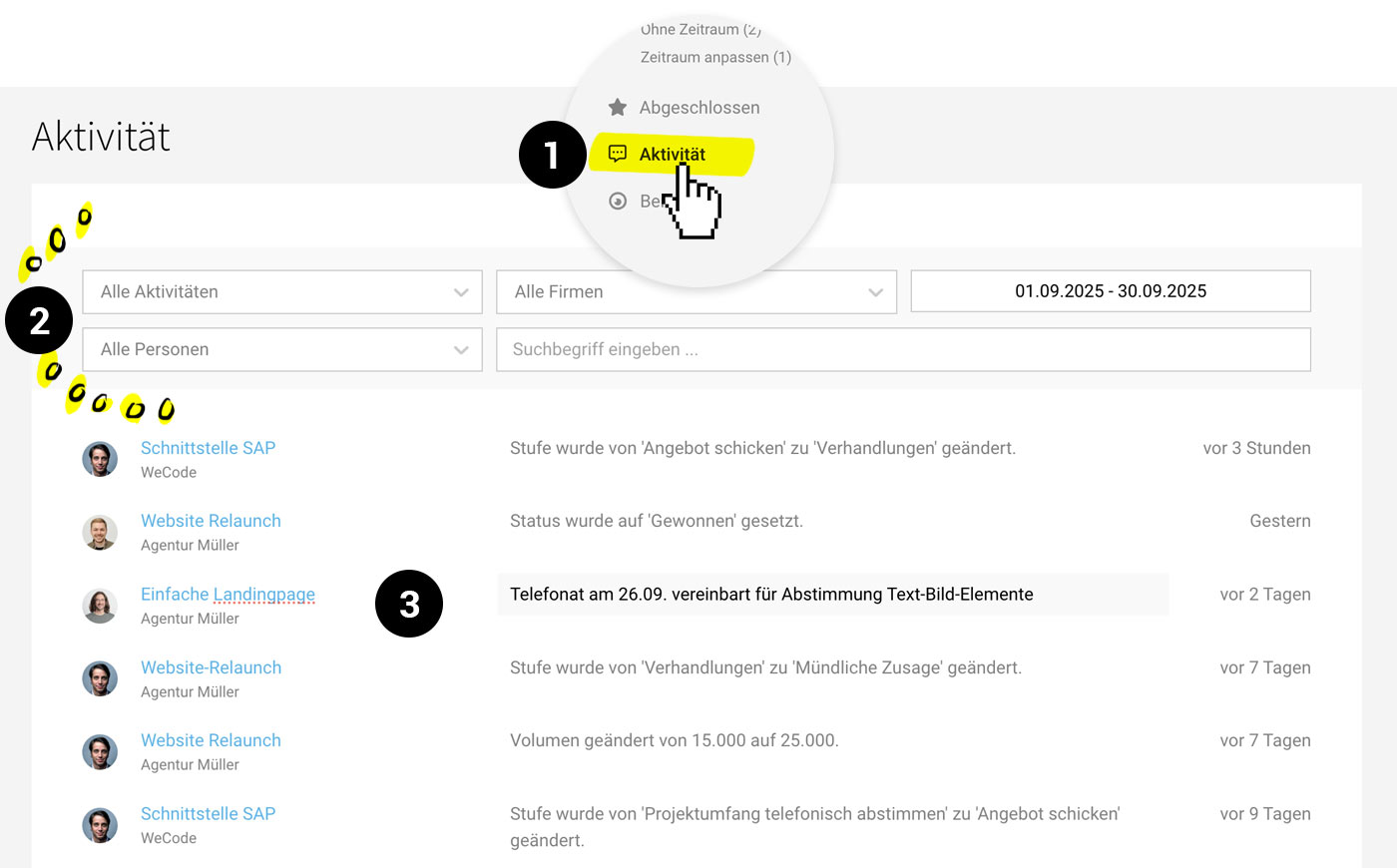 (English image not yet available)
You can find the new view under "Activity" (1) in the leads section. This page replaces the previously simplified version in the leads report. As before, all comments, changes, and status updates from all leads are listed.
Filter and Search Activities
With the new filters (2), you can quickly check specific activities.
- By activity type (comment or change)
- Activities by specific individuals
- Processes in leads from a specific company
Additionally, you can limit the results to a defined time period and search for specific keywords.
Newly Documented Changes
Changes (additions, modifications, removals) to the following data are now documented under "Activity" (3):
- Lead volume
- First and second responsible person
- First and second contact
- Time period
- Comments via email








