-------
MOCO + DATEV Unternehmen online
Transmit incoming and outgoing invoices to DATEV (DUO) with a single click.
MOCO focuses on project business and offers straightforward accounting preparation that doesn't burden everyday work. Booking suggestions are then finalised by the tax advisor in DATEV Unternehmen Online (DUO).
 (English image not yet available)
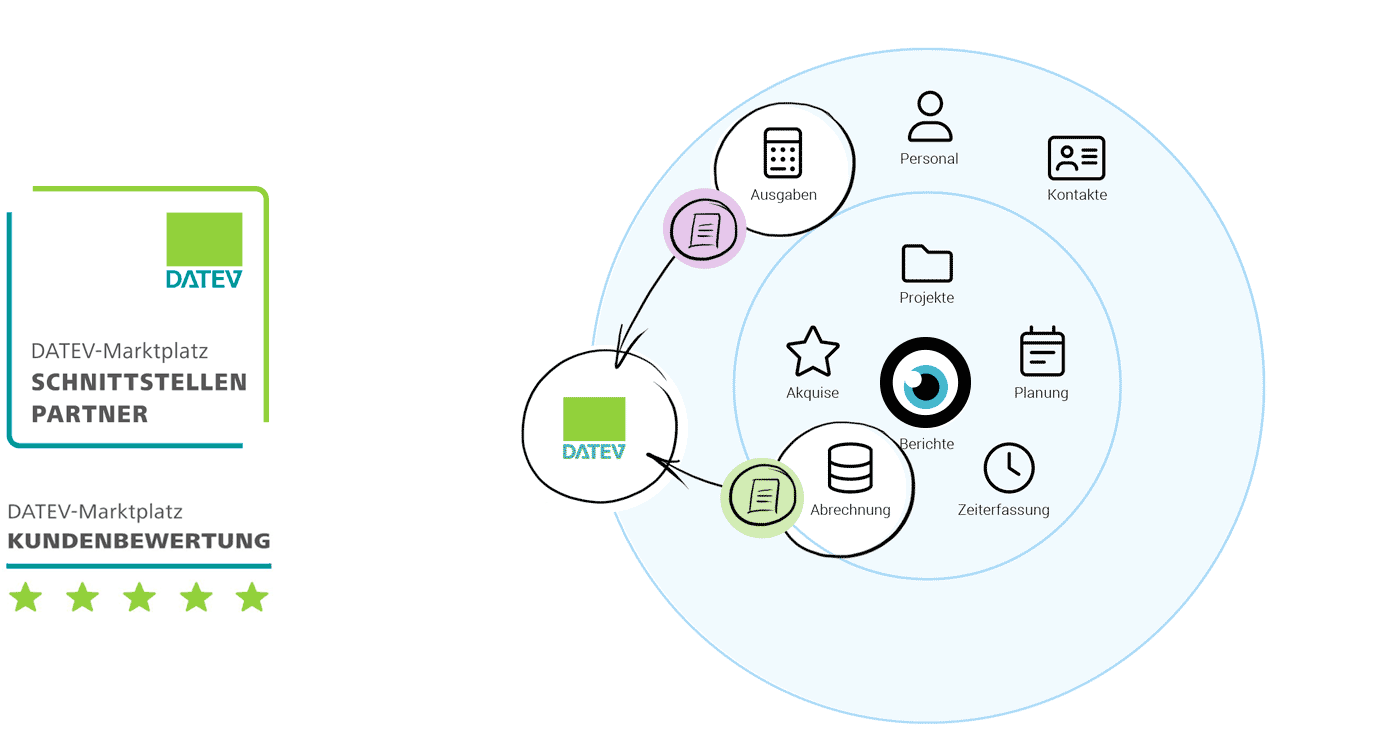
5.0 out of 5.0 (40)
User rating for MOCO → DATEV integration
DATEV Marketplace, as of 22.09.2024
Benefits of the Integration
Transmit incoming and/or outgoing invoices to DATEV (DUO) with a single click.
- Fewer Errors & Save Effort/Costs
The tax advisor no longer needs to manually record each invoice for accounting. This reduces errors and saves effort and costs. - Exported invoices are automatically locked
- Simple synchronous management of accounting and MOCO
No invoice is duplicated, none are forgotten.
The documents remain with the company
▶️ Tobias from MOCO presents the activatable accounting in this video
▶️ Tobias from MOCO presents the activatable accounting in this video
Direct Transmission
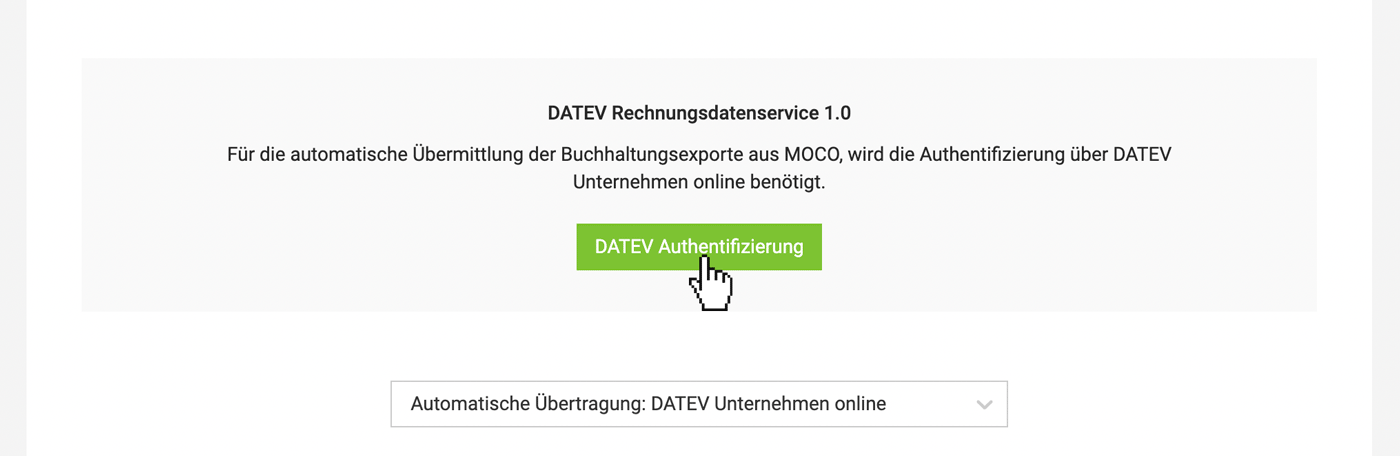
With direct connection to DATEV, MOCO offers automatic transmission of invoice data including documents.
Using the API interface, DATEV Invoice Data Service 1.0, incoming and outgoing invoices are transmitted as document images with invoice information from the partner solution seamlessly to DATEV Unternehmen online. The sent data can be further processed as booking suggestions in DATEV Accounting.
Using the API interface, DATEV Invoice Data Service 1.0, incoming and outgoing invoices are transmitted as document images with invoice information from the partner solution seamlessly to DATEV Unternehmen online. The sent data can be further processed as booking suggestions in DATEV Accounting.
Additional Advantages
- Flexibility: The accounting suggestions can be finalised by the accounting department.
- Time Saving: The data, including documents, are available at the push of a button in the office.
- Security: The transmission is secured multiple times.
Alternative: CSV export in DATEV format
Setting Up the Connection
After selecting/setting up the accounting option, coordinate with your accounting department to store accounts. MOCO is then ready for the accounting export.
Activate Accounting Area and Store Accounts
- Guide: Activation in MOCO, setup in DATEV, information on setting up accounts
- If problems arise: We provide assistance here for error messages
 (English image not yet available)
Workflow Direct Export to DATEV
» Prepare and export incoming invoices (in MOCO "Purchases")
» Prepare and export outgoing invoices (in MOCO "Invoices")
» Prepare and export outgoing invoices (in MOCO "Invoices")
Payment Info for DATEV
If you want to transmit the payment date to DATEV, only export the invoices once the payment is recorded. MOCO then transmits the payment date in the "paidAt" field.
General Information
MOCO is a DATEV partner and complements
Consultation from DATEV
To ensure successful setup, DATEV offers partner onboarding.
» Book an appointment
Assistance in Finding a Tax Advisor
If you don't have a tax advisor yet and would like to use the new accounting connection, tax advisors working with DATEV are listed here under Smart Experts.
Costs
There are no additional costs from MOCO.