Alter News-Artikel!
» Hier geht's zur aktuellen Online-Hilfe
Article from
New Setting: Default for Calculating Project Profitability.
MOCO displays the profitability of active projects in the project reports based on the budget (= expected revenue) as long as the invoiced amount has not reached the set budget. This default can be overridden with the new setting.
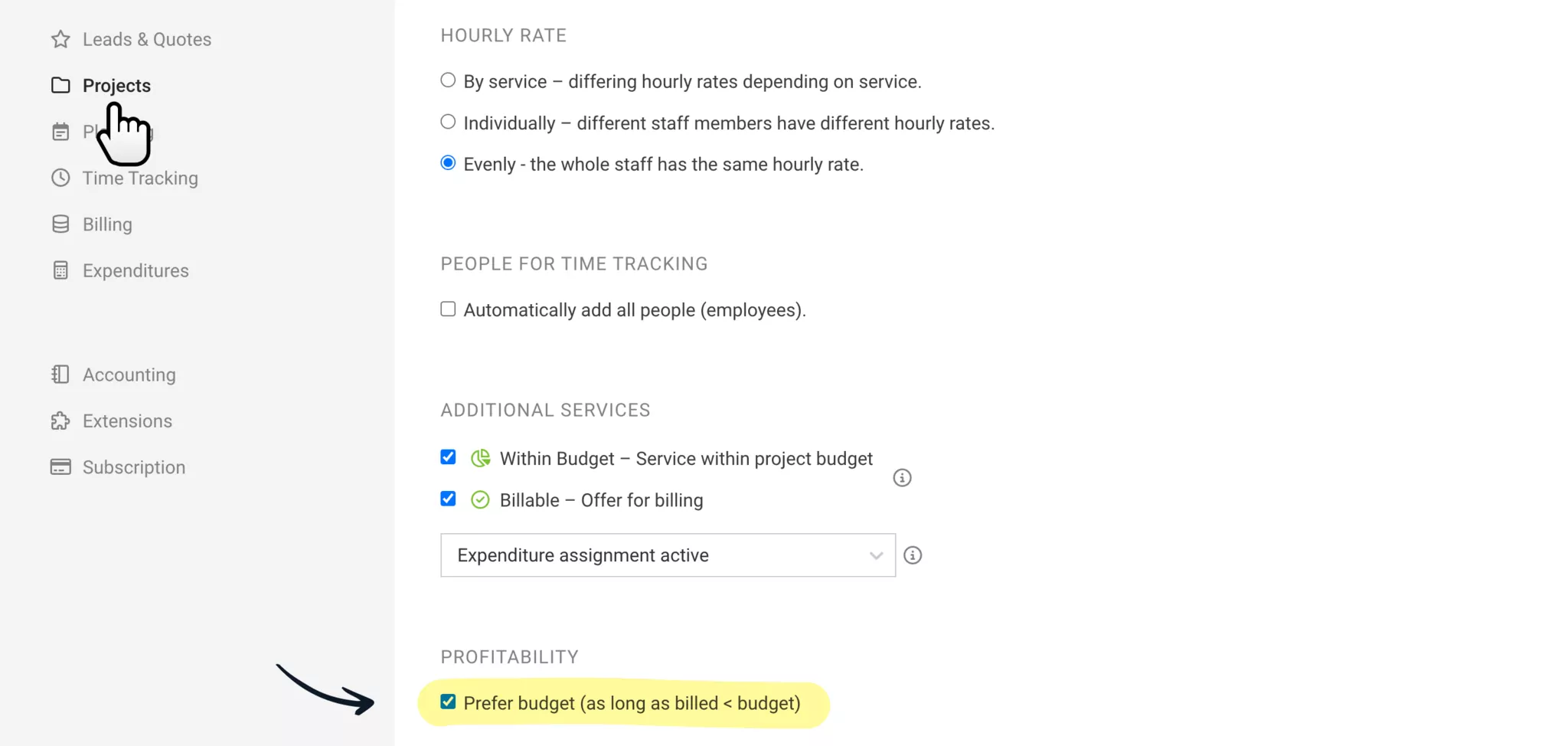
Choose to always count "Invoiced"
If you remove the checkbox under "Projects" in the settings for "Profitability" (see illustration), the actual invoiced amount will always be used for profitability calculation. This applies to individual project reports, project group reports, and the overall project profitability report.
Prioritise Budget = MOCO Standard
"Prioritise Budget" means that the budget corresponds to the expected revenue and is used for calculation as long as this amount has not been invoiced or the project is archived. If projects are mostly offered at a fixed price and invoiced only after project completion, this prevents constantly being "in the red." By default, this option is selected.
Link to project settings








