Alter News-Artikel!
» Hier geht's zur aktuellen Online-Hilfe
Article from
Quick Wins: Absence Sync, Autofocus, Automatic Line Break for Item Descriptions, etc.
Sync of External Absences
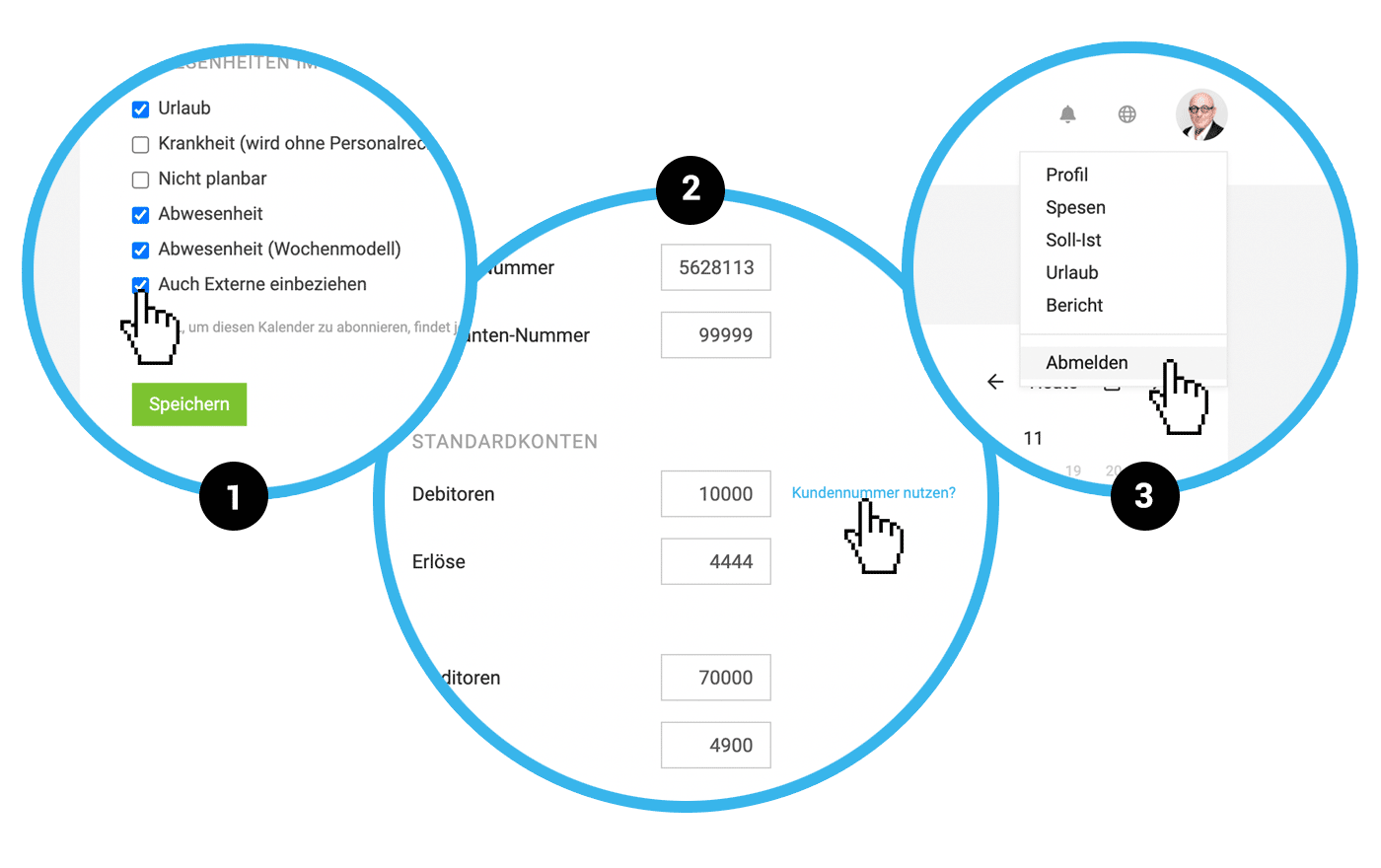
For the synchronisation of absences recorded in MOCO with an external calendar (such as Google Calendar), you can now optionally include external parties. The relevant setting can be found in the settings under "Planning" (1).
Simplified Accounting Settings
Despite the reduction in accounting settings (you can now choose the recorded account or client numbers as default – 2), the previous options remain available. However, an additional tab for account management will always be displayed in the respective accounting area (Expenditures/Invoices). This allows for the individualisation of debtors and creditors.
 (English image not yet available)
Autofocus in Proposals and Invoices
When adding new items, you can now start typing directly without clicking.
Automatic Line Break for Item Descriptions in Proposals and Invoices
It was always annoying that there was no automatic line break for long description elements. Now it works!
Logout Option Moved
The logout option is now directly in the profile menu (3). This option is rarely needed, and we are making space for the upcoming MOCO Inbox, which will replace info emails.
For the synchronisation of absences recorded in MOCO with an external calendar (such as Google Calendar), you can now optionally include external parties. The relevant setting can be found in the settings under "Planning" (1).
Simplified Accounting Settings
Despite the reduction in accounting settings (you can now choose the recorded account or client numbers as default – 2), the previous options remain available. However, an additional tab for account management will always be displayed in the respective accounting area (Expenditures/Invoices). This allows for the individualisation of debtors and creditors.
(English image not yet available)Autofocus in Proposals and Invoices
When adding new items, you can now start typing directly without clicking.
Automatic Line Break for Item Descriptions in Proposals and Invoices
It was always annoying that there was no automatic line break for long description elements. Now it works!
Logout Option Moved
The logout option is now directly in the profile menu (3). This option is rarely needed, and we are making space for the upcoming MOCO Inbox, which will replace info emails.








