
-------

MOCO + Pliant
Automatic capture of expenditure receipts and payments via corporate credit cards.
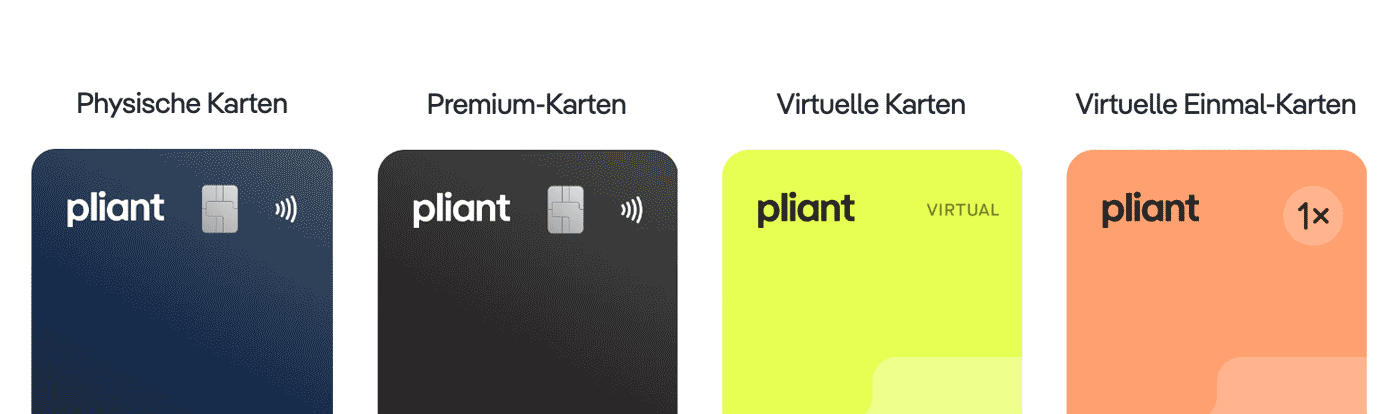
Pliant provides both physical and virtual corporate credit cards. The integration automatically synchronises credit card payments and receipts with MOCO. This allows you to simplify and enhance the efficiency of managing business expenditures.
 (English image not yet available)
Benefits of Credit Card Integration
Automatic Capture of All Credit Card Payments
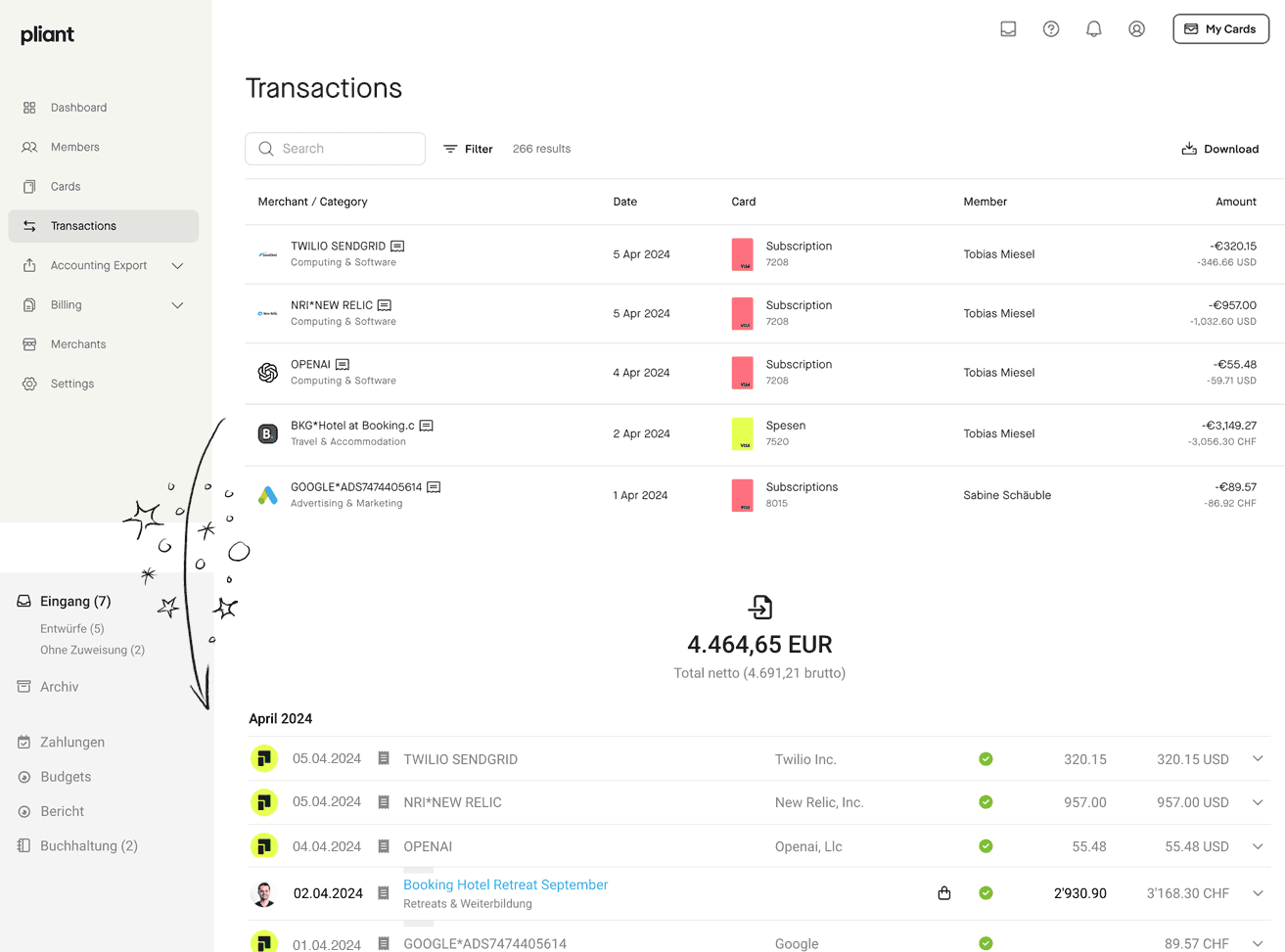
There's no need to reconcile credit card statements, as transactions from Pliant are synchronised with MOCO as expenditure payments. Pending transactions in Pliant are displayed under "Drafts" and link back to Pliant.
 (English image not yet available)
(English image not yet available)Automatic Capture of All Credit Card Receipts in MOCO
MOCO directly creates expenditure drafts with receipts from Pliant. The cardholder is identified by MOCO to ensure correct allocation. If text recognition (OCR) is enabled, receipts are also read.
If a receipt is captured later in Pliant, it will be synchronised retroactively. If the receipt is still missing, MOCO will still create an expenditure draft with a note indicating the missing receipt.
We recommend always capturing receipts via Pliant. Pliant provides an email address for each credit card to automatically associate receipts with payments.
If a receipt is captured later in Pliant, it will be synchronised retroactively. If the receipt is still missing, MOCO will still create an expenditure draft with a note indicating the missing receipt.
We recommend always capturing receipts via Pliant. Pliant provides an email address for each credit card to automatically associate receipts with payments.
Supplementary Synchronisation to Pliant
Supplementary synchronisation of receipts to Pliant occurs, significantly reducing administrative effort, simplifying receipt tracking, and ensuring both systems are always up-to-date.
Synchronisation from MOCO to Pliant occurs when
Synchronisation from MOCO to Pliant occurs when
- A receipt is added to a draft created from a Pliant transaction in MOCO
- A payment from Pliant is assigned to an already captured receipt in MOCO
Real-Time View in Cash Flow Report
Since payments are captured immediately upon approval from Pliant, they are promptly reflected in the cash flow report, and you can also see the payment in the Dashboard tile "Outgoing Payments".
Accounting Note: Accounting is disabled in Pliant, as preliminary accounting is handled through MOCO. Accounting in MOCO.
Requirements
Minimum card turnover: 5000 EUR/CHF (for MOCO clients. Please clearly state that you are coming through MOCO as the minimum turnover is otherwise 10k)
Set Up Connection
Activate in Settings
The integration is maintained by MOCO and offered free of charge or within the subscription.
The integration is maintained by MOCO and offered free of charge or within the subscription.








