Alter News-Artikel!
» Hier geht's zur aktuellen Online-Hilfe
Article from
Updates on the Invoicing Plan.
Typically, for a project with flat-rate invoicing (Project type in MOCO: Fixed price / Flat rate), the management of the invoicing notice and the revenue forecast is controlled by the invoicing plan. This can always be found at the top under "Invoicing" in the project. Based on our experience with how users interact with it, we've adjusted the functionality:
Invoicing Plan to be Defined by Users
Previously, MOCO would provisionally fill the invoicing plan based on the budget and target date at the time of project creation. This was intended as an aid from our side. Unfortunately, it led to a lack of clarity that the invoicing notice (green amount) in the project list is controlled by this invoicing plan.
In the future, this will be empty and will need to be filled in manually and accurately.
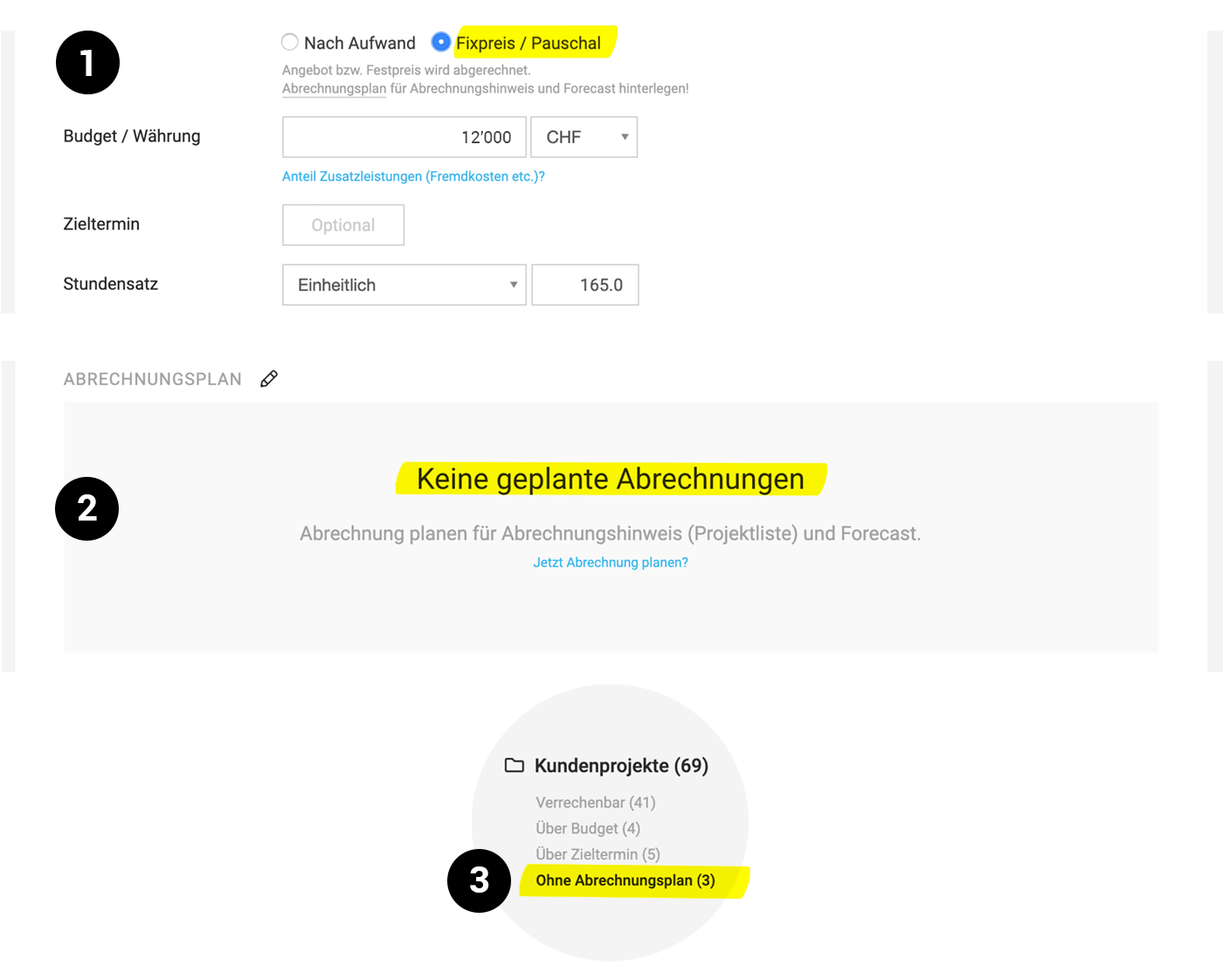
As a reminder, MOCO displays a textual notice upon project creation (1).
If no invoicing plan is present, MOCO will prompt for invoicing planning under "Invoicing" in the project (2).
 (English image not yet available)
New Smart Filter
With the new Smart Filter "Without Invoicing Plan," you can quickly identify which (fixed-price) projects do not yet have an invoicing plan in place. As a reminder: Smart Filters in all areas are designed to highlight unfinished tasks and allow you to filter them with a single click.
Enhance Invoicing Plan with Labels
For planned invoices, a text can be defined immediately. This will be adopted as the position label and replaces the previous placeholder "Amount."








