
-------

MOCO + Wifi, NFC, RFID
Time Tracking: Automatic Check-In and Check-Out with Apple Shortcuts
In addition to manual time tracking, it can also be automated. A particularly popular option is using RFID/NFC tags, which allows you to easily and quickly set up your own "terminal" for the office.
Benefits of Integration
Automation of Check-in and Checkout
The iPhone app can be combined with Apple's "Shortcuts" app. MOCO offers two actions for automation: Check-in ("Clocking in" for a new work phase) & Check-out ("Clocking out" to end an ongoing work phase). This allows for various automations to be created.
3 Examples
- Check-in upon arrival at a defined location (Check-out similarly)
- Check-in when connecting to a defined Wifi
- Check-in by touching a RFID/NFC tag (stickers can be placed at various locations such as a desk or entrance door)
Case Study
Setting Up the Connection
Download the Apple Shortcuts app from the Apple Store and set up a new automation.
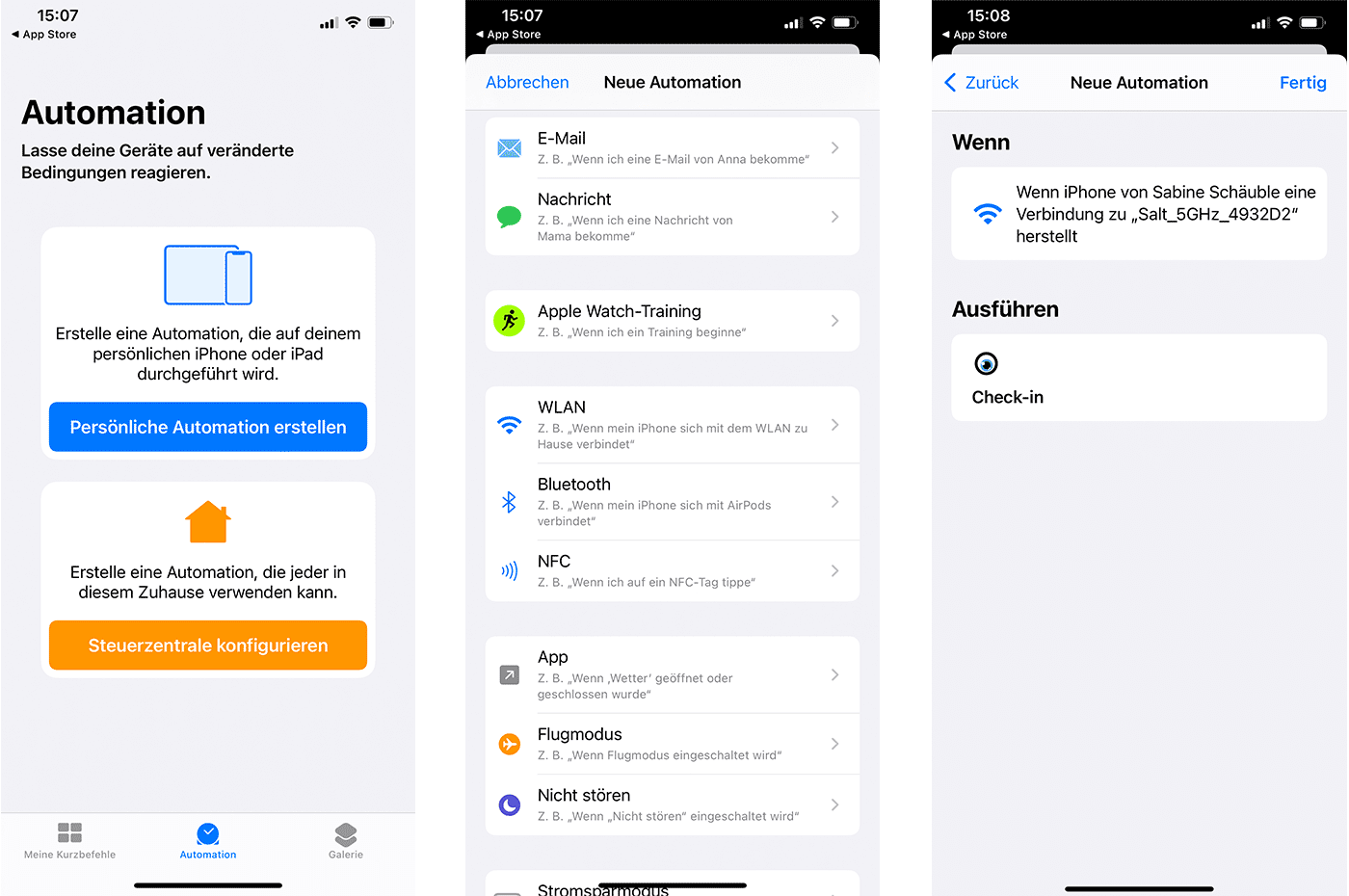 (English image not yet available)
With the upgrade to iOS 13, all iPhone 7 and newer models can read and write NFC tags.
The iPhone is compatible with all NFC Forum chips from Type 1 to 5, including: NTAG®, ICODE®, FeliCa™, MIFARE® (Desfire, Plus, Ultralight).








