Alter News-Artikel!
» Hier geht's zur aktuellen Online-Hilfe
Article from
New Integration: MOCO Single Sign-On via Google, Microsoft, etc.
With Single Sign-On through providers like Google or Microsoft, everyone can log in securely, conveniently, and with just one click.
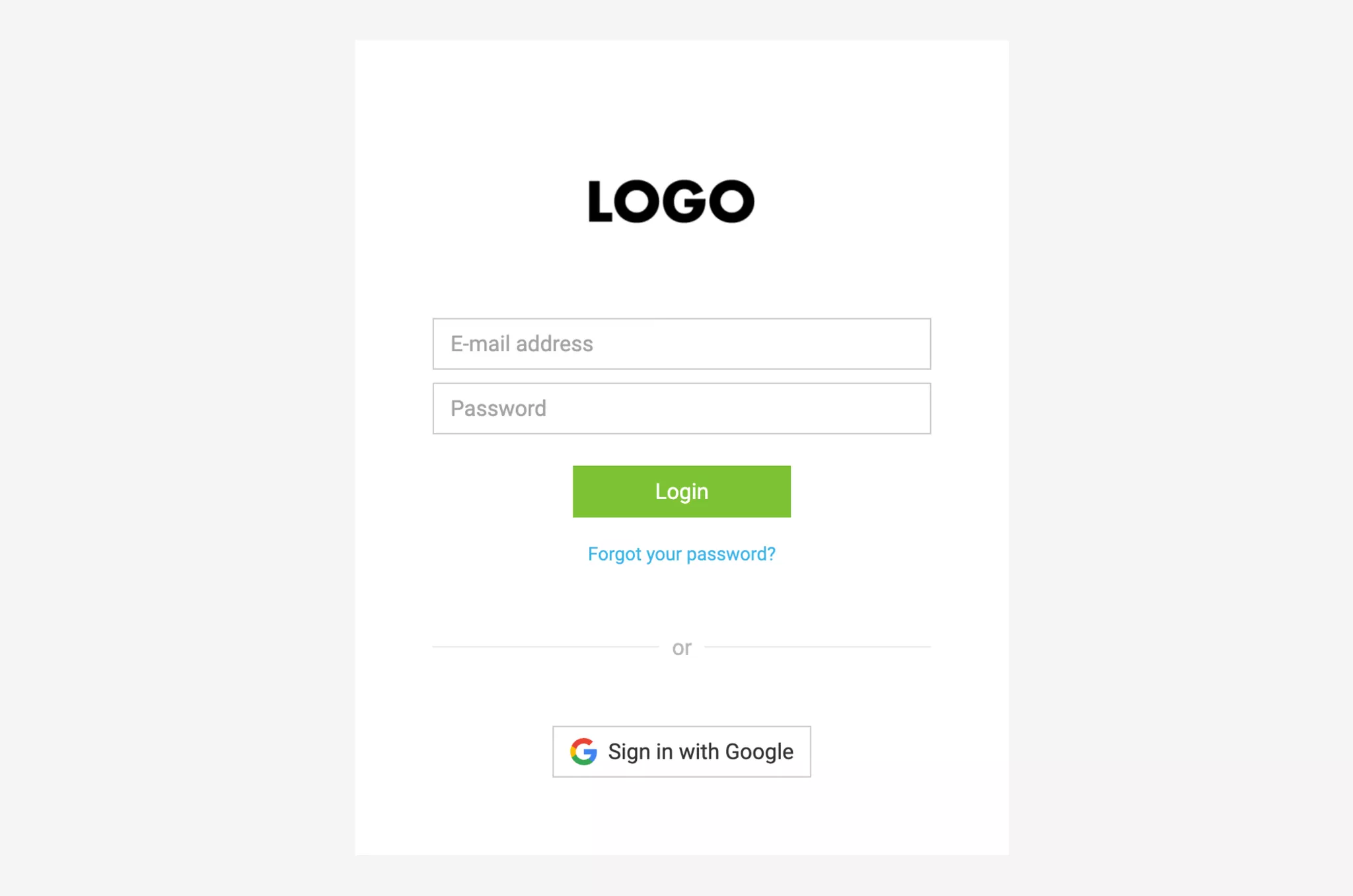
Single Sign-On (SSO) means that a user can access various services with a single central login. The SSO mechanism handles automatic authentication.
Especially for larger companies, central access management offers numerous advantages. It allows users to be added, activated, or deactivated centrally with just a few clicks. Additionally, it minimizes the risk of insecure passwords.
The new SSO option in MOCO is compatible with popular Identity Providers (IP) such as Google, Microsoft Office 365, or Okta (SAML protocol).
SSO for your account – here's how
Order
1. Submit SSO order request
Contact us through the in-app service and have the URL to the configuration file (XML) of the IP – or the file itself – ready.
2. Register MOCO with your IP
We will send you the configuration file, which you need to upload to your IP. Then, get back to us.
3. You're all set
We will complete the setup and notify you once the option is active for your account.
Notes
- SSO replaces two-factor authentication
Activating SSO will disable 2FA in MOCO if it is active. - Until a user logs in for the first time via SSO, login via email & password will still be available.
Costs
- Setup 240 EUR/CHF (one-time on invoice)
- Per person/month 2 EUR/CHF (automatic invoicing with the MOCO subscription)








