Alter News-Artikel!
» Hier geht's zur aktuellen Online-Hilfe
Article from
Send Invoices to MOCO via Email.
 (English image not yet available)
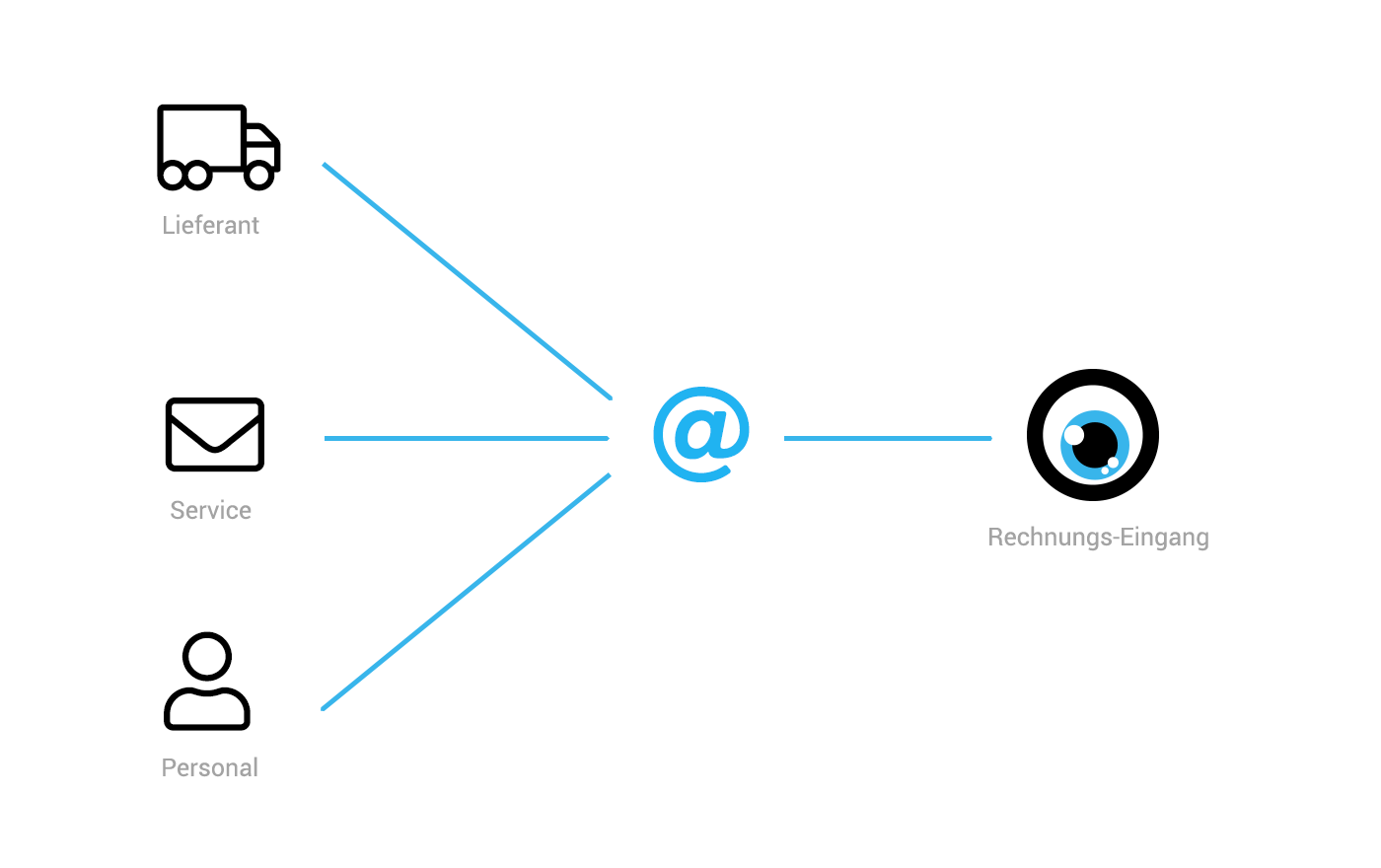
Managing incoming invoices just got easier: MOCO provides a dedicated email address for each account to receive invoices. This allows you to forward invoices (PDF) to MOCO via email effortlessly, or you can share this email address with suppliers or use it for subscribed services.
You can now, for example,
- Forward invoices received by email directly to MOCO.
- Scan a restaurant invoice paid with a company credit card using your smartphone (e.g., Adobe Scan) and send it as a PDF to MOCO.
- Provide a supplier with the email address for sending invoices.
- Enter the email address for invoice dispatch in booked services (e.g., MOCO).
- Prepare an expenditure (e.g., record an order so that the accounting department can attach the received invoice).
Which email address should I use to send invoices?
In the settings under "Expenditures," there is a new tab "Email to Inbox" with the account-specific email address. Save this as a contact in your email client and select it when forwarding an incoming invoice to MOCO.
Future Outlook: Automatic Reading
Future Outlook: Automatic Reading
We are also working on an option to automatically read incoming invoices.
Create Expenditures
All invoices sent to MOCO are collected under "Expenditures" > "Inbox" > "Drafts." They are reviewed there, and the final expenditure is created for each.
Assign a Responsible Person
In the expenditures form under "Additional Options," you can select a different responsible person if needed. This is beneficial as it allows this person to see only selective expenditures if access rights are restricted.
Use the notification function @name to inform/communicate.
Example Applications
Assign a Responsible Person
In the expenditures form under "Additional Options," you can select a different responsible person if needed. This is beneficial as it allows this person to see only selective expenditures if access rights are restricted.
Use the notification function @name to inform/communicate.
Example Applications
- Approval
- Marking/Categorizing by setting a label
- Assigning the correct project








