Alter News-Artikel!
» Hier geht's zur aktuellen Online-Hilfe
Article from
Quick Wins around Projects and Time Tracking.
 (English image not yet available)
Extended Activity Description for Time Tracking
The allowed character count for the activity description has been increased to 500 characters.
Linked Billability Chart
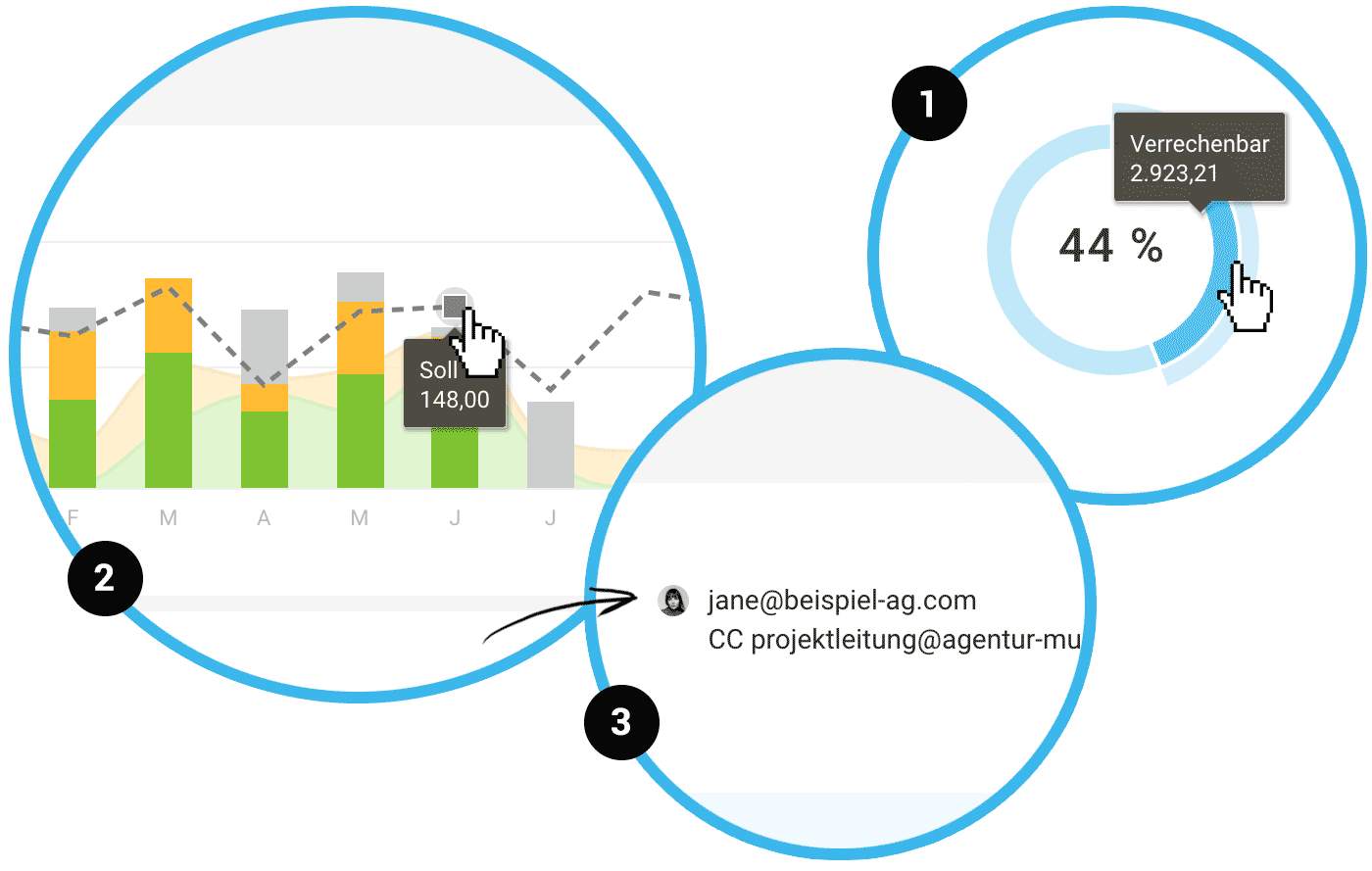
For each person, the billability chart (billable hours) in the personal report is linked to the timesheet with a breakdown. In the overall report (Reports > Time Tracking), it links to the global timesheet (1).
Invoicing Contact with Image
A selected contact in the project invoicing info has been supplemented with an image (avatar) (2).
Expanding Text Fields
Text input fields such as "Additional Info" in the project form now expand with the content.
Target Line in Personal Report
As in the hours report under "Reports" > "Time Tracking" (select "Employee" as the person group at the top right), the target hours are also visualized in the personal report and compared to the recorded hours (3).
Contact Email Address, Hours, and Work at Hand in Project Export
The client's contact email address has been added to the Excel export ("Projects" at the top right). There are also two new columns that make the hours, in addition to the amounts of accrued hours, readable through the export. The new "Work at Hand" column allows the amount to be broken down per project in the company report.
Invoiced Date in Hours Export
In the timesheet (Excel format), the "Invoiced" column now indicates not just Yes or No but directly the date.
Custom Fields in Additional Services Export
The Excel export for additional services (in the project under "Additional Services" and globally under "Projects" > "Additional Services") now also includes the custom added fields.








