Article from
"Push the button" – Time Tracking Made Easy with MOCO & Flic.

Effortless Time Tracking
The team at the agency Zeughaus kicked off the time tracking with MOCO at the start of the year. The initiative came from the team: with precise tracking, everyone knows exactly where they stand. Having a few extra hours logged makes it easier to leave early sometimes — and maintain a healthy work/life balance.
A Dedicated Button Would Be Ideal
Tracking through MOCO's web interface is quite convenient. However, when Oliver from Zeughaus discovered the charming Flic buttons with Zapier integration online, it was time to contact the MOCO team: a Zapier trigger for MOCO time tracking was on the wishlist. MOCO promptly fulfilled the request, allowing the setup to be created:
1. 12 Flic buttons – one for each employee.
2. A Flic Bridge, so the buttons work without a smartphone connection.
3. A fresh Zapier Zap.
Setting Up the Flic Buttons
The discreet Flic Bridge is connected by Oliver to an Ethernet cable. Setup via the Flic App is completed in just a few minutes. Oliver then registers the buttons in the Bridge and the Flic account. Each button is named after its owner to avoid any mix-ups. Important: remember to activate Zapier in the Flic button settings.
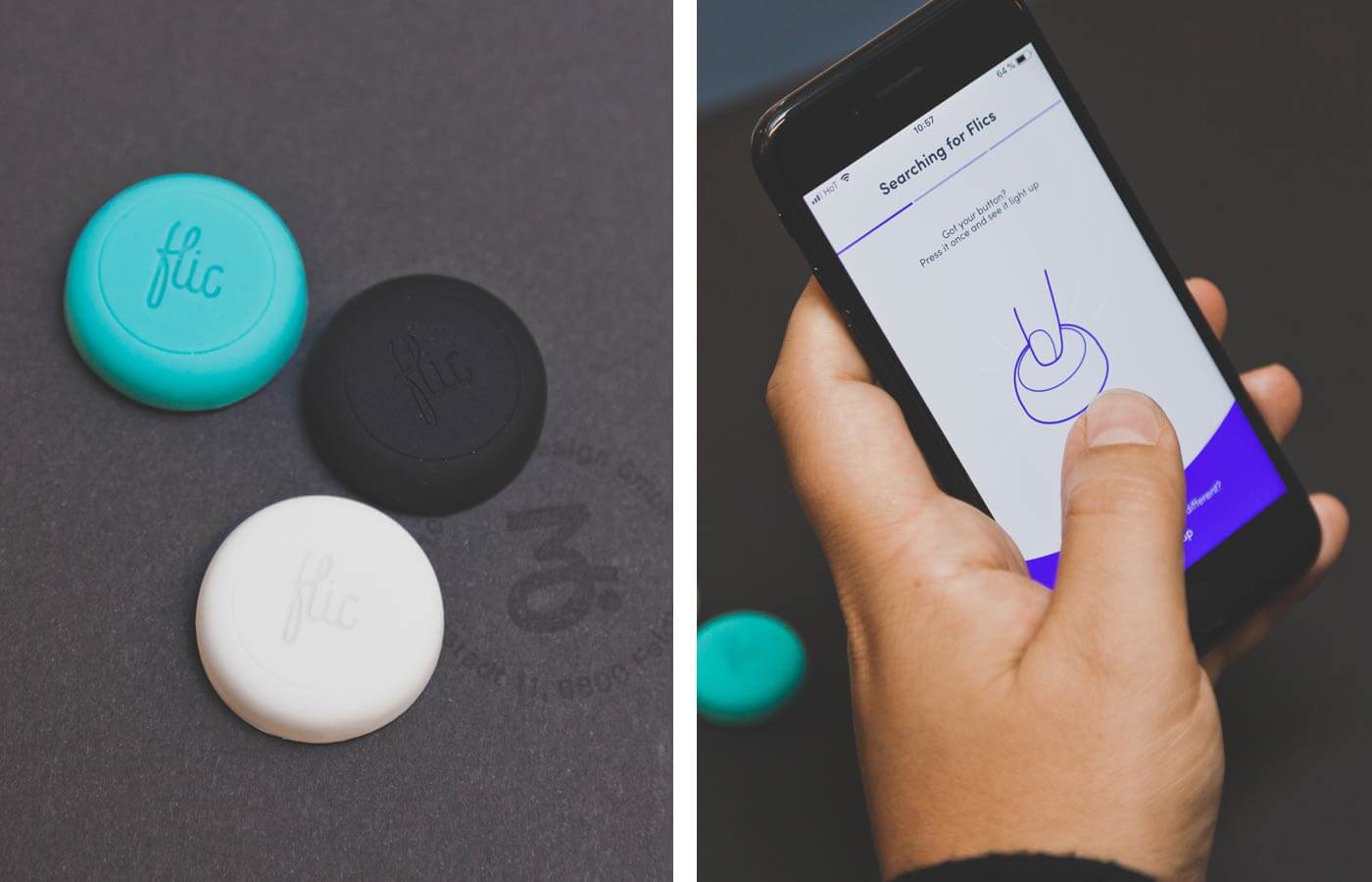 (English image not yet available)
(English image not yet available)Setting Up the Zapier Zap
Zapier enables the automation of hundreds of online services. At Zeughaus, numerous MOCO Zaps are in use. For example, a corresponding Basecamp project is automatically created for each project in MOCO. If something happens in acquisition, it's posted in Slack, and when a new MOCO contact is created, it automatically lands in our Mailchimp list.
Our Zap is designed to do the following:
1. When the Flic button is pressed, a time entry is created for the employee (check-in or check-out).
2. As feedback for the employees, a notification is posted in the Slack channel #stempeluhr to confirm it worked.
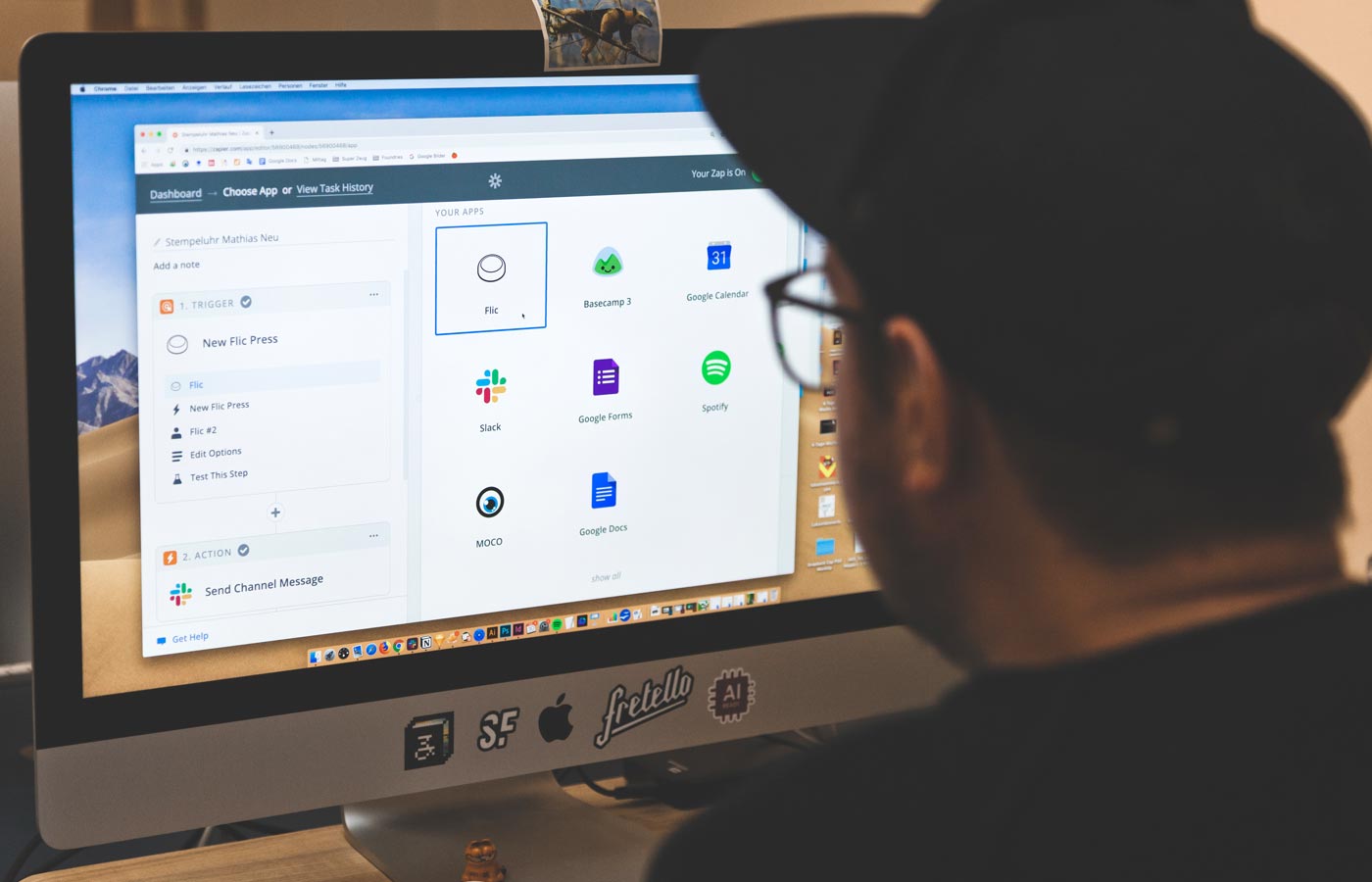 (English image not yet available)
And Voilà: Time Tracking by Button
Since the end of March, our employees have been tracking their time with the Flic button on their desks: arrive at the office in the morning, press the button, brew an espresso. Press the button at lunchtime, head over to Nico's for a midday pasta. Back at the office, press the button again and continue working. Notable breaks, currently used for darts, can also be recorded with a click. By the way, if the button is accidentally pressed twice, it doesn't matter. All repeated clicks within a minute are politely ignored by MOCO.
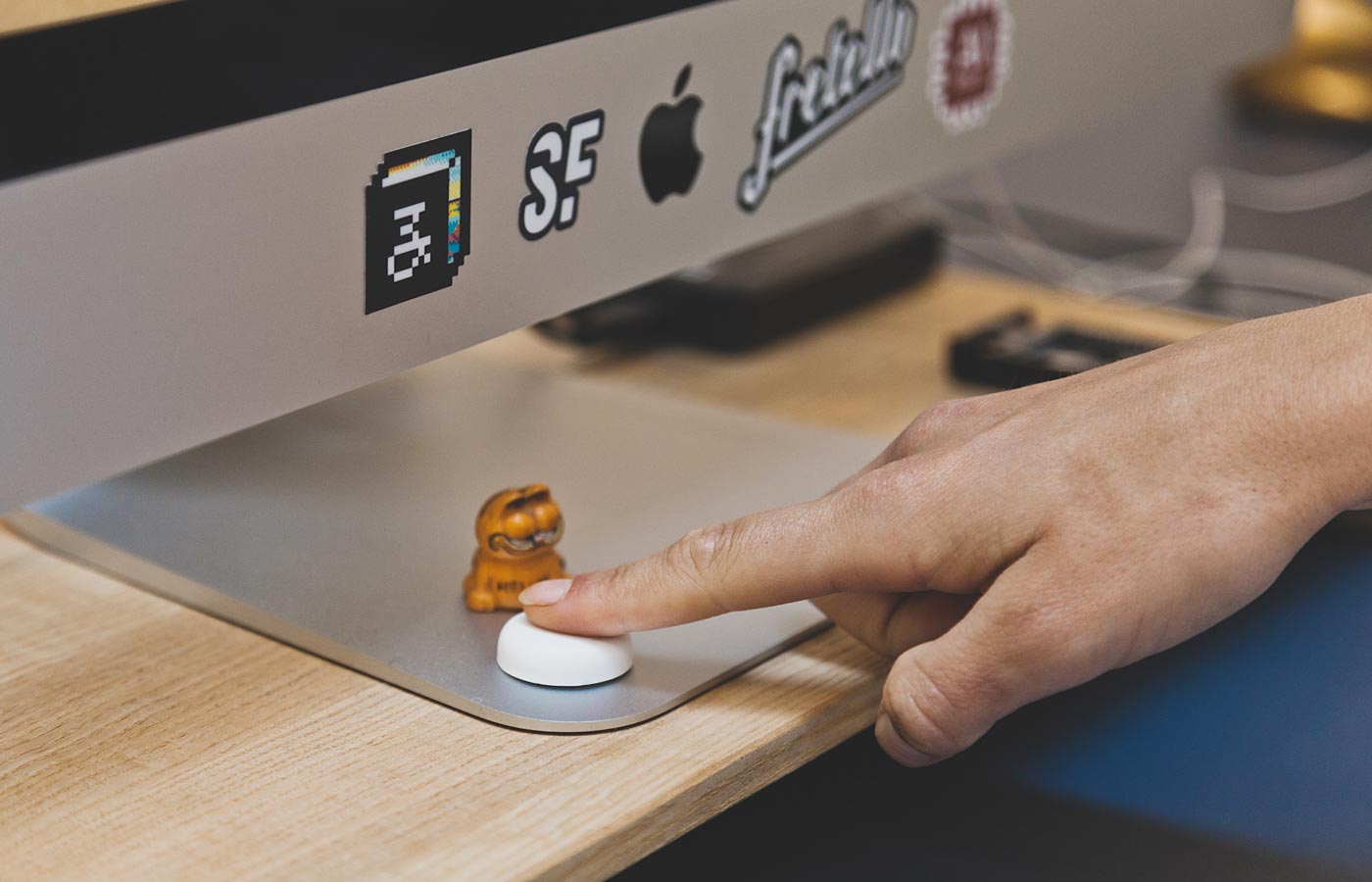 (English image not yet available)
Thank you, Oliver – we are also very pleased with your fantastic contribution! 👍








